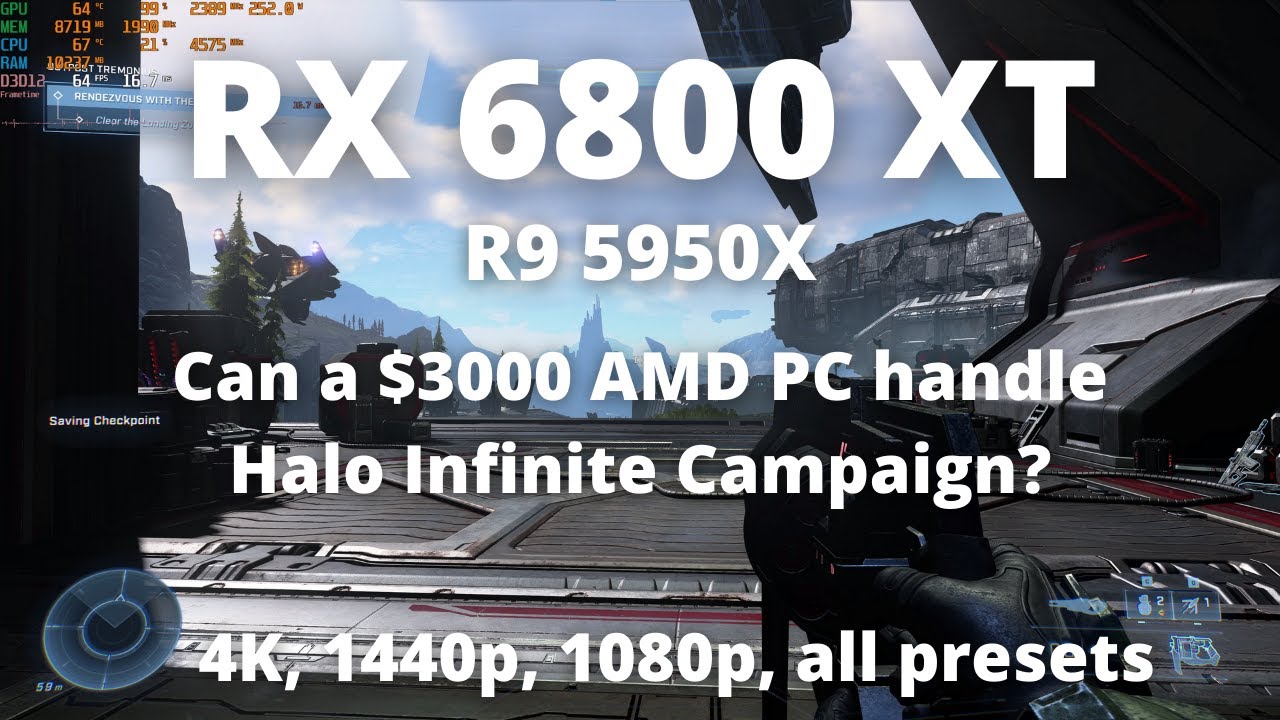
Halo Infinite Campaign | RX 6800XT Benchmark | 4K, 1440p, 1080p | Ultra, High, Med, Low | R9 5950X |
Автор: Daniel Owen
Загружено: 2021-12-09
Просмотров: 8702
Описание:
RX 6800XT benchmarked in Halo Infinite Campaign in an open world area where the performance tanks. The optimized Halo Infinite graphics settings are mostly using the High preset, although leaving textures at Ultra makes sense on a GPU with this much VRAM. I also recommend render scaling as the best way to boost your framerate in Halo Infinite. I like 84% myself, but you should try out how low you can go before you feel like you can see it getting noticeably blurry. You can also try using the minimum framerate setting to allow the game to dynamically scale the resolution as needed to try to hit your target. Combining this with a max framerate cap can provide a smooth experience with no dips. Personally, I find the best graphics settings for Halo Infinite on an RX 6800XT are the High preset with Ultra textures and render scaling at 84%.
My system:
CPU: AMD Ryzen 9 5950X https://amzn.to/3a6NZTO
Cooler: Arctic Liquid Freezer II 360 https://amzn.to/3Ddrqts
Mobo: Gigabyte X570 AORUS Elite https://amzn.to/3laFVIh
RAM: Crucial Ballistix 3600 CL 16 https://amzn.to/3iyZdoM
SSD: Samsung 980 Pro https://amzn.to/3BfkKds
SSD: Samsung 970 Evo Plus https://amzn.to/3aFYIVO
Case: Phanteks Eclipse P600S https://amzn.to/3A3fLeE
PSU: Super Flower Leadex III Gold 850W https://amzn.to/3Bo9HyZ
GPU: AMD RX 6800 XT https://amzn.to/2YeMT63
Monitor: LG C1 48 inch OLED https://amzn.to/3nhgEMr
What equipment do I use to make my videos?
Camera: Sony a6100 https://amzn.to/3wmDtR9
Camera Lens: Sigma 16mm f/1.4 https://amzn.to/36i0t9t
Capture Card: Elgato CamLink 4K https://amzn.to/3AEAPcH
Mic: My actual mic (AT 3035) is out of production but this is a similar mic (AT 2020) https://amzn.to/3jS6LEB
Portable Mic attached to camera: Rode Video Micro https://amzn.to/3yrT0R4
Audio Interface: Focusrite Scarlett 2i2 3rd Gen: https://amzn.to/3wjhlad
Greenscreen: Emart Collapsable https://amzn.to/3AGjQXx
Lights: Neewar Dimmable USB LED https://amzn.to/3yw4frD
RGB Strip Backlight on desk: https://amzn.to/2ZceAwC
Sponsor my channel monthly by clicking the "Join" button:
/ @danielowentech
Donate directly to the channel via PayPal:
https://www.paypal.com/donate?hosted_...
Disclaimer: I may earn money on qualifying purchases through affiliate links above.
Chapters:
0:00 4K Ultra
1:49 1440p Ultra
2:45 1080p Ultra
3:50 4K High (textures and effects remain ultra w/out restart)
5:04 1440p High (textures and effects remain ultra w/out restart)
5:43 1080p High (textures and effects remain ultra w/out restart)
6:26 My recommended 4K settings (High w/ultra textures 84% res scale)
7:40 4K Medium (textures and effects remain ultra w/out restart)
8:31 1440p Medium (textures and effects remain ultra w/out restart)
8:53 1080p Medium (textures and effects remain ultra w/out restart)
9:19 1080p Low (textures and effects remain ultra w/out restart)
9:45 1440p Low (textures and effects remain ultra w/out restart)
10:07 4K Low (textures and effects remain ultra w/out restart)
10:30 Dynamic Res Scale to 4K
Повторяем попытку...
Доступные форматы для скачивания:
Скачать видео
-
Информация по загрузке: