BMW 6-Series instrument cluster hidden menu (F06 F12 F13)
Автор: mr-fix
Загружено: 2021-09-11
Просмотров: 21697
Описание:
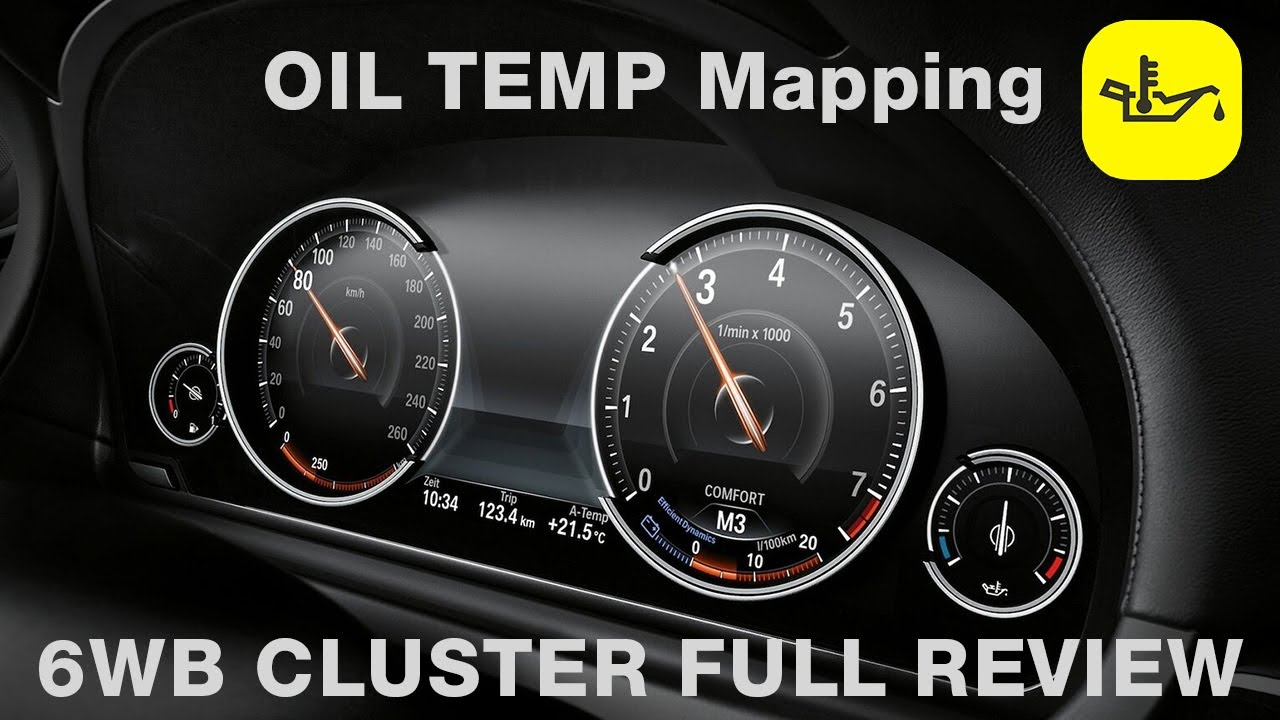
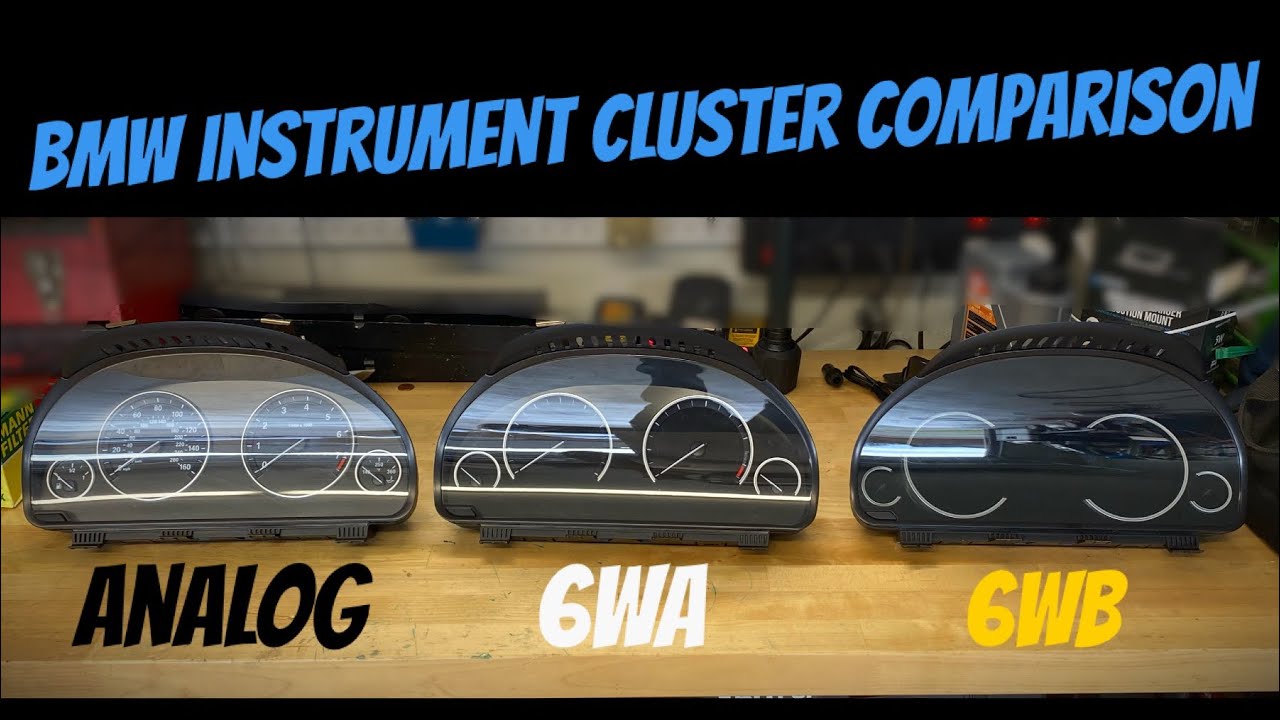
Hidden service mode in #BMW 6-Series (F06 F12 F1) gives you access to instrument cluster (KOMBI) tests, displays LCD color patters, lights up all indicators, move all gauges, and shows additional data like ambient, coolant, and engine oil temperature, fuel tank levels, let you adjust trip computer estimated range and fuel consumption, and more. This secret #menu (or developer test mode) can be accessed with a button combination.
👉 Turn the ignition on with engine off by pressing start/stop button without pressing brake pedal. Then press and hold trip reset button for about 10 seconds. You will see maintenance service menu at the bottom of the display. Continue holding the button and release it when #hidden menu appears on the right side of the instrument cluster display.
👉 Browse the menu with short press of the trip reset button. Press and hold the button to enter selected tests.
🔗 http://mr-fix.info/
🎭 / mrfixpl
👥 /
📷 /
☕️ https://buycoffee.to/mrfix
0:00 BMW 6-Series F06
0:13 Enter hidden menu
0:32 Browse the menu
0:40 Dyno mode
0:53 Fuel tank levels
1:05 Ambient, coolant, oil temperatures
1:13 BC statistics
1:18 Estimated range correction factor
1:40 Instrument cluster self test
2:00 Exit the menu
Повторяем попытку...

Доступные форматы для скачивания:
Скачать видео
-
Информация по загрузке: