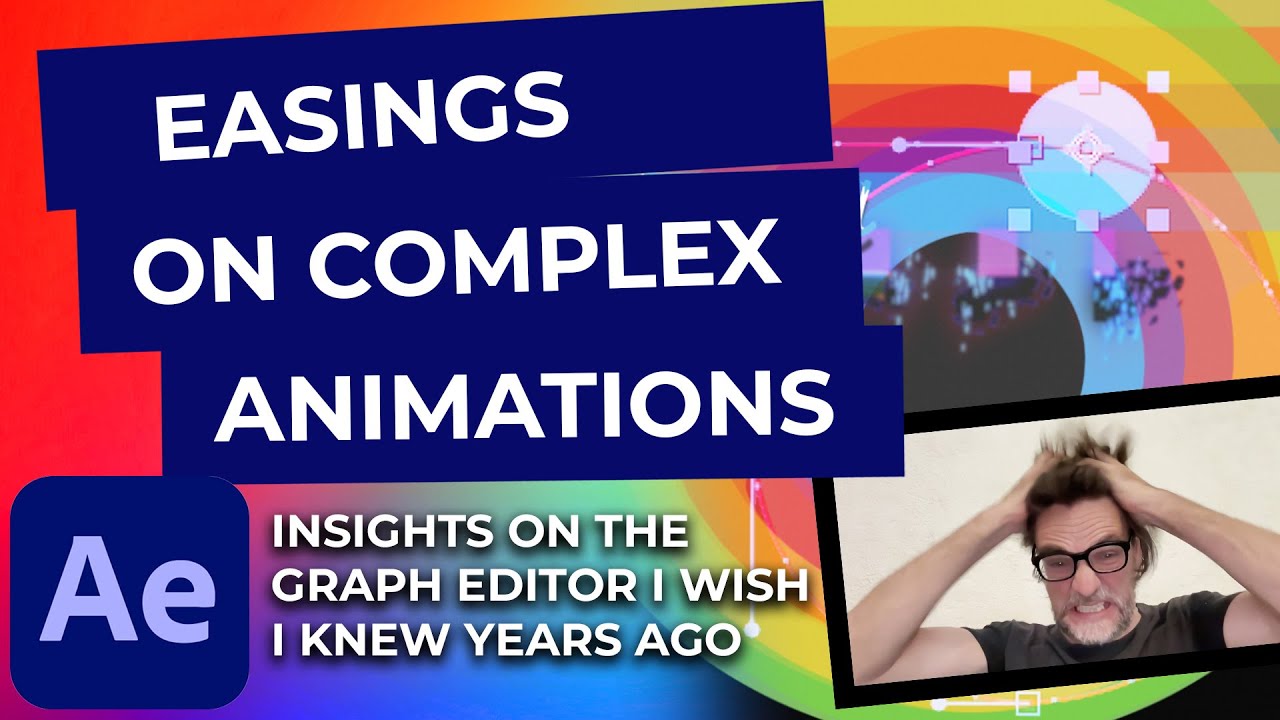
Simple easing on complex animation in After Effects
Автор: Rene Brokop
Загружено: 2022-10-13
Просмотров: 1079
Описание:
How to use After Effects to make simple easing on complex animation, and how to transform complex animations in after effects to simple animation, simply by using the Graph Editor the right way. After Effects simple easing complex animation tutorial is about creating a differentiation between when to use the Value graph of the Graph Editor in After Effects, and when to use the Speed graph in After Effects.
Easy animation in after effects is also about planning just a bit ahead, when the animation / the animation path or the shape path is a bit more complex than animating a simple shape from point A to point B. After effects simple shape animation is of course always welcome and a good starting point, but rather fast you find yourself aiming to make and create that more complex animation or a bit more complex shape in After Effects.
00:00 Introduction
00:35 "Normal" easings in After Effects using standard "Easy ease" the Graph Editor in After Effects
02:00 Easing on a Sphere path
04:32 Stupid mistake (Still working with easing on sphere path)
06:08 Some self promoting stuff
07:05 Using Speed Graph to do simple — but still crisp looking ease
08:15 Putting "Markers" on layers in AE (Still working with the Speed Graph)
09:05 Keyboard shortcut to the Timeline panel Zoom in AE (still working with Speed Graph)
13:00 The "tail" of the sphere — Warp from Motion4 by Mt Mograph (crazy good Plugin for After Effects)
14:20 Epilogue
Many of us have seen tutorials and know how to work with easings in After Effects — especially when it comes to moving an object from point A to B in one Axis in the viewport. And we can do rather complex and advanced looking animations by doing a lot of those "One-axis-animation" after each other — or on top of each other, or some other angle on how to make stuff like organic and nice.
But sometimes you will have more complex shapes, and motion path´s and it can be a struggle to time your easing like you want to, in the jungle of keyframes, graphs, curves, speeds etc..
This particular tutorial, is based on hundreds of hours of watching different ways of working with the Speed graph and the Value graph of After Effect´s graph editor.
No matter how many plugins you buy and no matter how long you postpone, you will eventually have to go into both the Value and the Speed graph of After Effects and drag those handles, pull those keys — it is just something that has to be done! Period. The Value and Speed Graph is ... as .... mr. Smith would have said it ...."inevitable."
In my own case i have been working with motion-graphics for years and I have often find myself looking for the "easy solution" — doing the dumbest thing you can do; tried to find a plugin that would do it for me. And that made the struggle even harder.
So ... here is a waaay to long tutorial, compared to what you get out of it — sorry about that — about what I find to be— at least — one way of doing easings fairly easy in After Effects, on complex animations.
(It is not that complicated, but I think you get the idea when you see the tutorial.)
As I said; it is way to long, so if you just want to skip to the part where there is focus on the complex animation and shape, skip to 07:05.
A BIT shoutout of kudos and respect goes to:
@Jake In Motion
and
@Ben Marriott
and
@Motion Design School
Thank you for your tireless work in helping and teaching people of the world — including me. Your work and tutorials is greatly appreciated.
Music used in the video is from @Artlist
By far the best royalty free music library out there. And cheapest in the long run. The ability to download AND USE endless songs for a flat fee is just amazing compared to what you get out of it.
I also mention @AndrewKramerOfficial 's VideoCoPilot: https://www.videocopilot.net/
and
Motion4 by MtMograph: https://www.mtmograph.com/products/motion-4
Enjoy and good luck with easy easings on complex animations in After Effects :)
By the way; my name is @Rene Brokop and i am a motion-graphics designer, working with both 3D, 2D, VFX, Videoshoot etc.
You can check out my work on http://brokop.com
--------------
Do you want to know more about After Effects or motion-graphics, animation or motion-design?
Leave a message in the comments section below.
#aftereffects #complex #animation #easy #easing #simple
Повторяем попытку...
Доступные форматы для скачивания:
Скачать видео
-
Информация по загрузке: