Free tutorial: Create Metal Surfaces in PBR
Автор: Jaakko Saari
Загружено: 2019-10-15
Просмотров: 2126
Описание:
Please download my Substance Designer materials and tutorials in my Gumroad:
https://gumroad.com/crwjaakko
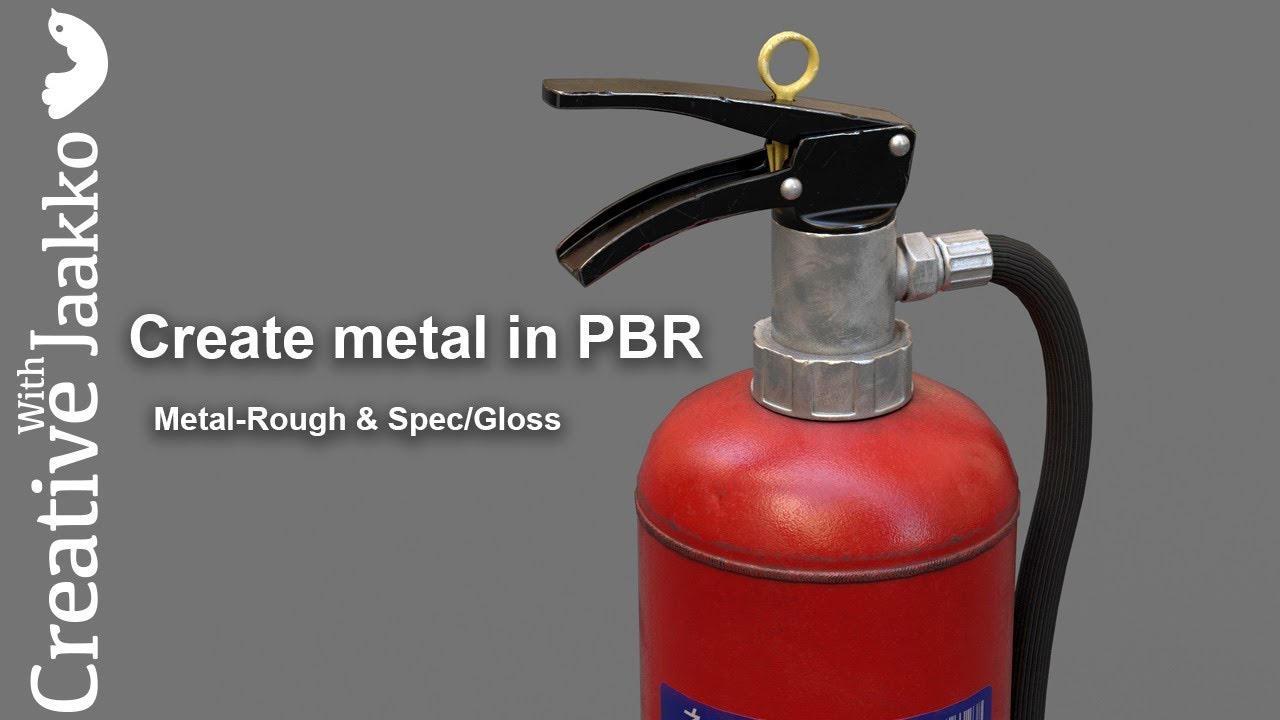
This is a beginner tutorial on Create Metal Surfaces in PBR and the differences of metal in metal-roughness and spec/gloss workflows.
There is often confusion in which maps should the reflectance values of bare metal be described. It doesn't help that we have two different standards that need conversion.
Metal-roughness workflow offloads the workload to the shader, user simply defines metallic ares in specific metalness map and the reflectance value of the metal is placed in the BaseColor map.
In spec-gloss workflow however, reflectance values of both dielectric and metal are placed in a specific specular map. Spec-gloss workflow therefore allows greater control (and potentially unrealistic result as it is possible to break the plausibility of the shader with this method.)
It is worth mentioning that unlike metal-roughness, spec/gloss allows user to define reflectance of dielectrics too and thus allows us to use measured real world data for practically everything.
Please see the fantastic PBR-Guide in Adobe website:
https://www.substance3d.com/pbr-guide
Thank you for watching.
Повторяем попытку...
Доступные форматы для скачивания:
Скачать видео
-
Информация по загрузке: