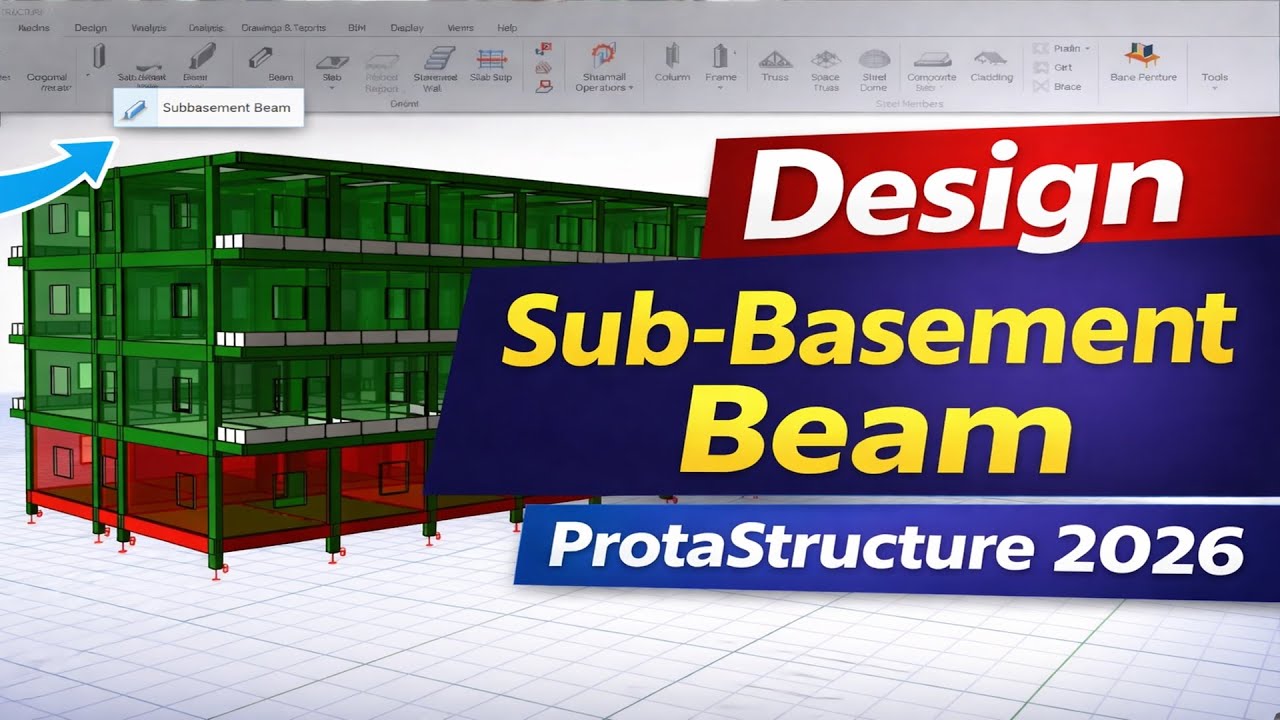
How to Fix Analysis Invalidated Error in ProtaStructure | Step-by-Step Guide
Автор: Ekidel
Загружено: 2026-03-06
Просмотров: 476
Описание:
Are you seeing the “Analysis Invalidated” message while working in ProtaStructure? This issue usually appears when changes are made to the structural model after running the analysis. If you don’t know why it happens, it can interrupt your workflow and delay your design process.
In this video, “How to Fix Analysis Invalidated Error in ProtaStructure | Step-by-Step Guide”, I explain the exact reason this message appears and how to fix it quickly. You’ll learn the simple steps to resolve the issue and continue your structural analysis without problems.
In this tutorial, you will learn:
What Analysis Invalidated means in ProtaStructure
Why the error appears after modifying the member
How to fix the error step-by-step without affecting your previous design check
Best practices to avoid this issue in future projects
This tutorial is helpful for civil engineers, structural engineers, and engineering students who use ProtaStructure for structural modeling and building analysis.
🎁 TOOLS AND MATERIALS
✅ 🌐 Ekidel Store Products | https://selar.com/m/Ekidel-Design
✅ Ekidel Mentorship One-On-One Training https://selar.com/Ekidel_mentorship_C...
To Download this Stonebridge Detailing Template 2026, Click the links Below:
👉 LINK 1: https://selar.com/stonebridge_detaili...
👉 LINK 2 : https://paystack.shop/pay/stonebridge...
WhatsApp phone number : +2349168891533
🌍 Our Global WhatsApp Group: https://chat.whatsapp.com/Hv57CFZN0fD...
If this video helps you, don’t forget to like, share, and subscribe for more tutorials on structural engineering software and practical design tips.
This guide is useful for civil engineers, structural engineers, and students learning structural design software.
Software used: ProtaStructure
Subscribe for more tutorials on:
• Structural analysis
• Structural detailing
• ProtaStructure tutorials
• AutoCAD structural drawings
• Civil engineering software
✅ TIMESTAMPS
• [00:00] - Introduction: Explanation of the common "Analysis Invalidated" error when changing beam depths in ProtaStructure.
• [00:37] - Demonstration of the Issue: Showing a 15-story building project and how changing a beam depth from 650mm to 750mm triggers the error message.
• [01:30] - The Problem with "Yes": Explaining how clicking "Yes" to the error message cancels all previous analysis and design work, turning green status indicators to yellow/orange.
• [05:11] - Step 1: Rerunning Building Analysis: How to rerun the analysis without redesigning every element, which preserves your existing reinforcement settings.
• [06:15] - Crucial Setting: Why you should not check the boxes for redesigning columns and beams during the building analysis to avoid losing your manual reinforcement checks.
• [07:42] - Verification: Checking the beams after the analysis to confirm that the manual reinforcement (e.g., 3H20 or 3H25) remains unchanged despite the new depth.
• [09:10] - Step 2: Updating "Expired Analysis" (Yellow Status): What to do if the status is still showing as yellow/orange after the analysis.
• [10:43] - Batch Mode Settings: Using the "Check steel but don't select steel when previous bar is insufficient" option to maintain your design while updating the analysis status.
• [12:54] - Upcoming Content: A preview of a full 15-story residential building design walkthrough, including pile-raft foundations and core walls.
#ProtaStructure #CivilEngineering #StructuralEngineering
Повторяем попытку...

Доступные форматы для скачивания:
Скачать видео
-
Информация по загрузке: