Windows 11 25H2 to 26H2 ISO Upgrade — Keep Files & Apps
Автор: Vital Tech Helper
Загружено: 2026-10-05
Просмотров: 232
Описание:
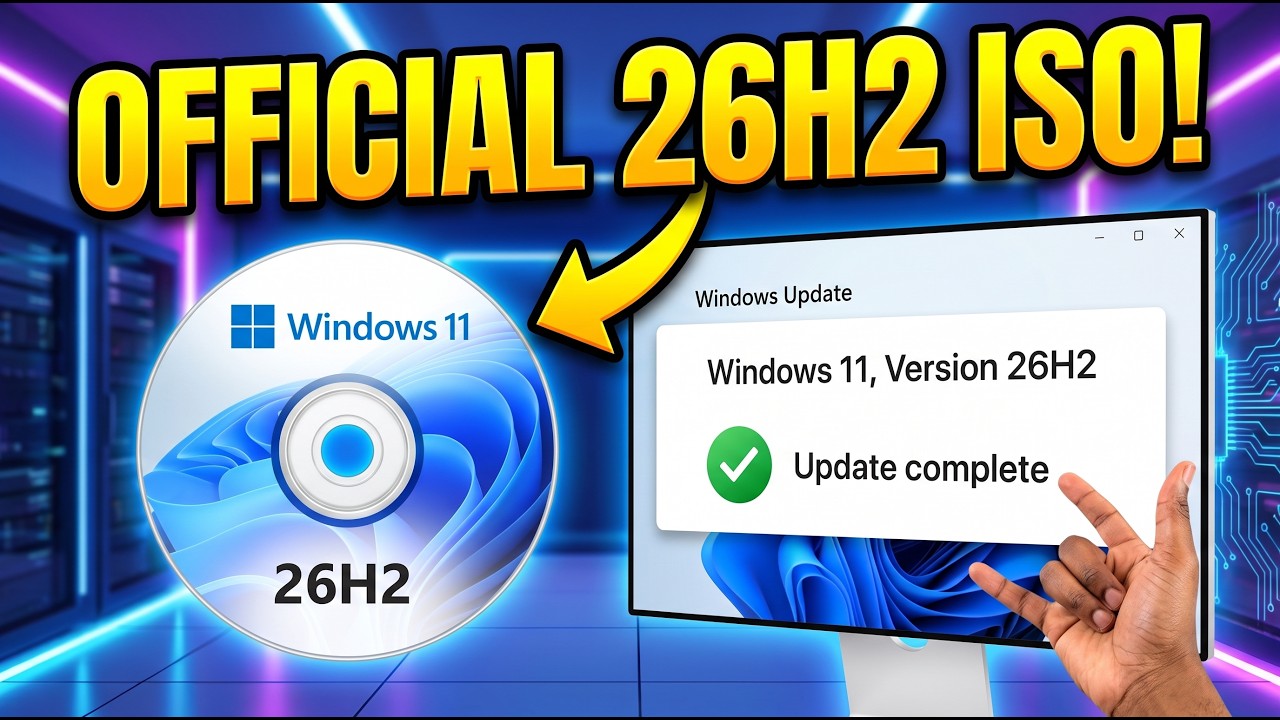
Windows 11 26H2 is officially available, and if the update isn't showing through Windows Update, you can install it manually using Microsoft's official Windows 11 ISO.
In this video, I'll show you how to download the Windows 11 26H2 ISO, select the correct language, mount the ISO, run setup.exe, and perform an in-place upgrade from Windows 11 25H2 while keeping your personal files and apps.
I'll also show you how to verify Windows 11 26H2, check the Go back recovery option, and safely remove the previous Windows installation when you're confident you want to stay on 26H2.
Microsoft's official Windows 11 download page currently lists Windows 11 2026 Update | Version 26H2 as the current release.
Microsoft also states that the ISO can be mounted directly in Windows and that running setup.exe starts the Windows 11 upgrade. The ISO language should match the language currently installed on your PC.
If you want to keep the rollback option, don't remove the previous Windows installation. Microsoft says the normal Go back option is available for a limited time, usually 10 days.
Once you're happy with Windows 11 26H2, you can remove the previous Windows installation from Settings -System - Storage - Temporary files to reclaim storage space. Removing it also removes the normal rollback option.
Subscribe to VitalTechHelper for more Windows 11 updates, troubleshooting guides, hidden features, upgrades and optimization tips.
#Windows11 #Windows1126H2 #WindowsUpdate #Windows11Update #Microsoft
🛒 RECOMMENDED TECH & TOOLS
As an Amazon Associate, I earn from qualifying purchases at no additional cost to you.
🏪 My Amazon Storefront:
https://amzn.to/4uG1eBT
🖥️ PC Upgrade Essentials
https://amzn.to/4elO2vT
🔧 Repair & Maintenance Tools
https://amzn.to/4el4bl1
🎥 My Content Creation Setup
https://amzn.to/4eogOft
💾 Backup, Storage & Virtualization Tools
https://amzn.to/4osEdAL
━━━━━━━━━━━━━━━━━━━━━━━━━━━
📚 EXPLORE MORE CONTENT
🔴 Subscribe:
/ @vitaltechhelper
📃 Playlists:
/ @vitaltechhelper
━━━━━━━━━━━━━━━━━━━━━━━━━━━
🚀 WHAT YOU'LL FIND ON THIS CHANNEL
• Windows 10 & Windows 11 Tutorials
• PC Upgrades & Repairs
• Windows Recovery & Backup Solutions
• AI Tools & Automation
• SaaS Platforms & Productivity Software
• Home Labs & Self-Hosting
• Cybersecurity & Privacy
• VMware & Virtualization
• Apple & Android Tutorials
• Technology Reviews & Guides
━━━━━━━━━━━━━━━━━━━━━━━━━━━
⚠️ DISCLAIMER
The information provided in this video is for educational and informational purposes only.
Always back up important data before making system changes. While every effort is made to ensure accuracy, Vital Tech Helper cannot be held responsible for any loss of data, hardware damage, software issues, or other consequences resulting from actions taken based on this content.
Viewers are responsible for ensuring compliance with software licensing agreements, local laws, and platform terms of service.
━━━━━━━━━━━━━━━━━━━━━━━━━━━
© Vital Tech Helper
This content is created for educational, instructional, commentary, and informational purposes.
Copyright Disclaimer under Section 107 of the Copyright Act 1976: Fair use is permitted for purposes including criticism, comment, news reporting, teaching, scholarship, and research.
#VitalTechHelper #Windows11 #Windows10 #AITools #CyberSecurity #HomeLab #SaaS #TechTutorials #vmware #VM #VitrualMachine
Повторяем попытку...
Доступные форматы для скачивания:
Скачать видео
-
Информация по загрузке: