How to Create Sections in Civil 3D from Level Book Data | Road Section with Station,Offset&Elevation
Автор: Horizon Civil Techniques
Загружено: 2025-03-08
Просмотров: 1772
Описание:
Detailed Description:
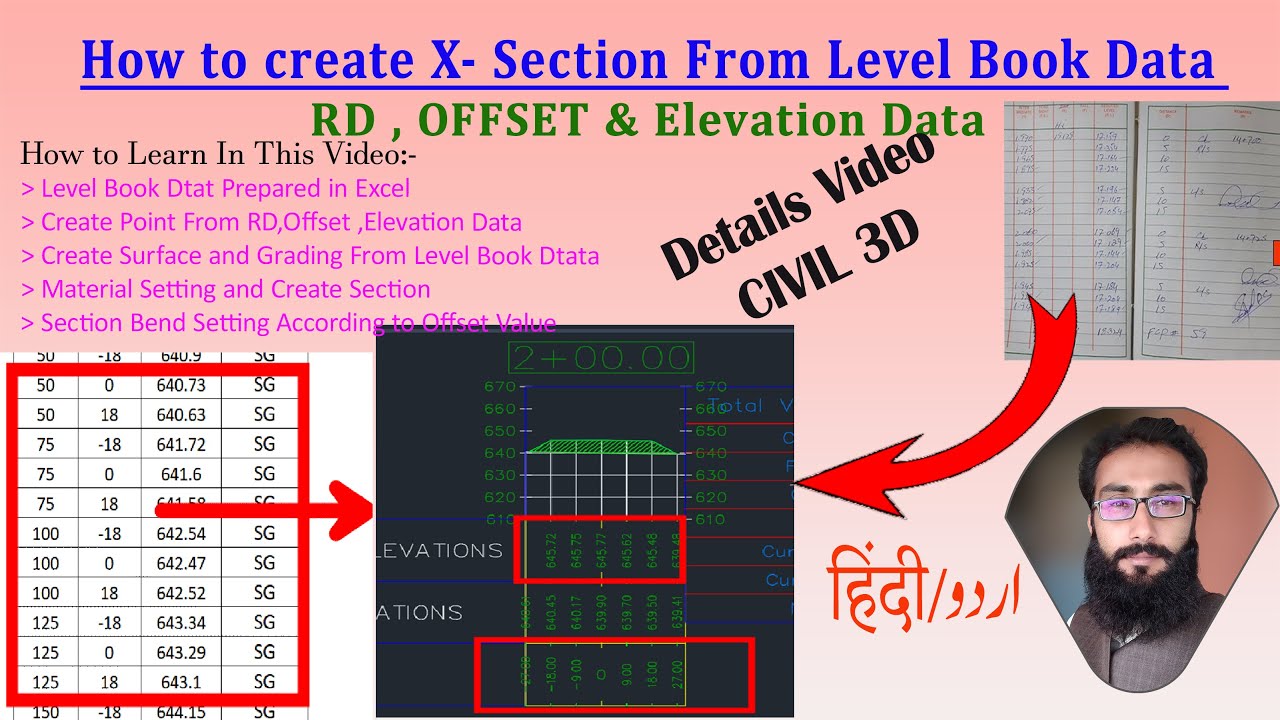
In this comprehensive AutoCAD Civil 3D tutorial, learn how to create road cross sections from Level Book data collected using Auto Level, MLM (Mean Line Method), or Total Station. This video provides a step-by-step workflow to process survey data, generate surfaces, and create accurate cross sections in Civil 3D.
🔹 What You Will Learn in This Video:
1️⃣ Preparing Level Book Data in Excel
Organizing Station (RD), Offset, and Elevation Data
Formatting survey data for easy import into Civil 3D
2️⃣ Creating Points from Survey Data
Importing Station, Offset, and Elevation values into Civil 3D
Using Point Groups to categorize data efficiently
3️⃣ Generating Surfaces from Level Book Data
Creating surfaces from survey points
Merging multiple surfaces for accurate terrain representation
4️⃣ Feature Line and Grading Techniques
Creating Feature Lines for better section accuracy
Applying grading tools to define slope transitions
5️⃣ Material Setting for Cross Sections
Assigning pavement layers, subgrade, and base materials
Managing material thickness and properties
6️⃣ Profile and Sample Line Creation
Generating profiles along the alignment
Adding sample lines to extract cross-section data
7️⃣ Generating Cross Sections in Civil 3D
Creating cross sections automatically
Managing section band styles according to Offset values
8️⃣ Final Customization and Presentation
Adjusting Bend Styles for better visualization
Formatting cross sections for plotting and exporting
💡 Why Watch This Video?
✅ Complete Road Cross-Section Workflow – From survey data to final output
✅ Real Survey Data Processing – Learn using real-world Level Book data
✅ AutoCAD Civil 3D Best Practices – Improve design accuracy and efficiency
✅ Perfect for Road Designers, Civil Engineers & Surveyors
This tutorial will help surveyors, CAD professionals, and civil engineers efficiently process survey data and generate accurate road cross sections in AutoCAD Civil 3D.
🔔 Subscribe now for more Civil 3D tutorials and stay updated with new tips!
#AutoCADCivil3D #CrossSection #SurveyData #LevelBook #RoadDesign #CivilEngineering #Surveying #CADDesign #LandDevelopment #Civil3DTutorial #autocadtips
Time code
0:00 Intro About Details Video
2:47 Excel Data Setting
13:10 Point Group Separation
19:20 Create Surfaces
20:50 Feature Line
25:18 Grading
29:39 Surface Merge
30:39 Create Profile
31:42 Sample Line
36:30 Material Add
37:36 Create Section
41:44 Bend Style Setting
How to Create Multiple Point Groups in Civil 3D Based on Code & Description | Survey Data Management • How to Create Multiple Point Groups in Civ...
What is Sample Line | How to Create Sample Line in AutoCAD Civil 3D | 4 Ways for Different Purposes • What is Sample Line | How to Create Sample...
[email protected]
#Autocad
#AutocadCivil3D
#RealTimeCad
#autodesk
Повторяем попытку...
Доступные форматы для скачивания:
Скачать видео
-
Информация по загрузке: