Скачать
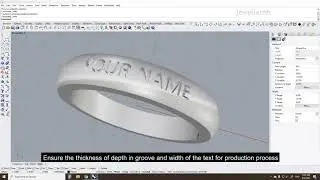
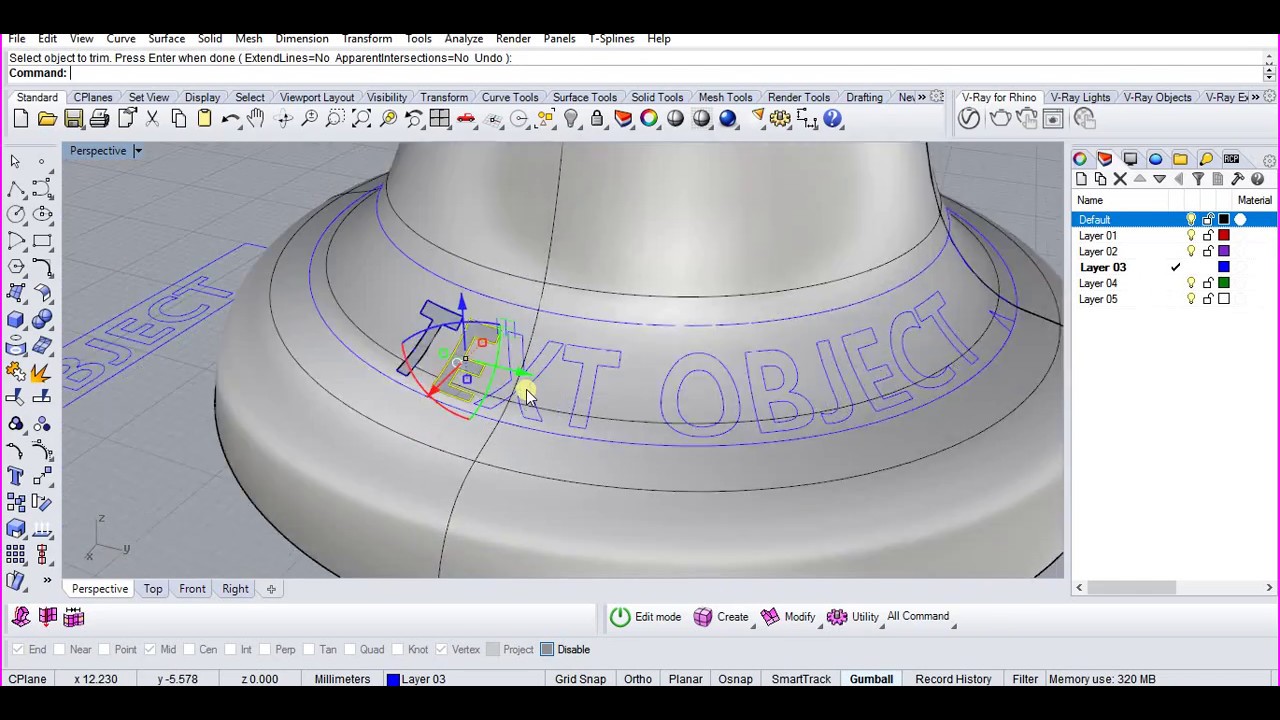
How to project text on a curved surface in Rhinoceros 3D
Автор: Ilmar Designs
Загружено: 2017-06-21
Просмотров: 85110
Описание:
1. Create a surface (bounds)
2. Mark one edge (trim with a small polyline)
3. Create UV curves (left mouse button LMB)
4. Create a text and orient it accordingly
5 Apply UV curves to the surface(right mouse button RMB)
6. Extrude, trim the projected text
Не удается загрузить Youtube-плеер. Проверьте блокировку Youtube в вашей сети.
Повторяем попытку...
Повторяем попытку...
Доступные форматы для скачивания:
Скачать видео
-
Информация по загрузке:


![[Rhino Tutorial] 100 Essential Commands](https://image.4k-video.ru/id-video/MBN0HC4k_J8)