Unity 2D Mini Golf Game Play
Автор: Grahm Skee
Загружено: 2014-08-19
Просмотров: 4952
Описание:
Over the last few months I have been attending a local game developer meetup group near Philly- PhillyGameWorks. From this great group of people I’ve been helped over the learning curve and am on my way hacking together various pieces of games using C# and the Unity game engine.
A few weeks ago I finished a game or perhaps its better to call it a prototype since it is still pretty rough around the edges. The lesson I learned from this project is that finding the best way put components together and write scripts takes practice. While writing the game I discovered better ways do things, but it was always retrospective since I would have had to rewrite most components in the game. It got to a point where adding anything to the game broke it so revisiting this game will be a complete rewrite. Even though I feel like its a rats nest of components and code- having something complete feels like a win.
Source Code
Below is the source code for this file, however, I removed the image and audio assets since they are not free to use. You can purchase the image assets at the Unity Asset Store for $5 and search for pretty much any related sound effect for the audio files. I also used ProGrids 2 for easily lining up all the parts of the game- its not necessary but makes things a little easier.
https://github.com/enzoten/superfunmi...
Script Descriptions
GameControl: keeps the stats and scores. If you understand from looking at the code there is a really great tutorial on data persistence on Unity’s site.
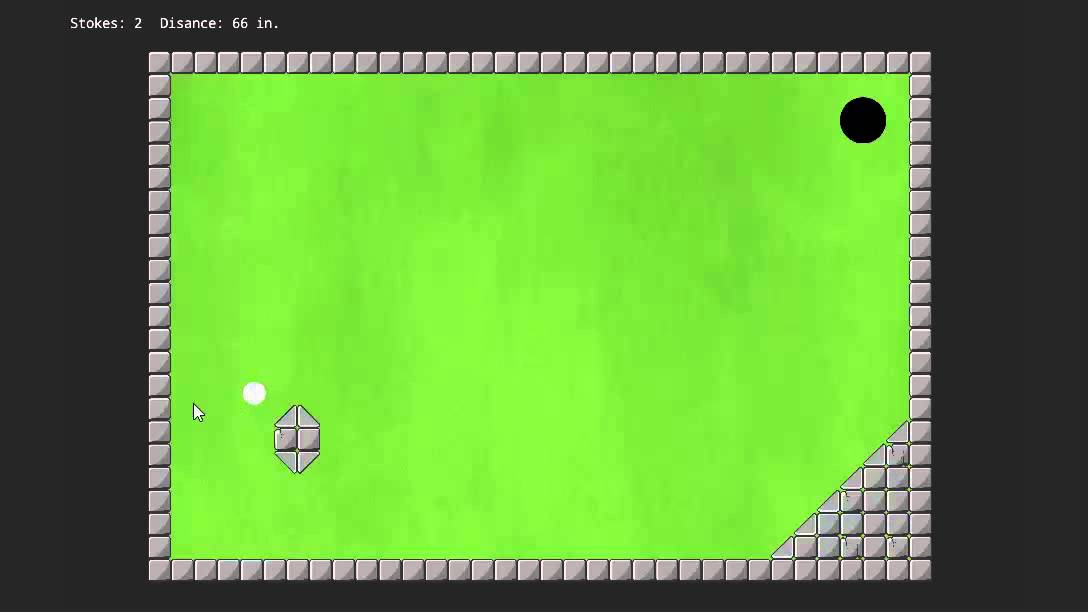
HitScript: Attached to the ball, this script handles adding motion to the ball based on player’s mouse input.
HoleScript: When ball collides with the hole this script destroys the ball and updates the scores.
KeyScript: In one of the holes you need to find a key in order to unlock blocks. This script attached to the key finds blocks with the tag “Locked” and destroys them allowing the player to get to the hole.
DistanceGUIScript: Calculates and displays the total distance the ball has traveled for that hole.
HoleGUI, StartScreenGUI, StrokeGUIScript: I really hacked my way though these. After viewing how great the new GUI system will be in Unity 4.6 and 5, I didn’t care to put time into the GUI.
Повторяем попытку...
Доступные форматы для скачивания:
Скачать видео
-
Информация по загрузке: