ycliper

Популярное

Музыка Кино и Анимация Автомобили Животные Спорт Путешествия Игры Юмор

Интересные видео

2025 Сериалы Трейлеры Новости Как сделать Видеоуроки Diy своими руками

Топ запросов

смотреть а4 schoolboy runaway турецкий сериал смотреть мультфильмы эдисон
Скачать

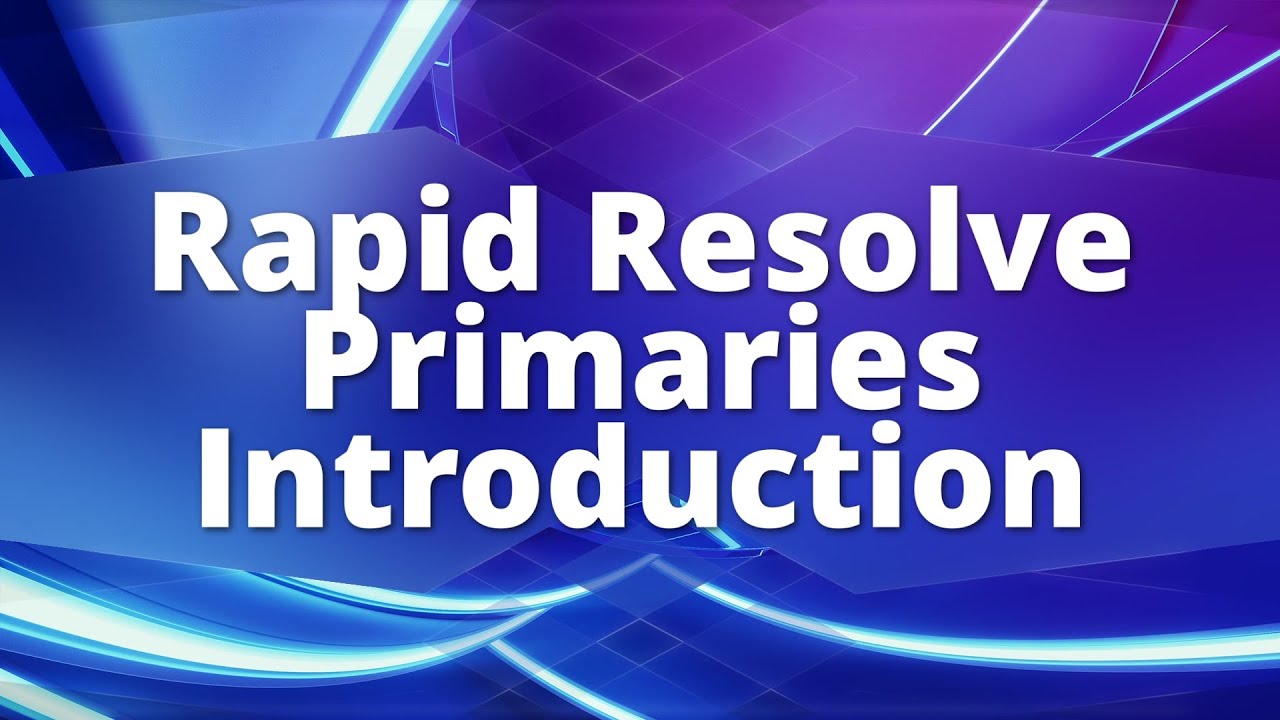
Rapid Resolve - Introduction to the Primaries Palette

Автор: The Efficient Editor

Загружено: 2026-01-14

Просмотров: 9

Описание: DaVinci Resolve is the gold standard for color grading and correction. Those are two different things. Correction is when you fix a color problem in an image. Grading is when you are going for a specific look and feel.

The Primaries palette is where you do your basic color adjustments that are the foundation for the rest of your work. You want to do as many of the corrections in the Primaries before moving to secondary color correction/grading.

Note that, in this video, I do not use the scopes. Scopes are fundamental tools to help in color. Make sure that you use them because our eyes can fool us.

Primaries Palette Modes:

1. Wheels. The default mode in Resolve. The Wheels are broken down to YRGB (Lift, Gamma and Gain). Lift, Gamma and Gain correspond to Shadows, Midtones and Highlights if you are coming from another NLE such as Final Cut Pro. You can control each of these areas independently, but there is overlap. Colorists will recommend that you adjust Lift or Gain first, then adjust the Gamma.

Offset adjusts the entire image at one time. For example, if the entire image is too dark, you can adjust that here. It’s like an elevator. Everything goes up/down at one time.

The dot in the center of each of the Color Balance Controls can be moved. If you want to add a color, move the dot toward that color. To remove a color, move the dot the other way. Careful. A little movement goes a long way.

You can reset any of the changes that you make by clicking on the hooked arrow that corresponds to that change.

Directly below the Color Balance controls are numeric parameters that let you drag them to adjust, or type a specific number directly into the field.

The Master Wheels are located below the numeric parameter controls. You can drag to the left/right to adjust the tone of that region.

2. Bars. You can do all of the same things in the Bars but the interface is different. With Bars, the values are adjusted using vertical sliders.

3. Log. Log mode adjusts the values linearly. This is designed for use when working with log footage.

What method do you use? It is going to be up to your workflow and what you are needing to adjust.

Не удается загрузить Youtube-плеер. Проверьте блокировку Youtube в вашей сети.
Повторяем попытку...
Rapid Resolve - Introduction to the Primaries Palette

Поделиться в:

Доступные форматы для скачивания:

Скачать видео

  • Информация по загрузке:

Скачать аудио

Похожие видео

СКОУПЫ. Краткий курс выживания в цветокоррекции #colorgrading   #цветокррекция #davinciresolve #film

СКОУПЫ. Краткий курс выживания в цветокоррекции #colorgrading #цветокррекция #davinciresolve #film

Как я перестал обрабатывать фото вручную — экшены + Stream Deck

Как я перестал обрабатывать фото вручную — экшены + Stream Deck

Шумоподавление ДО или ПОСЛЕ преобразования цветового пространства? Учебное пособие по DaVinci Res...

Шумоподавление ДО или ПОСЛЕ преобразования цветового пространства? Учебное пособие по DaVinci Res...

Полное руководство: Цветокоррекция проекта в DaVinci Resolve — Учебное пособие

Полное руководство: Цветокоррекция проекта в DaVinci Resolve — Учебное пособие

Как делают ИИ-видео, которые выглядят ДОРОГО

Как делают ИИ-видео, которые выглядят ДОРОГО

Прощай, дехансер? Используй вместо него этот БЕСПЛАТНЫЙ эмулятор пленки | Учебное пособие по DaVi...

Прощай, дехансер? Используй вместо него этот БЕСПЛАТНЫЙ эмулятор пленки | Учебное пособие по DaVi...

Cyberpunk Hi-Tech Glitchy Neon Gamepad Background video | Footage | Screensaver

Cyberpunk Hi-Tech Glitchy Neon Gamepad Background video | Footage | Screensaver

Основы Монтажа Коротких Видео в 2026 году  | Reels, Shorts, Tik-Tok | DaVinci Resolve

Основы Монтажа Коротких Видео в 2026 году | Reels, Shorts, Tik-Tok | DaVinci Resolve

Скрытые эффекты Da Vinci, которые делают видеоматериалы ОЧЕНЬ ДОРОГИМИ

Скрытые эффекты Da Vinci, которые делают видеоматериалы ОЧЕНЬ ДОРОГИМИ

Эти советы по редактированию сэкономят вам ЧАСЫ в Resolve

Эти советы по редактированию сэкономят вам ЧАСЫ в Resolve

DON’T use TEMP & TINT to White Balance Your Footage in DaVinci Resolve

DON’T use TEMP & TINT to White Balance Your Footage in DaVinci Resolve

Масштабирование с учетом содержимого в Photoshop: когда обрезка не помогает.

Масштабирование с учетом содержимого в Photoshop: когда обрезка не помогает.

Rapid Resolve - Pulling a Key on the Color Page

Rapid Resolve - Pulling a Key on the Color Page

Как выполнить цветокоррекцию в DaVinci Resolve для начинающих!

Как выполнить цветокоррекцию в DaVinci Resolve для начинающих!

6 БЕСПЛАТНЫХ эффектов Davinci Resolve, которые я использую в КАЖДОМ ПРОЕКТЕ!

6 БЕСПЛАТНЫХ эффектов Davinci Resolve, которые я использую в КАЖДОМ ПРОЕКТЕ!

5 инструментов Lightroom, которые следует использовать для каждой фотографии

5 инструментов Lightroom, которые следует использовать для каждой фотографии

Experience the Magic of Winter Ambience with this 2h Snow Painting TV Frame | Snow Ambience

Experience the Magic of Winter Ambience with this 2h Snow Painting TV Frame | Snow Ambience

Скрытые фишки Nano Banana Pro + как пользоваться БЕСПЛАТНО!

Скрытые фишки Nano Banana Pro + как пользоваться БЕСПЛАТНО!

18 лайфхаков DaVinci Resolve, о которых я хотел бы знать раньше

18 лайфхаков DaVinci Resolve, о которых я хотел бы знать раньше

11 БЕСПЛАТНЫХ плагинов DaVinci Resolve для БЫСТРОГО редактирования!

11 БЕСПЛАТНЫХ плагинов DaVinci Resolve для БЫСТРОГО редактирования!

© 2025 ycliper. Все права защищены.


  • Контакты
  • О нас
  • Политика конфиденциальности


Контакты для правообладателей: [email protected]