Скачать
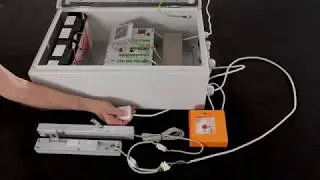
CompactSmoke™ control panel - firmware update
Автор: WindowMaster Control Systems Ltd
Загружено: 2020-02-24
Просмотров: 498
Описание:
1. Open the ‘WMaMotorParamTool’ application on the computer (00:22)
2. Connect the computer to the control panel with the USB cable (01:11)
3. Controller type is automatically identified and the latest firmware version is automatically selected (01:18)
4. Put panel into programming mode (01:50)
5. Update process starts automatically (02:17)
6. Restart the panel (02:47)
Не удается загрузить Youtube-плеер. Проверьте блокировку Youtube в вашей сети.
Повторяем попытку...
Повторяем попытку...

Доступные форматы для скачивания:
Скачать видео
-
Информация по загрузке: