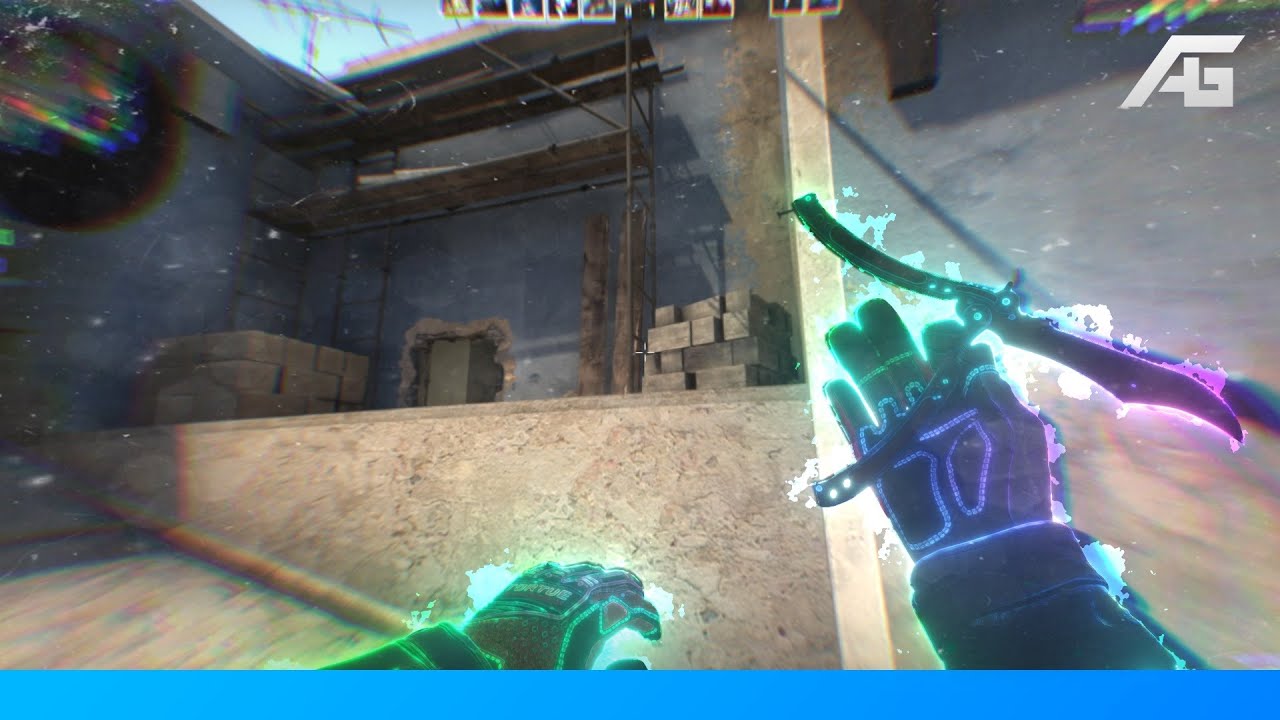
Best Render Settings / Youtube Compression [TUTORIAL]
Автор: T3C™
Загружено: 2019-09-21
Просмотров: 45293
Описание:
Hopefully, this will help some of you, especially the new editors.
Screenshots and more information below.
Have you ever noticed streamers when they are on the grass ground the quality of the stream lower so much? that's the bitrates destroying the quality. The same thing happens on youtube but you can control that a little bit more by uploading with different resolutions and fps.
I came to the conclusion that you need to up on youtube uncompressed to have the best quality and if you do really have to up on youtube with a compression version MKV 48FPS would be probably the best choice following the examples below.
Also if you up a video on 4K on youtube and watch it in 2k or even 1080p the quality will be worse than watching an edit exported at 2k on youtube, if that makes sense. It lowers the quality because youtube's downscaling algorithm is coded pretty bad. Also, I upload in 2k because it's faster to load for most people online than 4k at 50fps because not everyone has a powerful PC and they will end up watching the video in a bad quality.
This video tutorial was made using only 2k res comparing the quality between video formats and fps! Below you can see how it looks like the exact frames in different resolutions/codecs by quality order on YOUTUBE.
If you have any questions comment below or join on T3C Discord for more input related to editing:
/ discord
Also, you are always welcome to send questions on the stream: http://bit.ly/T3Cstream
EXAMPLES:
➥720 24fps WMV:
SS: http://bit.ly/2NpY7xE
Video: • 720pres WMV 24FPS
➥1080 24fps WMV:
SS: http://bit.ly/2NpQ97U
Video: • 1080pres WMV 24FPS
➥2k 24fps WMV:
SS: http://bit.ly/2NpQ97U
Video: • 2Kres WMV 24FPS
➥2k 24fps MP4:
SS: http://bit.ly/2NpCI7I
Video: • 2Kres MP4 24FPS
➥2k 24fps MKV:
SS: http://bit.ly/2NrxUim
Video: • 2Kres MKV 24FPS
➥2k 24fps AVI UNC:
SS: http://bit.ly/2NqW8JK
Video: • 2Kres UNC 24FPS
➥2k 24fps AVI UNC LAGARITH:
SS: http://bit.ly/2V5qr9x
Video: • 2Kres UNC LAGARITH 24FPS
➥2k 48fps WMV:
SS: http://bit.ly/2Nn1LbO
Video: • 2Kres WMV 48FPS
➥2k 48fps MP4:
SS: http://bit.ly/2NquiNr
Video: • 2Kres MP4 48FPS
➥2k 48fps MKV:
SS: http://bit.ly/2NxdFA3
Video: • 2Kres MKV 48FPS
➥2k 48fps AVI UNC:
SS: http://bit.ly/2V4J5P3
Video: • 2Kres UNC 48FPS
➥2k 48fps AVI UNC LAGARITH:
SS: http://bit.ly/2ValTyL
Video: • 2Kres UNC LAGARITH 48FPS
Conclusion:
-export 24fps UNC.
Then basically, you will have to export it twice by using external software to change fps/codecs.
-Youtube: 2k 48fps UNC LAGARITH
-For yourself: 2k 24fps MKV/MP4
Heres more better examples between native:
720p: http://bit.ly/2V5y4Nc
2k: http://bit.ly/2V6ybIp
4k: http://bit.ly/2V7BCik
All Screenshots: http://bit.ly/2V3v5Fe
More Important Info:
Youtube recommended upload encoding settings:
http://bit.ly/2ZH4t2i
Whats bitrate: http://bit.ly/2V3PyK7
Whats codecs: http://bit.ly/2V6d7lm
Plugin to upscale footage [instant 4k]: • Видео
Example of a 30fps edit exported at "fake" 60fps: • SCREAM by Enigma [Clips In Desc]
More Tutorials: http://bit.ly/2RjJNJr
────────────────────────────────────
➥T3C™: http://bit.ly/T3Cmain
➥T3C UNITED: http://bit.ly/T3CUnited
➥T3C WORLD: http://bit.ly/2Ph4gdH
➥T3C ANIME: http://bit.ly/T3Canime
➥T3C MERCH: http://bit.ly/T3Cmerch
➥T3C REDDIT: http://bit.ly/2HXm20g
────────────────────────────────────
T3C
─
T3C LIVE: http://bit.ly/T3Cstream
T3C TWITTER: / t3c_editing
DISCORD: / discord
Повторяем попытку...
![Best Render Settings / Youtube Compression [TUTORIAL]](https://imager.clipsaver.ru/eKnNiC4myD4/max.jpg)
Доступные форматы для скачивания:
Скачать видео
-
Информация по загрузке:
![IRL THEATER MODE | Point Cloud [TUTORIAL]](https://imager.clipsaver.ru/SvLNsNYRNSQ/max.jpg)
![How To Upscale With Best Render Settings in After Effects [Tutorial]](https://imager.clipsaver.ru/jEy0marV3q0/max.jpg)

![Easy Motion Graphics [FREE TOOL: Animation Composer]](https://imager.clipsaver.ru/qB38w-OUZhU/max.jpg)





![Recording MW3 [TUTORIAL]](https://imager.clipsaver.ru/dGa88g6h4d8/max.jpg)

![Recording MW2 [TUTORIAL]](https://imager.clipsaver.ru/I2mfwM94YkY/max.jpg)