How to Generate Normal Map in Photoshop | Photoshop Tutorial | Texturing
Автор: Mesh Potato
Загружено: 2025-12-26
Просмотров: 149
Описание:
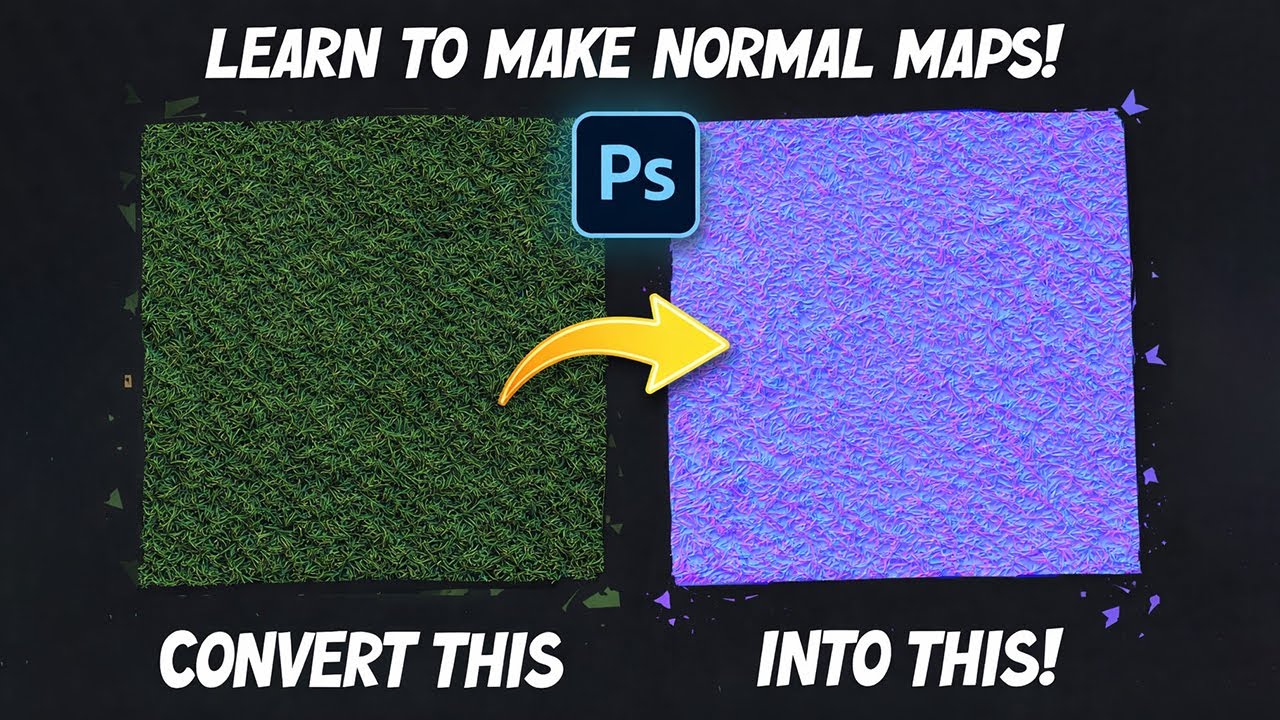
In this video, you’ll learn how to convert a texture image into a normal map using Photoshop — step by step.
We’ll take a simple grass texture and turn it into a clean, usable normal map that works perfectly for games, props, environments, and real-time assets. This method is fast, beginner-friendly, and doesn’t require any external plugins.
If you’re a 3D artist, game artist, or environment artist, this workflow will help you quickly generate normal maps for your projects using tools you already have.
🔹 What you’ll learn in this video:
How normal maps work (quick explanation)
Preparing a texture for normal map conversion
Converting images to normal maps in Photoshop
Fixing common normal map issues
Tips for getting cleaner, more readable normals
Best settings for game-ready results
This technique is perfect for Substance Painter, Unreal Engine, Unity, Blender, and other 3D workflows.
Mesh Potato is all about practical 3D texturing workflows, covering:
Substance 3D Painter, Photoshop, materials, normal maps, wear & tear, and realistic surface details — explained clearly and efficiently.
If you enjoy learning real-world 3D texturing techniques, consider subscribing.
#substancepainter #3dtexturing #normalmap #MeshPotatoArt #stylized3d #gamedev #texturingtutorial #3dart #materialcreation #photoshop
Повторяем попытку...
Доступные форматы для скачивания:
Скачать видео
-
Информация по загрузке:





