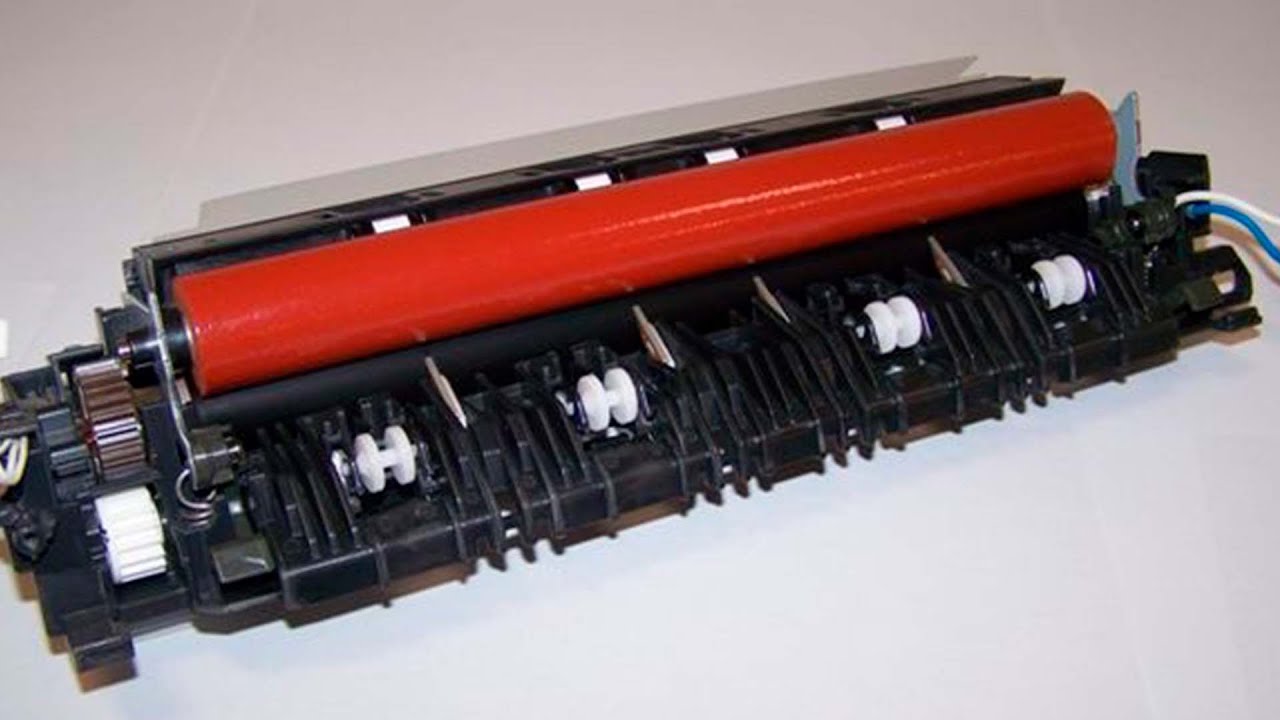
How to reset the fuser unit counter of a Brother MFC-9330CDW printer
Автор: Claudio Kuenzler
Загружено: 2021-01-21
Просмотров: 15222
Описание:
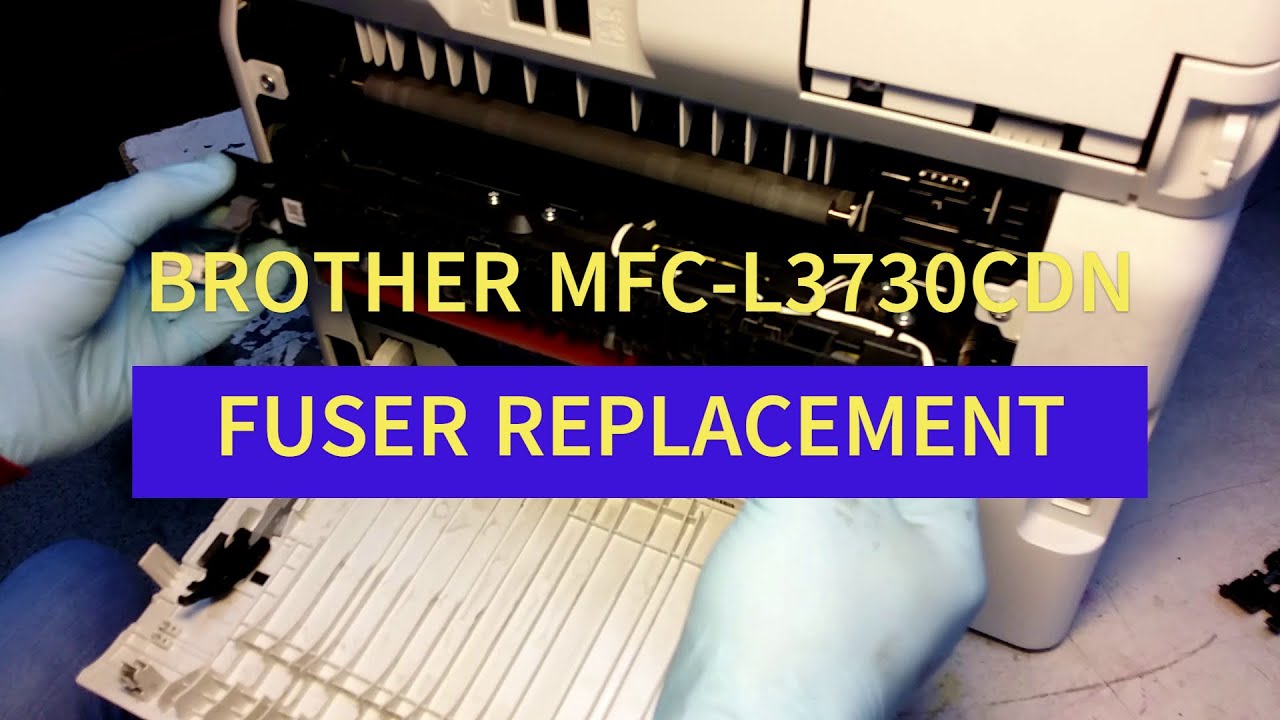
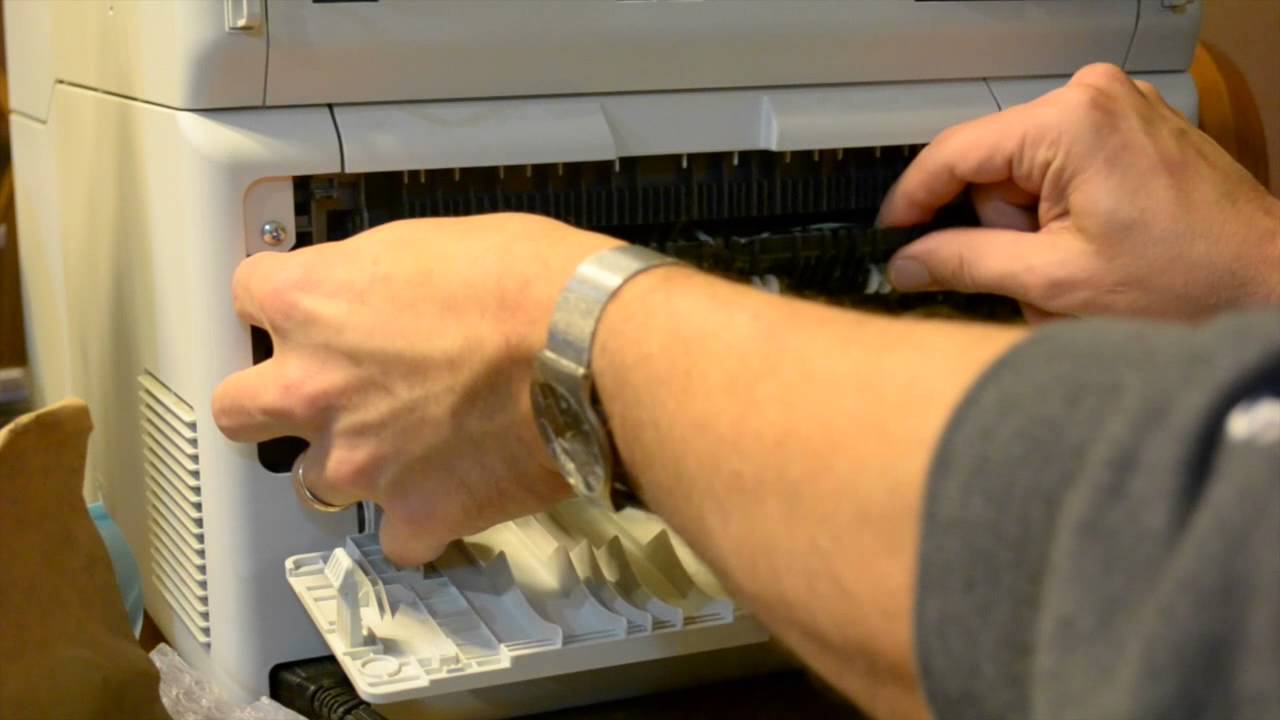
After replacing a defect fuser unit, the counter of the fuser unit needs to be reset.
Use this procedure to reset the fuser counter on a MFC-9330CDW (should work for similar models, too):
Touch and hold the "Home" button for around 5 seconds - 4 rows will be shown
Touch and hold the last row (even though there is probably nothing written in it) - a number pad will show up
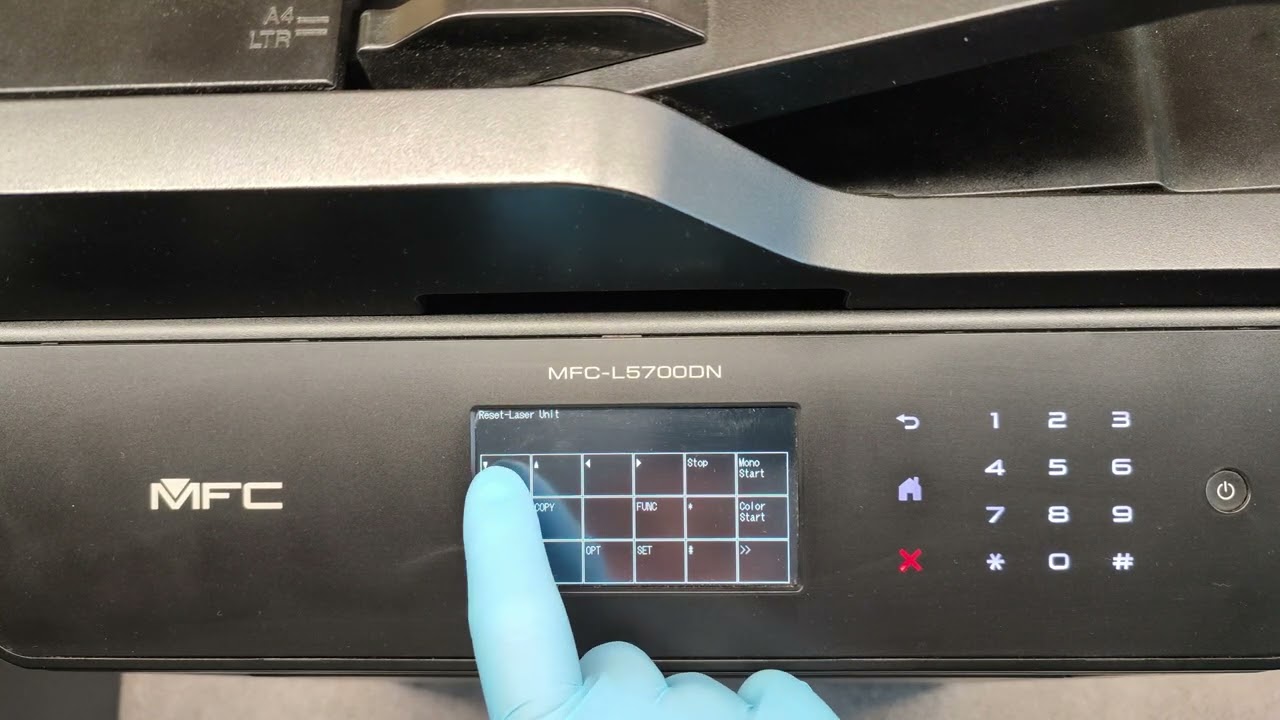
On the numbers pad (not the one in the display) enter the following combination: * 2 8 6 4 - This will display the maintenance information in the display
On the display, set 8 8 - this will show the "Reset-Fuser Unit"
Touch the "SET" key on the display, twice
Then touch the "Stop" key on the display
Finally, enter the combination 9 9 on the printer num pad (not in the display) and the printer will restart
This video is an appendix of the following blog post:
https://www.claudiokuenzler.com/blog/...
To see how to replace the fuser unit, I recommend to watch the following video: • How to Change the Brother Printer MFC-9340...
Повторяем попытку...
Доступные форматы для скачивания:
Скачать видео
-
Информация по загрузке: