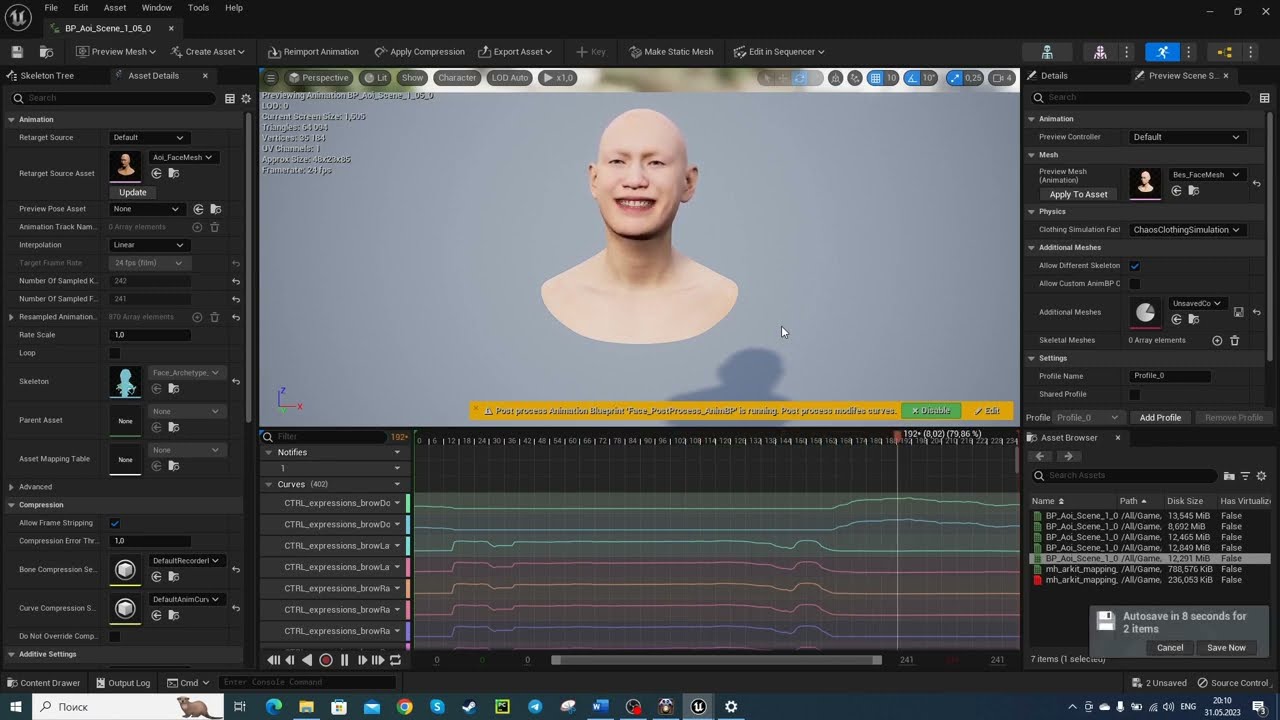
ReveRig w/ FaceCap: How to Retarget Facial Mocap Animation
Автор: ReveRig
Загружено: 2021-04-20
Просмотров: 22373
Описание:
Hi, this is a quick guide on how you can use ReveRig in combination with Face Cap and an Apple iPhone to create amazing facial animations quickly and easily.
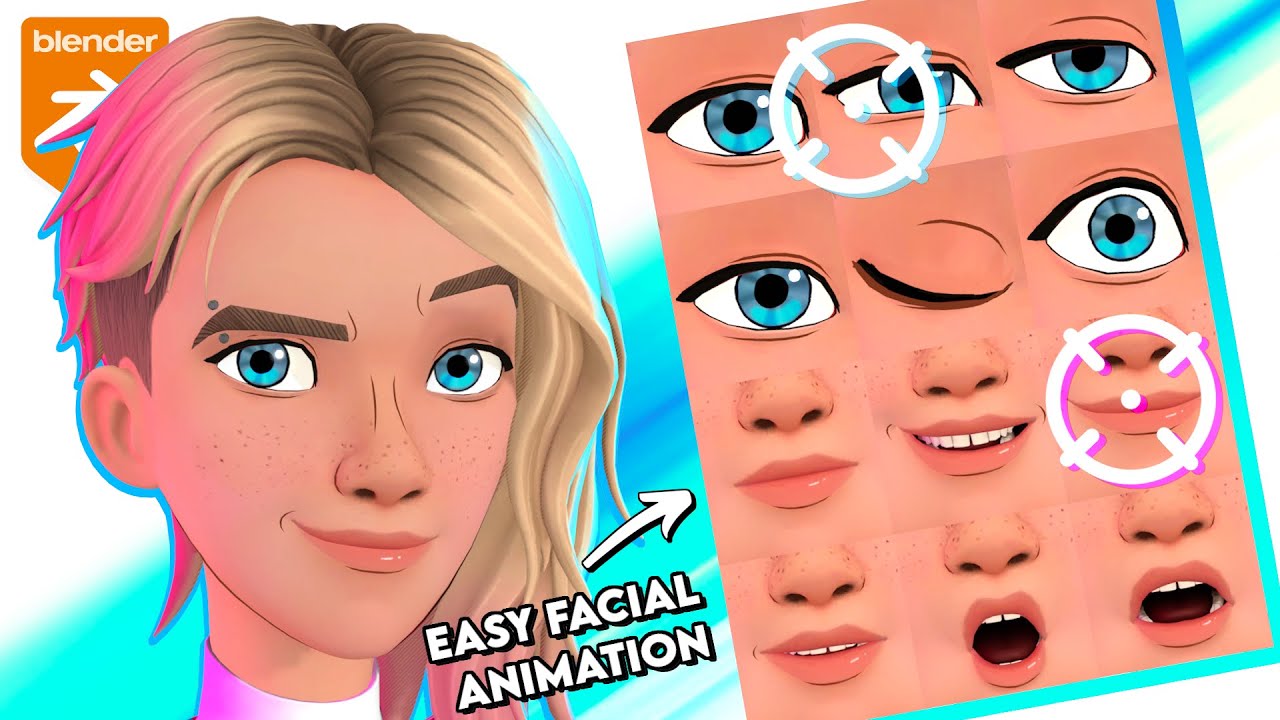
ReveRig is a Blender Add-on specially designed to facilitate the facial animation process, from the creation of the rig, to the retargeting phase up to allowing precise management of the animation itself.
GREAT NEWS: version 1.10 is now available which allows you to automatically rename the shape keys of the model created with FaceCap. This saves you additional time😉.
Download the Blender Add-on ReveRig here:
https://blendermarket.com/products/re...
ReveRig Documentation:
https://blendermarket.com/products/re...
FAQs:
https://blendermarket.com/products/re...
ReveRig offers you the possibility to retarget animation quickly and easily.
It also offers important tools to be able to accurately manage the entire facial animation.
Face cap is a facial motion capture solution for iPhones and iPad Pros equiped with a true depth front facing camera.
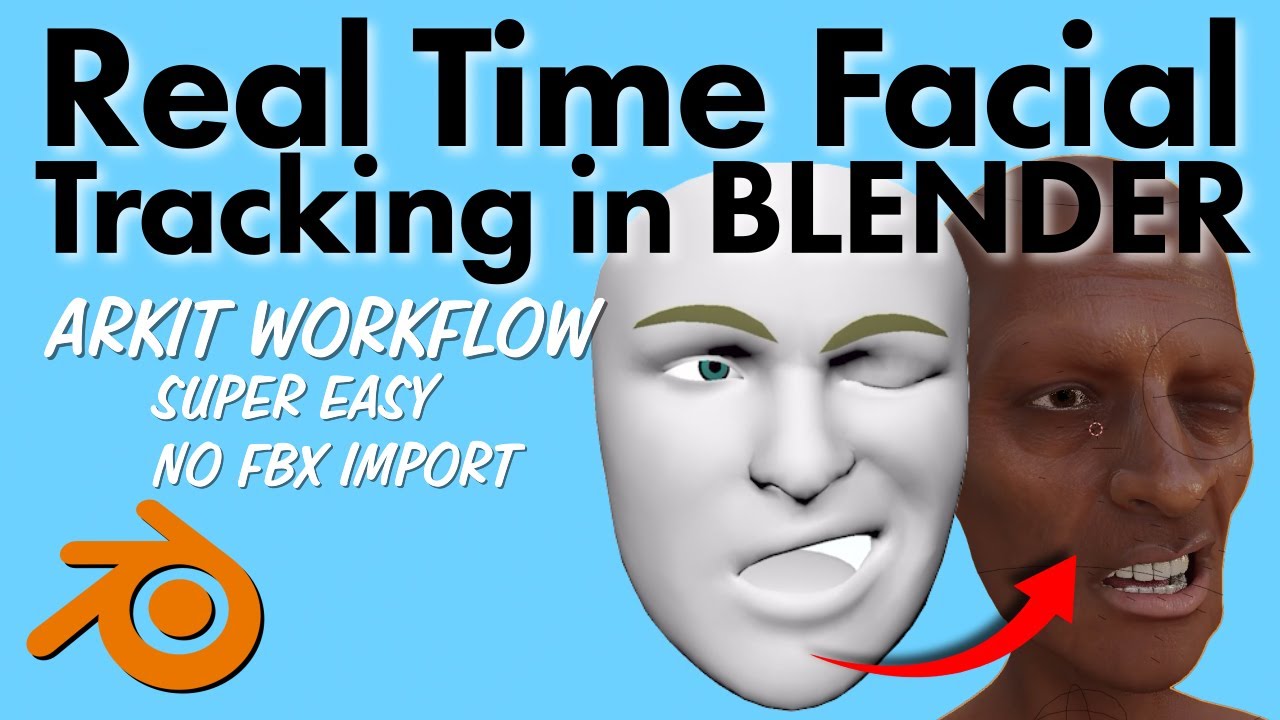
The system is based on Apple's ARKit technology. Facial animation can be captured directly with your iPhoneX series device (also on iPhone 13). The various facial expressions are defined by 52 ARKit shape keys.
How to create 52 ARKit shape keys?
manually
through external services such as Polywink
another approach is to download or purchase 3D models already equipped with the necessary 52 shape keys. You can use Daz3D or CC3 (Character Creator version 3.4).
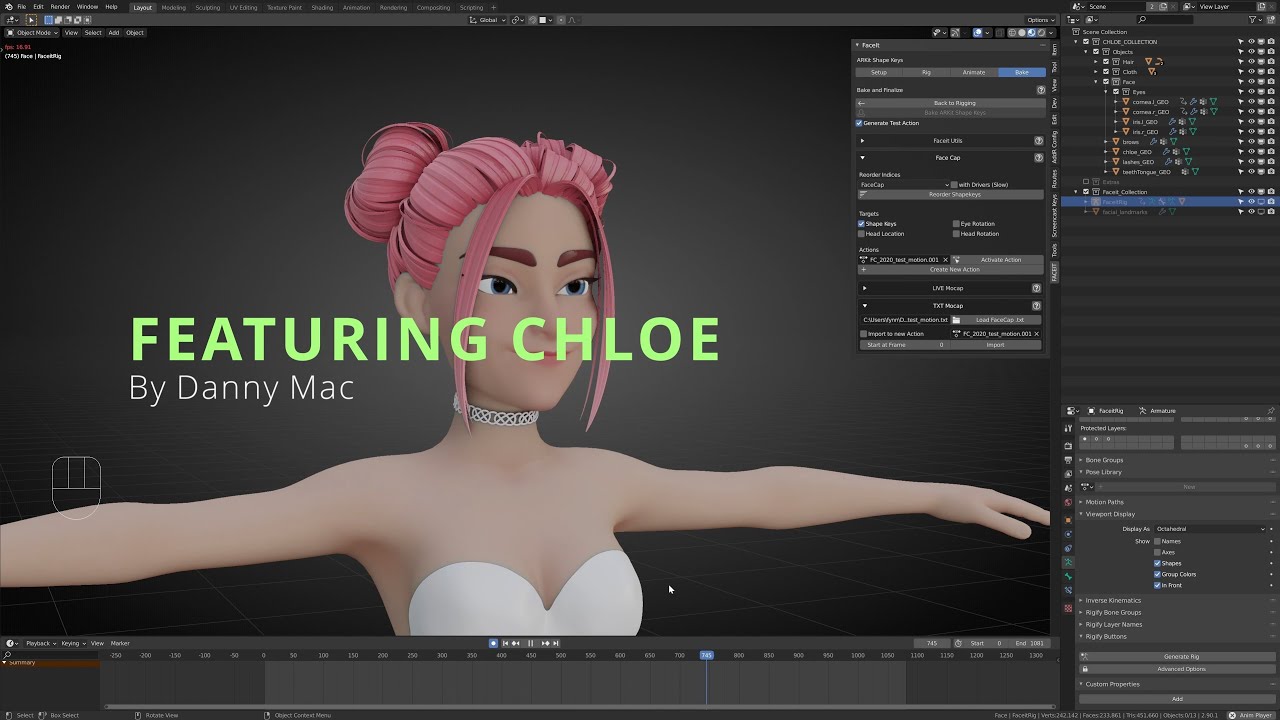
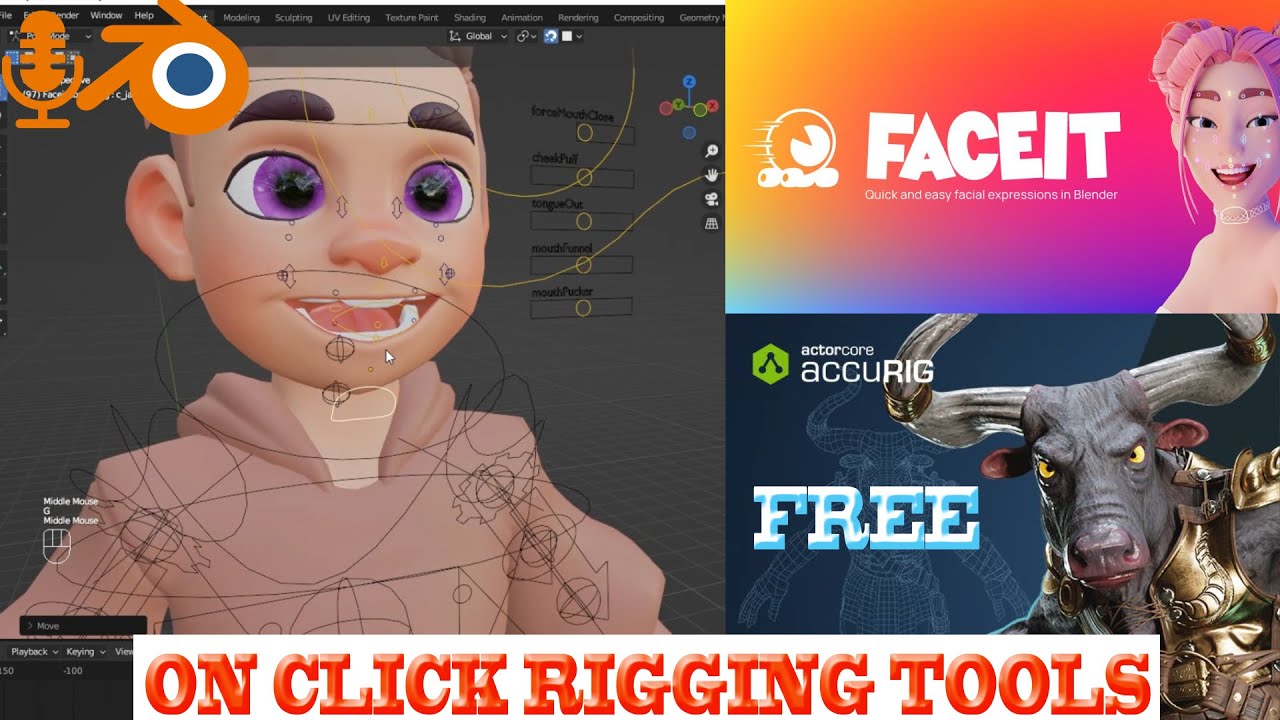
with the Blender add-on Faceit - iPhoneX Shape Keys And Performance Capture
For more information read: https://blendermarket.com/products/re...
P.S.: I apologize for my very strong accent. I hope you still managed to understand what I was saying😅.
Face Cap on Apple Store:
https://apps.apple.com/us/app/face-ca...
Chapters:
00:00 Intro
00:11 52 ARKit shape keys
00:26 Create Facial Rig & Drivers
01:16 Connect Rig to Mesh
02:40 Face Cap Mocap take
03:09 Convert the file to binary FBX
03:53 Import the FBX in Blender
05:13 Animation Retargeting phase
06:30 Fix some Facial Expression
07:15 Conclusion
Music: https://www.bensound.com
Main topis: facial animation, now aviable also for Blender 3.0, animation retargeting, facial motion capture with Face Cap (FaceCap) or Rokoko Face Capture. Rigging and facial expression management.
Повторяем попытку...

Доступные форматы для скачивания:
Скачать видео
-
Информация по загрузке: