I MADE THIS EDITING only using BASIC tools (Step-by-Step)
Автор: Alvin Rocky- Video Editor
Загружено: 2025-08-06
Просмотров: 1220
Описание:
😱SAVE You HOURS of Editing by Using my POWERFUL Chat Bot:
https://9370737116194.gumroad.com/l/e...
What is this chatbot?
You’re stuck because you spend 8 hours thinking about what animations to create.
Or worse — you’re repeating generic edits that look like everyone else.
This isn’t just ChatGPT.
This is your Private Visual Director, trained with over 500 hours of real-world editing experience, scenario design, retention hacking, and motion strategy — now built inside a bot.
The same AI system that helped me build entire editing scripts, direction flows, and viral animation blueprints for clients that paid me Over $1K a month
And today? You’re getting it for a fraction of that — while I’m making thousands with it, you’re basically paying nothing.
What Editing Stye You Want next? Documentaries, faceless, Short-form? Comment Here down Bellow and I WILL post it as soon as i see it!
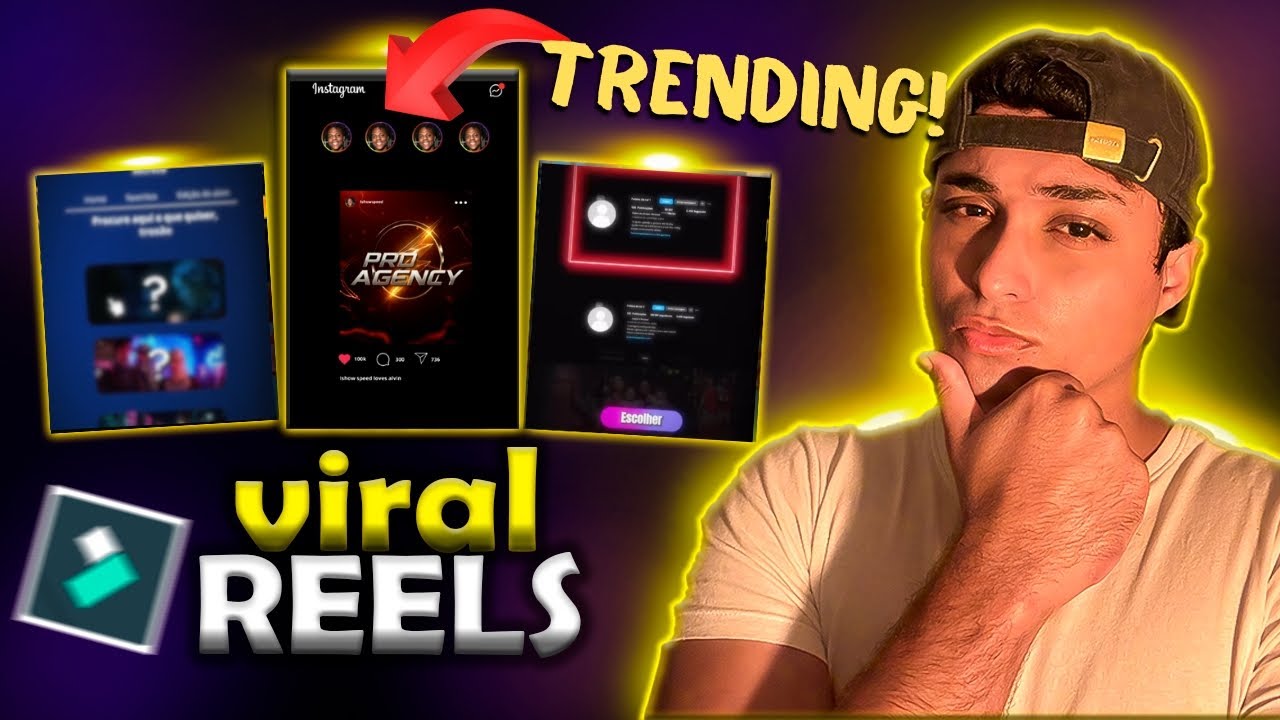
HOW To Edit VIRAL Instagram Short Videos - (Filmora & Capcut Tutorial-Part 1)
Turn advanced Instagram Reel edits into Filmora.
This tutorial shows you exactly how to replicate a viral motion-graphics style (originally made in After Effects), using only Filmora, and yes—everything shown in this video can also be recreated in CapCut!
Whether you're brand new to editing or switching tools, you’ll discover:
How to build UI elements, motion graphics, and overlays using Filmora’s built-in tools
Step-by-step methods to duplicate viral editing styles for Instagram Reels or TikTok
CapCut-compatible alternatives for every effect shown
Pro pacing, transitions, text animations, and color techniques—without extra plugins
This is the ultimate beginner-friendly editing breakdown for 2025. Use this to flex your creative skills, level up your videos fast, and finally make Reels that grab attention and go viral.
✅ What’s Inside
Breakdown of each editing step—Motion graphics, screen overlays, colored UI animations
Clear labels showing how to replicate the exact same effect in CapCut (even if you don’t have Filmora)
Before-and-after comparisons to prove it’s beginner-accessible
Export and format settings optimized for IG Reels, TikTok, and Shorts
🔔 Turn On Your Notifications
🔗 Subscribe here: / @alvinrockyofc
💬 Stay part of the editing journey by commenting below:
What effect should I break next?
🔁 Latest video here:
🎥 Learn more tips and get updates on Instagram, TikTok & Twitter:
Instagram: / alvinrockyy
🔖Keyword-Rich
viral video editing, instagram reel editing, filmora tutorial, capcut tutorial, filmora reel effects, filmora editing tips, beginner video editing, motion graphics editing, ui animation tutorial, reel editing 2025, how to edit reels, filmora vs capcut, reel editing challenge, recreate viral edit, short form editing, how to use filmora, capcut motion graphics
Повторяем попытку...
Доступные форматы для скачивания:
Скачать видео
-
Информация по загрузке: