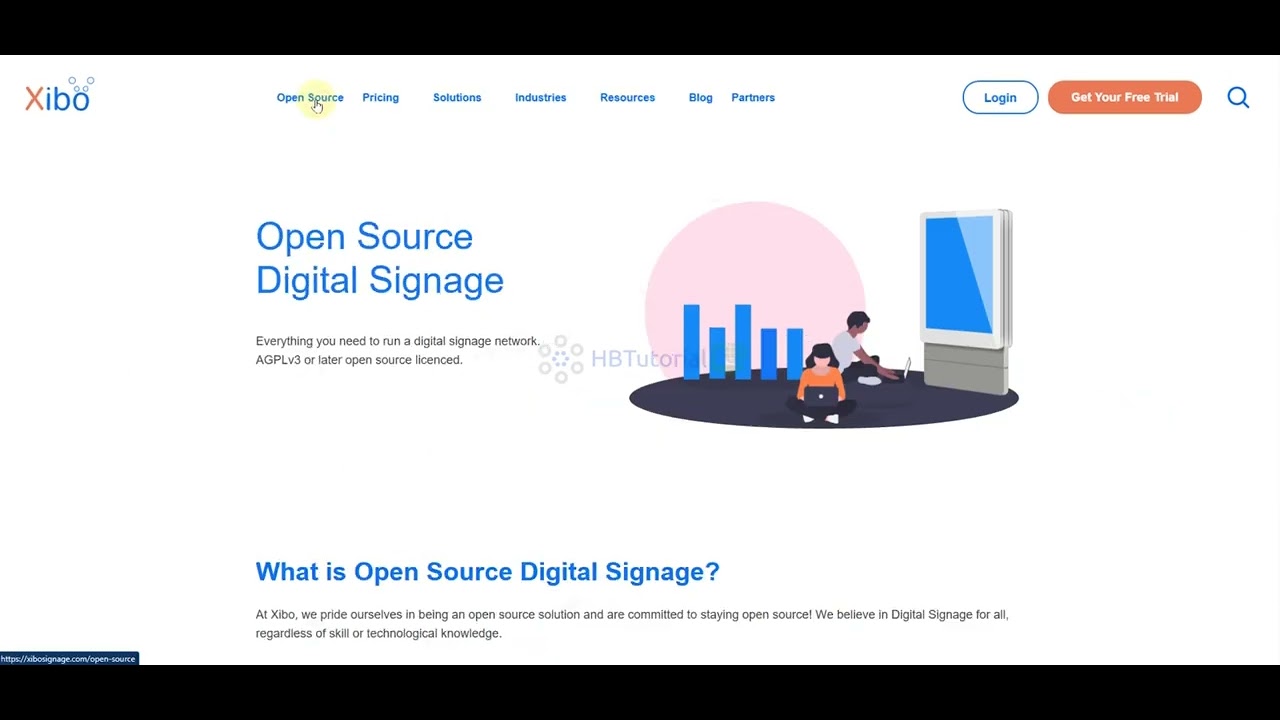
How to install Xibo CMS in Ubuntu
Автор: Dos Victorias Mexican Food
Загружено: 2017-05-17
Просмотров: 20552
Описание:
How to install Docker, Docker-compose, and Xibo 1.8.1
in Ubuntu 16.04 LTS
After installing Ubuntu 16.04 LTS:
Create a new user with administrative rights and a secure password. Log out and log new user in.
Get updates.
A Firewall is important for any kind of Operating System. UFW is installed by default but it is a command line program and it's disabled by default. By installing GUFW, you manage it graphically. After the installation is complete, open Dash and Search for "GUFW" to configure it. Open TCP Port 9505, TCP Port 80, and TCP Port 443. Check the Xibo documentation for more info.
Install Docker and Docker Compose. This installation is for the Xenial version of Ubuntu. Check the Docker website if you need a different version. To find out your Ubuntu version type the "lsb_release -cs" sub-command, without quotes. It displays the name of your Ubuntu version, like xenial or trusty.
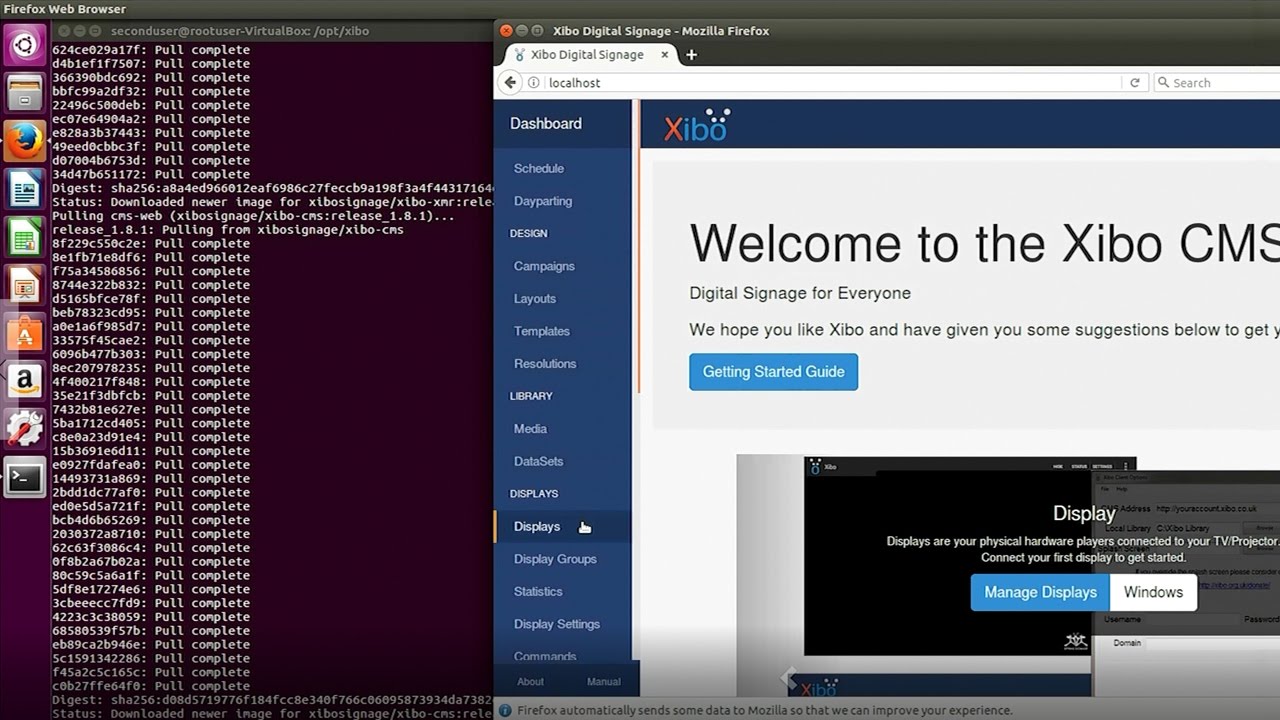
Install Xibo CMS. Bring the CMS up. In Firefox browser type localhost and login with the default user name:xibo_admin and password:password.
VirtualBox - https://www.virtualbox.org
Ubuntu 16.04 LTS - https://www.ubuntu.com/download/desktop
Docker - https://docs.docker.com/install/linux...
Docker Compose - https://docs.docker.com/compose/install/
Xibo documentation - http://xibo.org.uk/manual/en/install_...
Music by:
Crossing the Chasm Kevin MacLeod (incompetech.com)
Licensed under Creative Commons: By Attribution 3.0 License
http://creativecommons.org/licenses/b...
Music was trimmed and looped to fit the length of the video.
Повторяем попытку...
Доступные форматы для скачивания:
Скачать видео
-
Информация по загрузке: