How to DEINTERLACE Video in Premiere Pro
Автор: One Minute Premiere
Загружено: 2023-02-21
Просмотров: 15411
Описание:
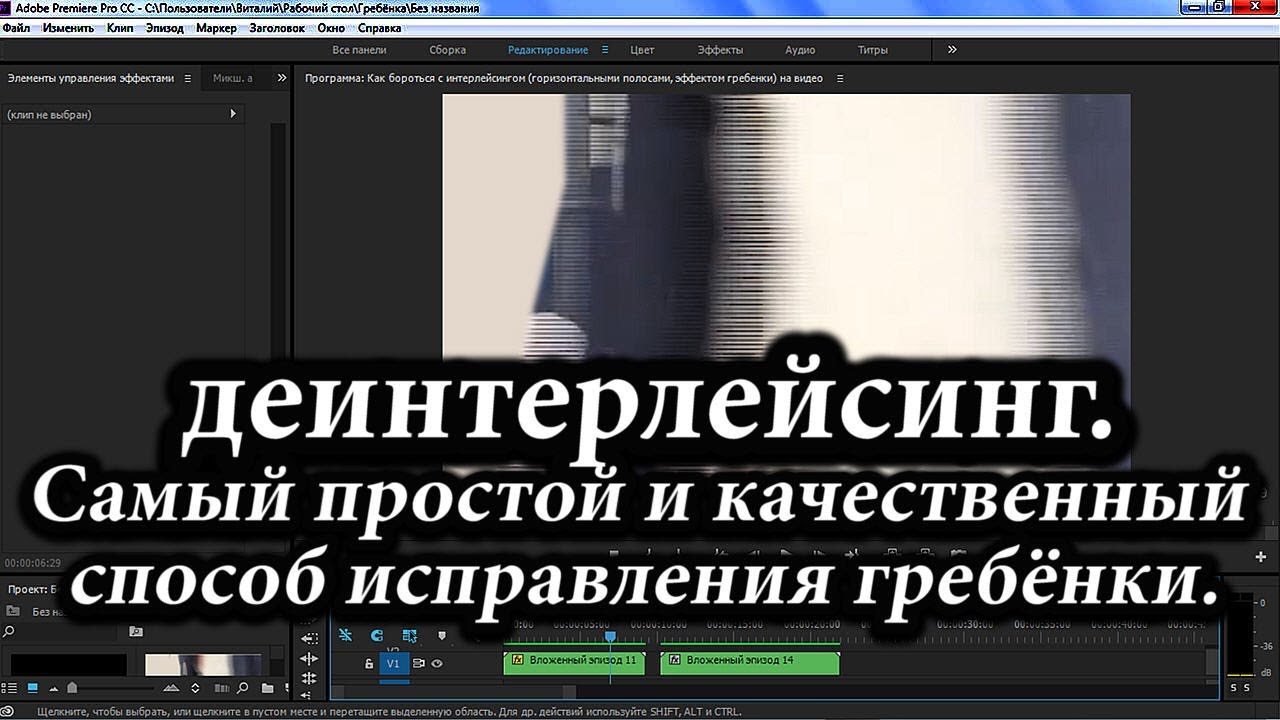
To begin I added a video to my timeline that I would like to deinterlace.
Just right-click in your video and select field options.
In the popup window, make sure the processing is set to always deinterlace then click ok.
Deinterlacing the video, will scan your videos and remove half the frames that are not needed.
🔔 Subscribe and Learn MORE: https://bit.ly/3D6M6p3
#premiere_pro #premiere_pro_effects #premiere_pro_tutorials
deinterlace video, deinterlace video in premiere pro, deinterlace video in a minute in premiere pro, deinterlace video fast in premiere pro, how to deinterlace video, how to deinterlace video in premiere pro, premiere pro deinterlace video, premiere deinterlace video, one minute premiere, remove frames that are not needed,how to remove frames that are not needed,how to ,remove frames that are not needed in premiere pro, in premiere pro,how to remove frames that are not needed in premiere pro,how to in premiere pro
Important Videos and Playlists
======================================
💡 Premiere Pro Tutorials: • Premiere Pro Tutorials
💡 Premiere Pro Effects: • Premiere Pro Effects
💡 Premiere Pro Environment: • Premiere Pro Environment
💡 Premiere Pro Basics: • Premiere Pro Basics
💡 Premiere Pro Essentials: • Premiere Pro Essentials
💡 Premiere Pro Advanced: • Premiere Pro Advanced
►I want to mention that this video is original content of the One Minute Premiere channel, it takes a lot of time and energy to create content that are clear and concise.
❤ Thank YOU for watching! If you know someone who could use this video, share it with them!
👇🏼 Have any questions? Leave a comment below.
✉ Contact me for any inquiries at: [email protected]
Повторяем попытку...

Доступные форматы для скачивания:
Скачать видео
-
Информация по загрузке:




![Convert Interlaced to Progressive Video [ Deinterlace Tutorial Using Adobe Media Encoder ]](https://imager.clipsaver.ru/MVaZ8iTK3nk/max.jpg)