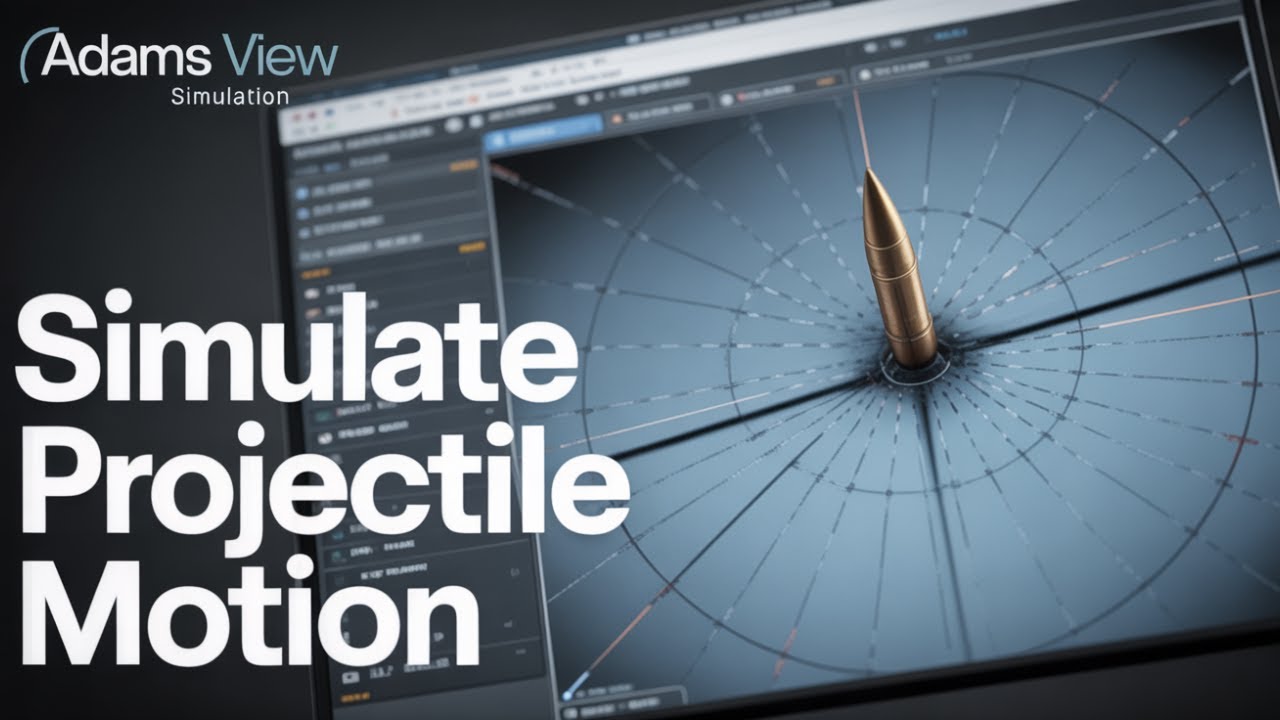
Projectile Motion Model Setup in Adams View?
Автор: IGENIUS CAD
Загружено: 2025-10-16
Просмотров: 92
Описание:
Please subscribe for more videos
Welcome to this beginner-friendly tutorial on MSC Adams, the powerful multibody dynamics simulation software. In this video, you’ll learn how to model the initial setup for `projectile launched at an angle` studies, focusing on gravity configuration and project renaming. This tutorial provides essential steps for `kinematics` setup, making it ideal for `physics for beginners` looking to understand `motion in 2d` in `physics` simulation.
🛠️ What You’ll Learn in This Video:
✔️ Introduction to the MSC Adams interface
✔️ Setting up the geometry and constraints of the lift mechanism
✔️ Applying joints, actuators, and motion inputs
✔️ Running dynamic simulations
✔️ Analyzing motion and performance of the lift system
📌 Software Used: MSC Adams View
📁 Level: Beginner to Intermediate
🔍 This tutorial is ideal for those interested in multibody dynamics, mechanism simulation, and mechanical system design.
👉 Don’t forget to like, subscribe, and drop a comment if you want more tutorials on mechanical systems, FSAE simulations, or MSC Adams projects!
COME SAY HI
Links
Facebook
facebook.com/Amoakokoduah
Twitter
twitter.com/koduahAmoako
Instagram
instagram.com/koduah_tk
#MSCAdams #LiftMechanism #EngineeringSimulation #CADtutorial #AdamsSimulation #MechanicalEngineering #MechanismDesign #MultibodyDynamics #FSAE
🔧 What You’ll Learn:
✔️ Introduction to the MSC Adams interface
✔️ Setting up gravity and initial conditions
✔️ Renaming your project for clarity
📌 Software Used: MSC Adams View
📁 Difficulty: Beginner
✅ Don’t forget to like, subscribe, and leave a comment if you found this helpful or want more tutorials!
Повторяем попытку...
Доступные форматы для скачивания:
Скачать видео
-
Информация по загрузке:


![Как сжимаются изображения? [46 МБ ↘↘ 4,07 МБ] JPEG в деталях](https://image.4k-video.ru/id-video/Kv1Hiv3ox8I)
