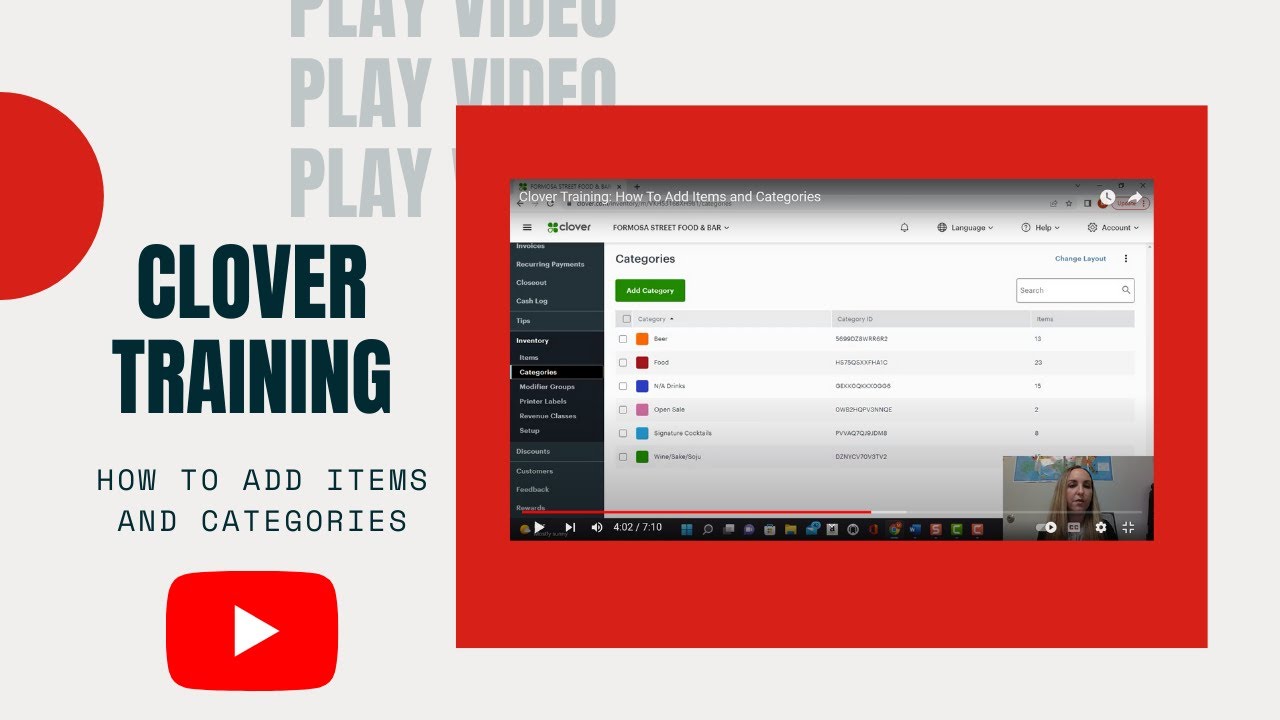
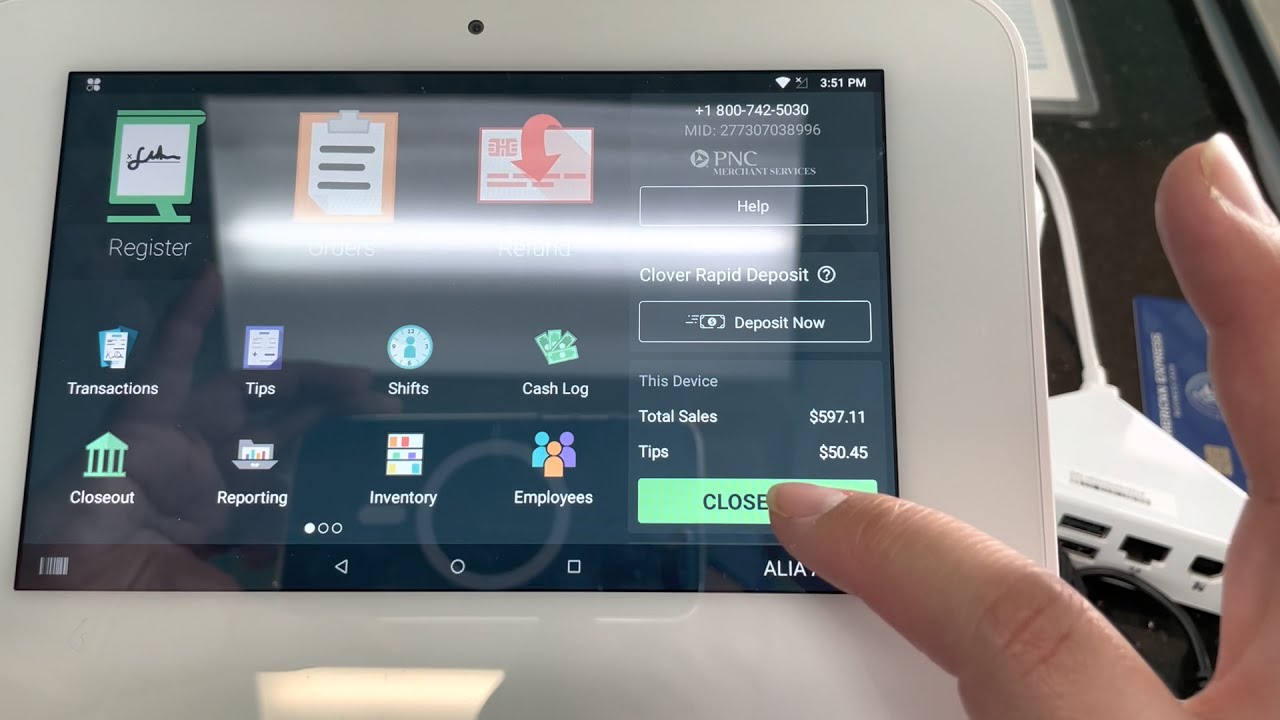
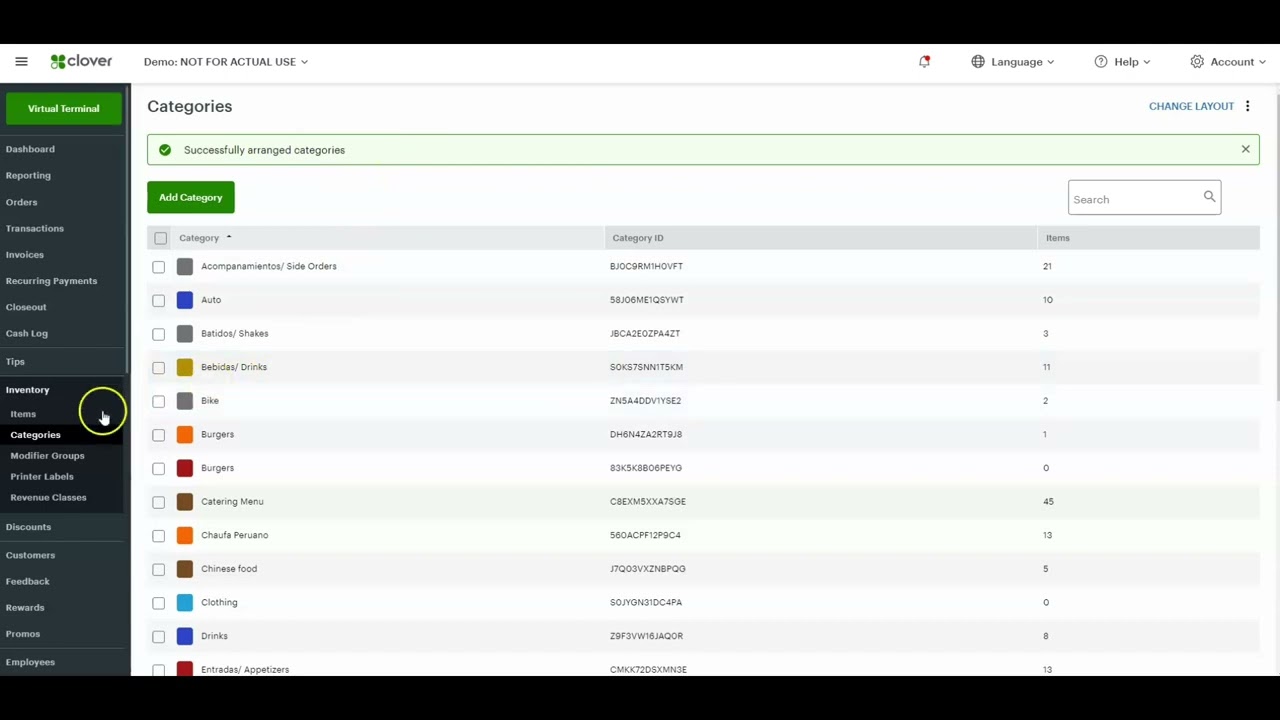
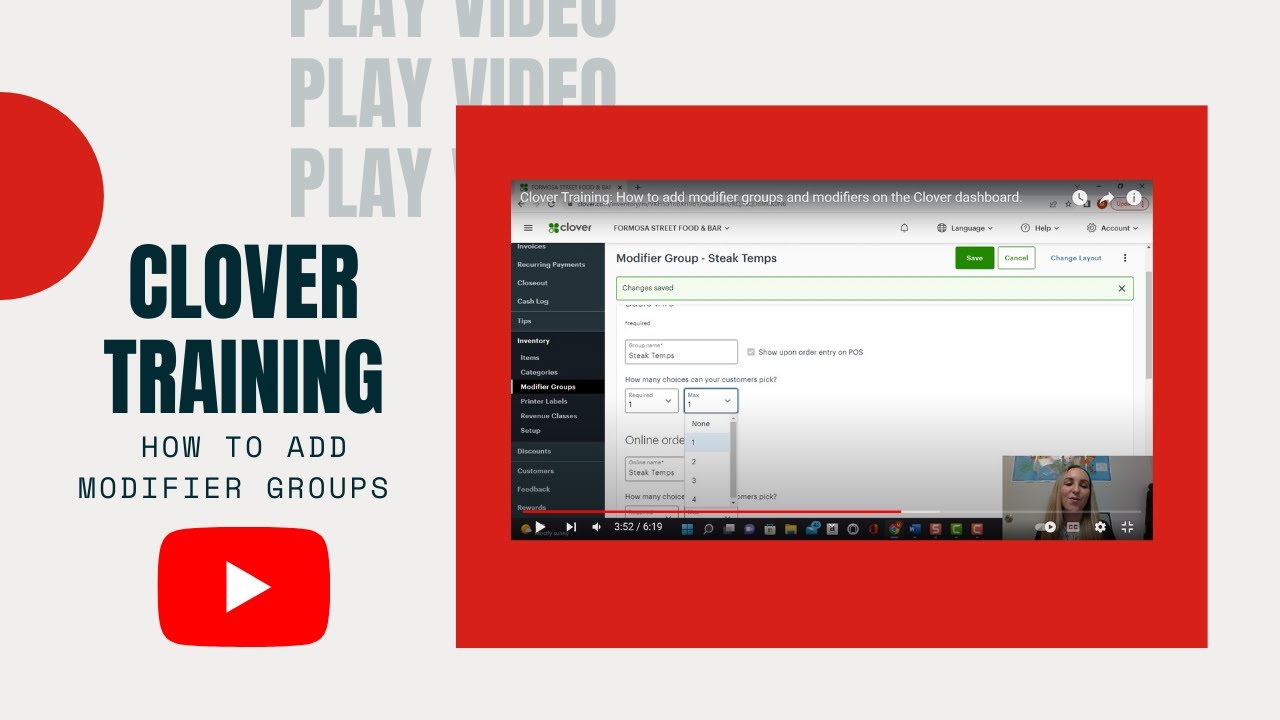
Clover POS Systems training: How to add modifier groups and modifiers on the Clover dashboard.
Автор: POSsystems101
Загружено: 2022-11-04
Просмотров: 9786
Описание:
Having the option to add modifiers on your Clover system allows you to provide your customer with a more personalized experience, strengthening their loyalty by obtaining the quality service they are looking for.
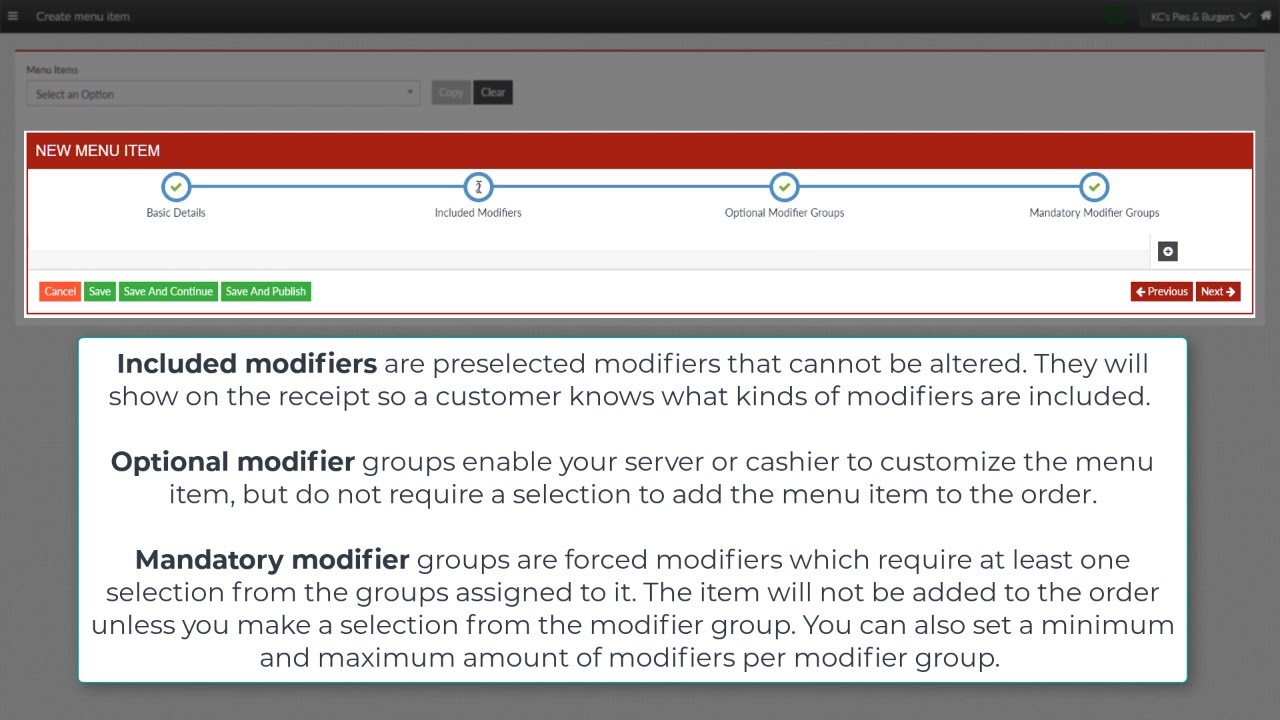
The Clover point of sale systems allow you to add modifiers such as cooking temp, levels of spice, extras or side dishes, flavors, and much more!
Learn how to do it step by step in this Clover training video.
Don't forget to subscribe and stay up to date with our videos, dedicated to the best Clover POS Systems.
Learn more about the Clover Dashboard: https://floridapayments.com/product/c...
Read more about our Clover POS Systems: https://floridapayments.com/product-c...
Go to our website: https://floridapayments.com/
Visit our Blog: https://floridapayments.com/blog/
Share this video: • Clover POS Systems training: How to add mo...
Say Hi on social media!
Follow Us on Facebook: / directprocessingnetwork
Follow Us on Instagram: / dprocessingnetwork
Follow Us on Twitter: / floridapayments
Follow Us on LinkedIn: / direct-processing-network
#Cloverdashboard #cloverpos #Cloverapp #Cloverpossystem #Clovercreditcardmachine #Cloverappmarket #Cloverpossystems #Clovernetwork #cloverpayment #clovermachine #cloversystem #clovermobileapp #cloveronlineorder #clovervirtualterminal
Повторяем попытку...
Доступные форматы для скачивания:
Скачать видео
-
Информация по загрузке: