Unity Level Selection Optimization | Reusable Functions, PlayerPrefs & UI Flow Part 97
Автор: Tasty Cherry Games
Загружено: 2026-02-14
Просмотров: 34
Описание:
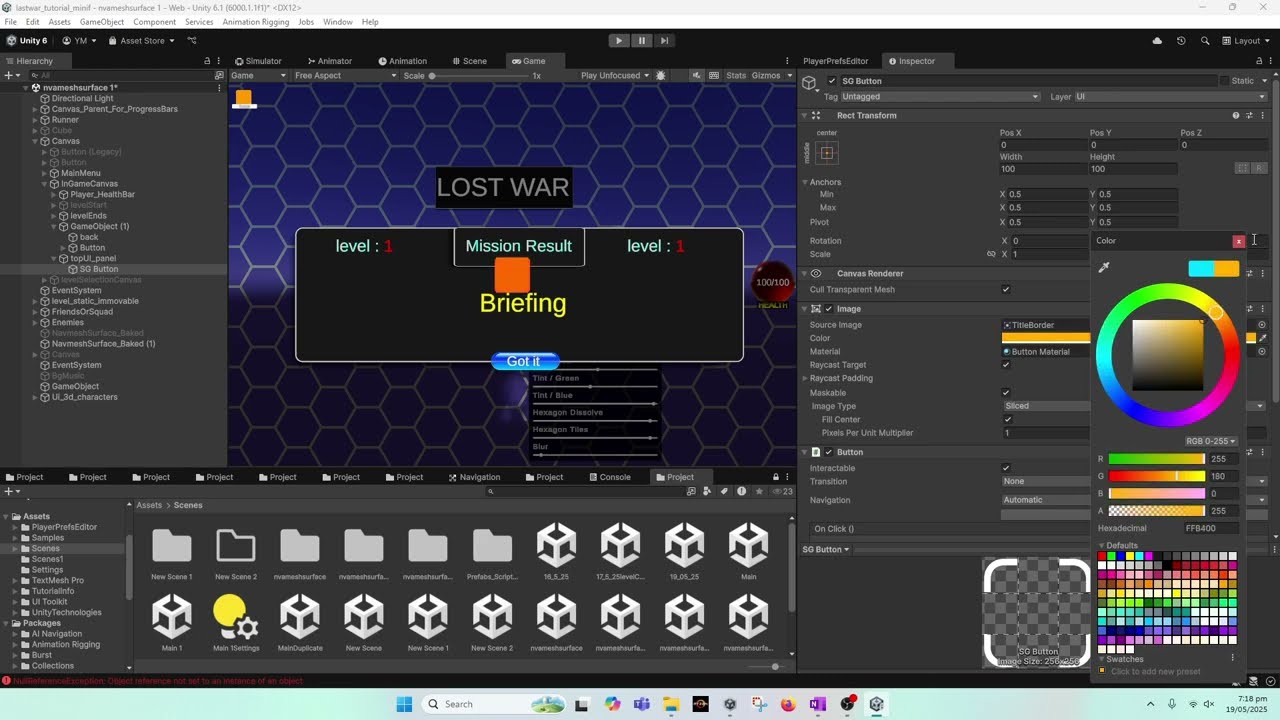
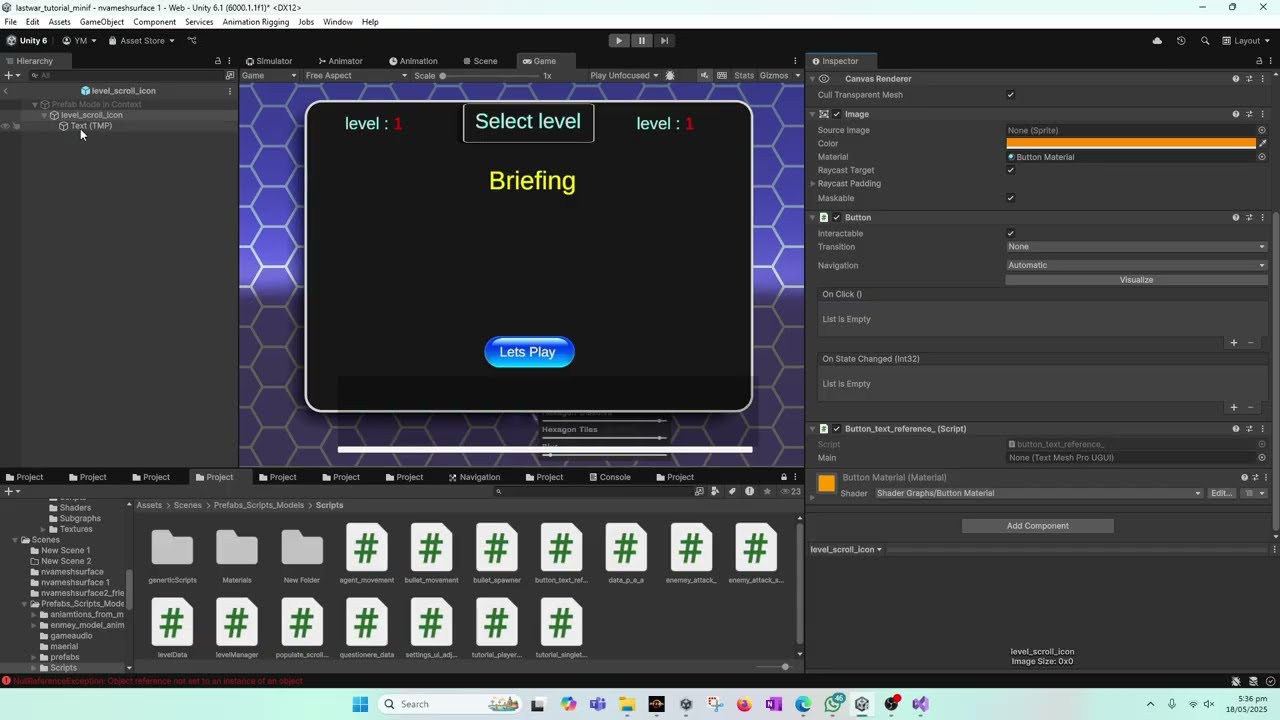
In this Unity tutorial, we optimize the level selection system by refactoring button logic into reusable functions, fixing runtime initialization issues, and properly managing UI canvas flow between Tap-to-Start, Level Selection, and In-Game screens.
Previously, the OnButtonClicked logic could not be reused because it depended on the clicked GameObject. In this video, we solve that problem cleanly by introducing a new function called UpdateLevelSelectionPanel(int levelIndex). This allows the same logic to be reused both when a button is clicked and when the level selection UI is initialized at runtime.
What We Fix and Improve in This Tutorial
We start by identifying a major issue:
OnButtonClicked() could not be reused
Start() had no reference to the clicked button
Level selection could not auto-initialize correctly
Refactoring for Reusability
To fix this:
We extract the core logic from OnButtonClicked
Create a new method:
UpdateLevelSelectionPanel(int levelNumber)
Move all parsing, UI updates, and validation logic into this method
Call it from both:
Button click events
Start() method during runtime population
This makes the system cleaner, reusable, and scalable.
Runtime Initialization Using PlayerPrefs
Next, we:
Read LevelsCleared from PlayerPrefs at startup
If no value exists, it defaults to 0
This correctly locks the first level by default
As progress increases, the system:
Automatically selects the correct level
Updates the UI without user interaction
This ensures the Level Selection Panel always reflects player progress.
Fixing Default Level Behavior
You’ll see how:
Level 1 appears locked when no progress exists
Clearing Level 1 unlocks Level 2 automatically
Changing PlayerPrefs values updates the UI instantly
No manual clicking is required for initialization
Proper UI Flow (Tap to Start → Level Selection → Gameplay)
We then clean up UI flow by:
Adding a Level Selection Canvas reference inside LevelManager
Creating a new function:
ShowLevelSelectionCanvas()
Replacing the old ShowInGameCanvas() call
Ensuring:
Tap-to-Start opens Level Selection
Level Selection opens Gameplay
Level Selection hides when the game starts
Fixing Serialized Field Errors
A common Unity mistake appears:
Renaming a variable breaks serialized references
Causes runtime “not assigned” errors
We fix this by:
Reassigning references correctly
Verifying all public GameObjects in the Inspector
Testing UI transitions step-by-step
Camera & Character Visibility Fix
We also solve a visual bug:
Random characters visible during gameplay
Caused by main camera rendering inactive objects
Solution:
Disable unused character GameObjects
Ensure only the selected character is active
Result: clean, correct in-game visuals
End Result
By the end of this tutorial:
Level selection initializes automatically
Code is modular and reusable
UI transitions are clean and predictable
PlayerPrefs logic is reliable
The system is ready for:
Level unlock on finish
Briefing text content
Progression expansion
In the next tutorial, we’ll:
Unlock levels when a level is completed
Add briefing text content
Finalize the full level progression loop
Повторяем попытку...

Доступные форматы для скачивания:
Скачать видео
-
Информация по загрузке: