I Gave an AI Agent Full Control of My Browser (Hermes)
Автор: Vivek Shetye
Загружено: 2026-05-18
Просмотров: 3177
Описание:
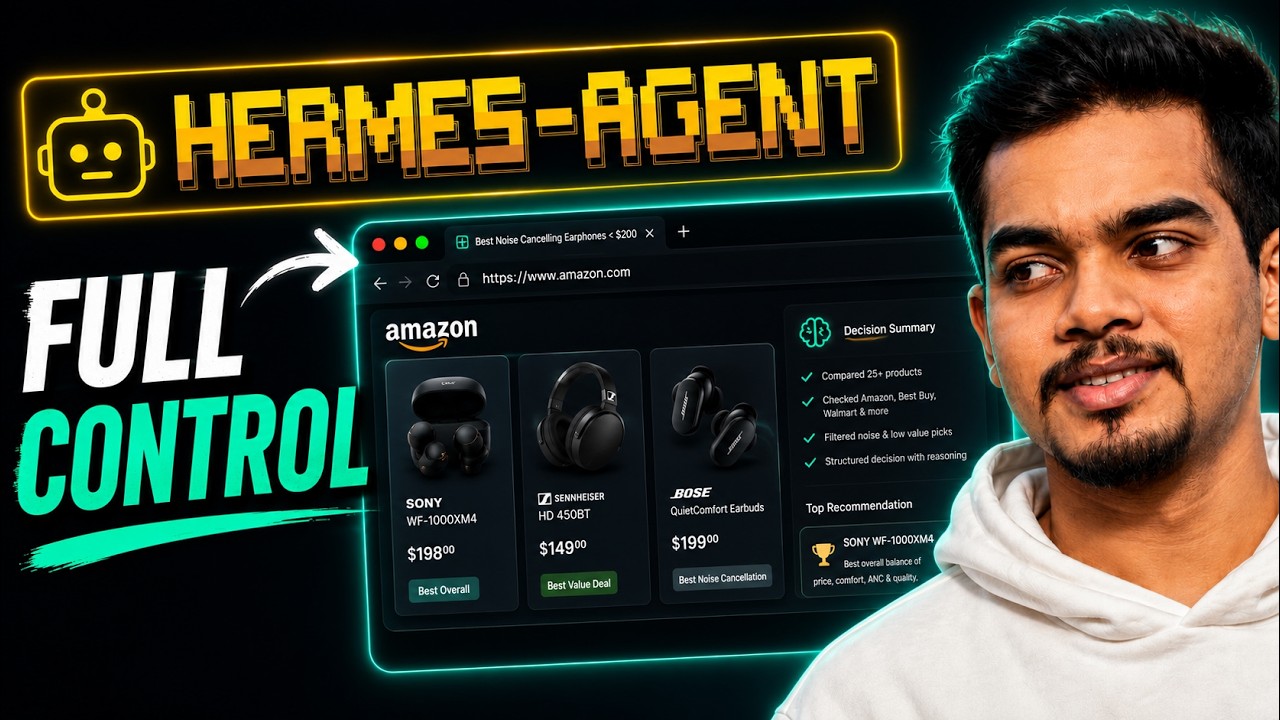
In this video, I gave Hermes full control of my browser using the Chrome DevTools Protocol. I watched it open sites, read real discussions, compare products across Amazon, Best Buy, and Walmart, filter out low-quality results, and produce a ranked decision matrix — completely hands-free.
But this isn't just about shopping. This is about what becomes possible when a browser stops being a tool you use and becomes an environment an AI agent operates inside.
🔧 What You'll Learn
How to install and set up Hermes as a local AI agent
How to connect Hermes to Chrome via Chrome DevTools Protocol (CDP)
How to give your AI agent real browser tasks — research, compare, validate, and synthesize
What a real AI-powered browser automation workflow looks like end-to-end
The types of complex workflows you can build next (job applications, QA testing, repetitive tasks)
📌 Chapters
00:00 – What happens when AI controls your browser
00:21 – The real demo: researching noise-cancelling earphones hands-free
00:52 – How Hermes AI Agent controls your Browser
01:54 – Installing Hermes with a single command
03:02 – Setup Chrome with remote debugging enabled for Hermes Agent
04:40 – Connecting Hermes to Chrome via Chrome DevTools Protocol
05:07 – Giving Hermes a real research task
05:21 – How Hermes searches, validates, and self-corrects
06:11 – Hermes Agent Response decision matrix: ranked results with reasoning
07:13 – What this means for browser automation at scale
07:46 – What's coming next: parallel agents and automation pipelines
🔗 Resources Mentioned
Hermes Installation → https://hermes-agent.nousresearch.com...
Hermes Browser Use → https://hermes-agent.nousresearch.com...
🎁 Minimax M2.7 Model 10% off Token Plan → https://platform.minimax.io/subscribe...
🤖 What Is Hermes?
Hermes is a self-improving AI assistant that remembers context, automates tasks, and gets better over time. It connects directly to Chrome via CDP — giving it the ability to open websites, click elements, read page content, and navigate multi-step workflows autonomously, just like a human would, but without you lifting a finger.
⏭️ Next Video
I'll show you how to scale this beyond a single task — running multiple agents in parallel to build fully AI-powered automation pipelines. Subscribe so you don't miss it.
If this was useful, the like button genuinely helps this reach more builders. Subscribe for more real-world AI agent builds.
#automation #hermes #ai #agent #aiautomation #browsefeatures #agenticai #minimax #chrome
Повторяем попытку...
Доступные форматы для скачивания:
Скачать видео
-
Информация по загрузке: