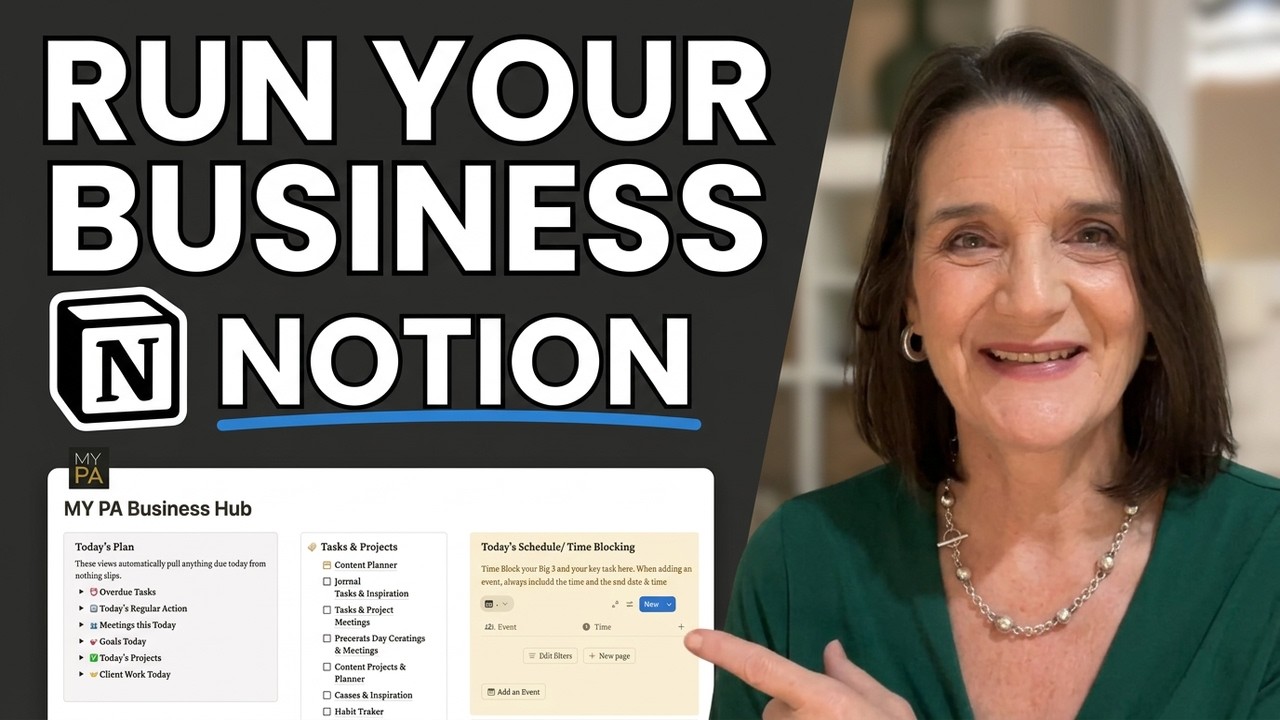
How I Use Notion to Run My Entire Business | MY PA Business Hub
Автор: My PA Planner
Загружено: 2025-12-06
Просмотров: 167
Описание:
How to organise your entire business in ONE place in Notion
In this video, I walk you through the MY PA Business Hub for Notion - the complete system that puts your agenda, plans, tasks, goals, clients, money and planning into one calm, clear workspace.
If you’re tired of juggling 10 different apps or keeping everything in your head, this will feel like a breath of fresh air. I’ll show you how to install the Hub, how the dashboard works, how to add things quickly, and how all the business pages fit together so you always know exactly what needs attention.
What you’ll learn in this demo:
• How to install the Business Hub in Notion
• How the dashboard keeps you focused daily and weekly
• How to add tasks, events, goals, leads and client work
• How payments, bills and invoices are tracked automatically
• How your business plan, brand, offers and finances all live in one place
• How to stay organised without overwhelm
Whether you're just starting your business or you’re doing everything alone, this system will help you feel more organised, more supported and more in control.
👇 Links
• Get the MY PA Business Hub
US & Int https://www.mypaplanner.com/my-pa-bus...
UK https://www.mypaplanner.co.uk/my-pa-b...
• Quick Start Guide
• MY PA Planner & Notion System
US & Int https://www.mypaplanner.com/my-pa-not...
UK https://www.mypaplanner.co.uk/my-pa-n...
If this demo helps, don't forget to like and subscribe — it really supports the channel.
Time Stamps
00:00 — Intro: What the MY PA Business Hub is
00:30 — How to install the Business Hub into Notion
01:09 — Opening the dashboard & full-screen view
01:20 — Why the dashboard is the heart of the system
01:50 — Planner menu vs Business menu
02:30 — Monthly calendar widget overview
02:40— This week’s focus & weekly goals
02:52 — Today’s focus, goals, and regular actions
03:19 — Quick to-dos & reminders
03:31 — Quick notes area
03:40 — Quick Add buttons (events, tasks, leads, invoices, etc.)
04:14 — Adding an event demo
05:00 — Today’s plan & Time blocking section (overdue, meetings, schedule, habits, bills)
06:05 — This Week At A Glance
06:16 — Weekly schedule & time-blocking view
06:29 — Ideas, notes, wellness & instructions
06:45 — Daily, weekly, monthly, yearly planner pages
07:15 — Business Hub page overview
07:34 — Business Plan, Exporting your Business Plan to PDF
07:59 — Brand & Messaging page
08:15 — Adding brand assets
08:27 — Leads & Sales pipeline
08:35 — Offers & Revenue
08:48 — Client Work (client pages, notes, deadlines)
09:00 — Payments & Bills (with filters)
09:18 — Adding income, invoices, expenses
09:38 — Finance overview
09:50— Personal Finance
09:56 — Documents & Files
10:12 — What to focus on first (dashboard + quick add)
10:44 — Final message & links
Повторяем попытку...
Доступные форматы для скачивания:
Скачать видео
-
Информация по загрузке: