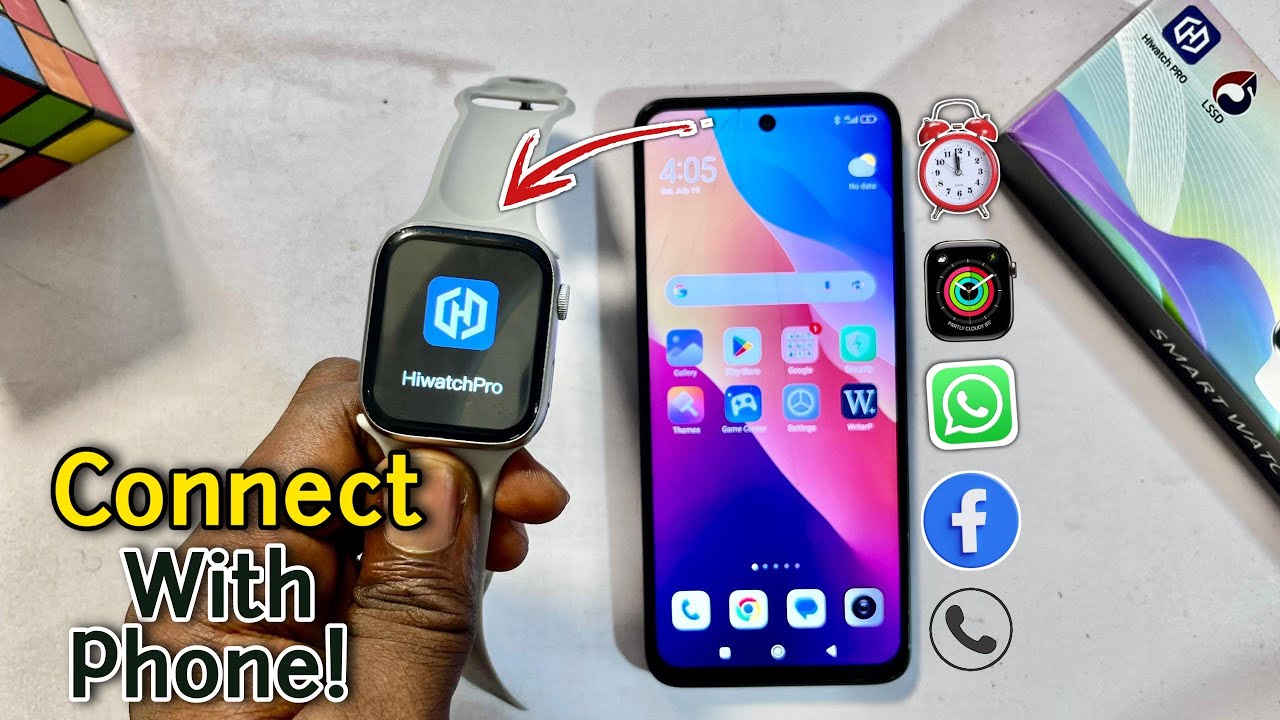
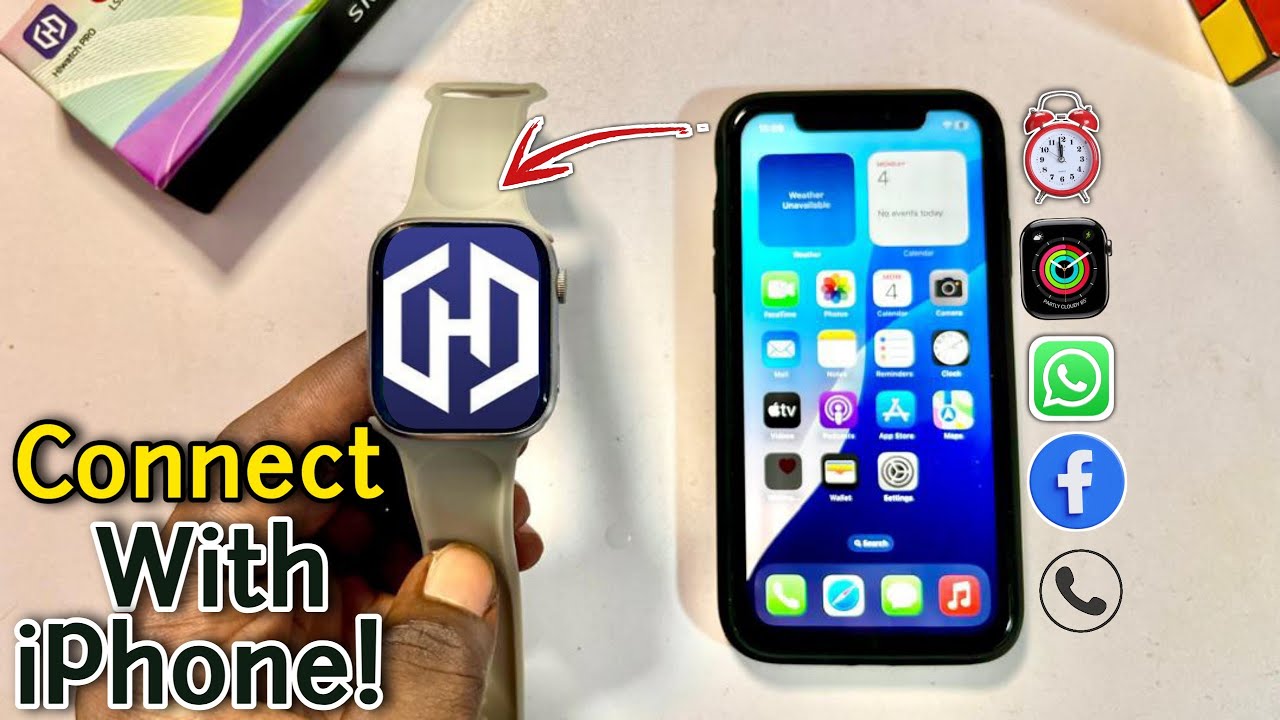
Hiwatch Ultra Smartwatch: How to Connect to Phone, Set Time & Date | Series 10 HiWatch Ultra GS
Автор: Rostone The Expert Channel
Загружено: 2025-07-14
Просмотров: 14731
Описание:
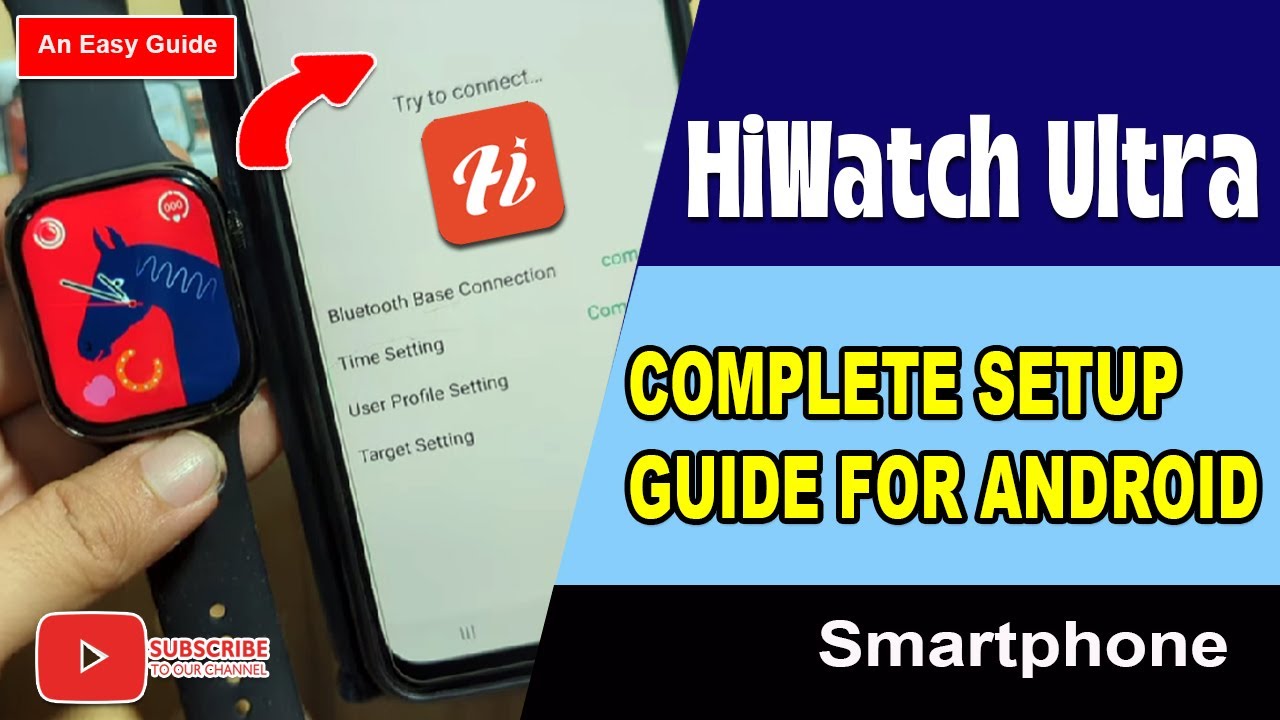
Learn how to easily connect your Hiwatch Ultra GS smartwatch to your phone and set the correct time and date!
In this step-by-step guide, I’ll show you how to pair your Hiwatch ultra with your smartphone, which app to use, and how to adjust the time and date settings quickly and correctly.
✅ Works with both Android & iPhone
🔧 No tech skills required
If your Smartwatch is using the following applications, you can find setting videos on my channel: Fitpro, FitCloudPro, Dafit, Lefun Health, MACTIVEPRO, Hryfine, ZTplus, ZTfit, Hiwatch Pro, Ferefit, Gloryfit..
Hiwatch ultra GS Smartwatch connect to phone.
How to link Hiwatch Ultra Watch to the phone.
How to set time and date Hiwatch application.
Hiwatch Ultra, Smartwatch connect and set.
Hiwatch ultra watch time settings.
Glory Fit Smartwatch Connect to phone.
This will work for all smartwatches using the Hiwatch Ultra system, including the following:
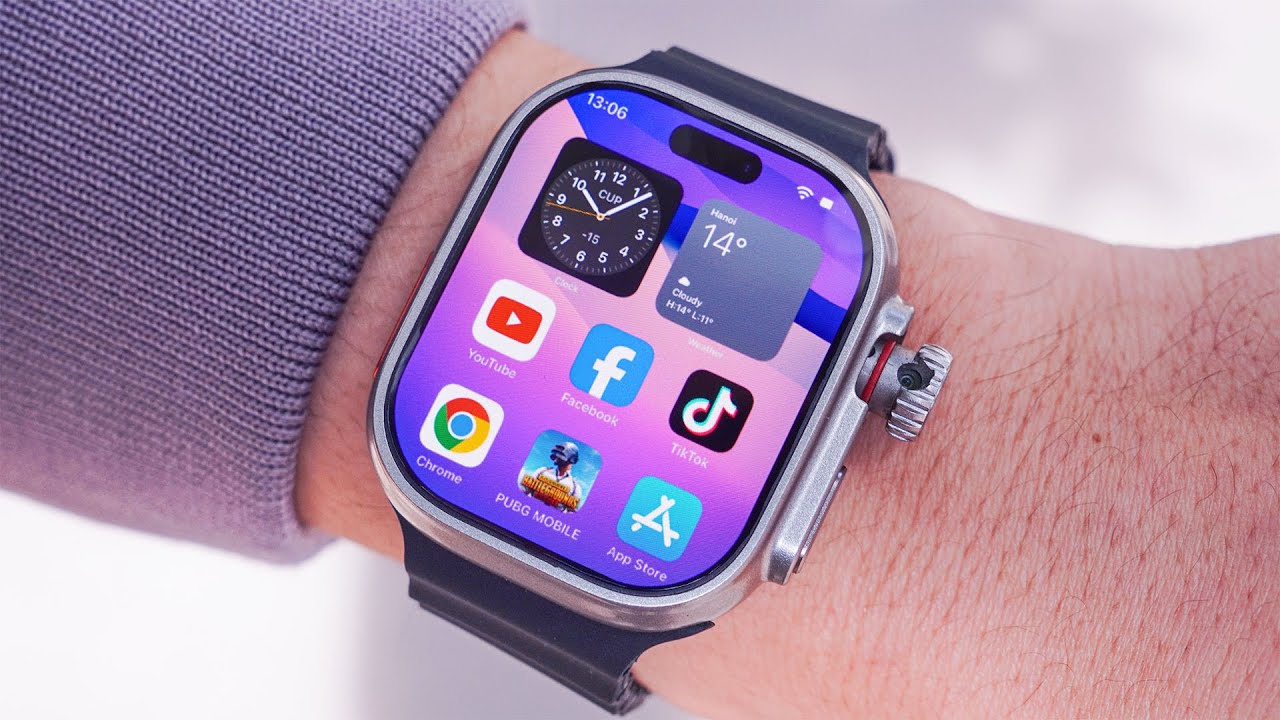
Hiwatch ultra GS smart watch.
Smart watch 7 T700.
Smart watch 8 T800.
Watch 9 T900.
Series 10 Hiwatch smart watch.
T500 plus pro.
IWO 13.
IWO 13 Pro.
T500+ Pro.
M16 Pro.
LJ736 Smartwatch.
LJ937 Smartwatch.
Ultra GS.
I8 Ultra.
GT3 Ultra.
KRF8 F8 watch.
Hello Watch 3 plus.
Ace 20 Smartwatch.
H11 Ultra plus.
I60 Ultra.
I20 Ultra 3 Max.
Watch 10 ultra.
Don’t forget to like, comment, and subscribe for more tutorials on Chinese smartwatches and budget tech!
#HiwatchUltra #SmartwatchSetup #SmartwatchTutorial #HiwatchUltraGuide #ConnectSmartwatch #SetTimeSmartwatch
Повторяем попытку...

Доступные форматы для скачивания:
Скачать видео
-
Информация по загрузке: