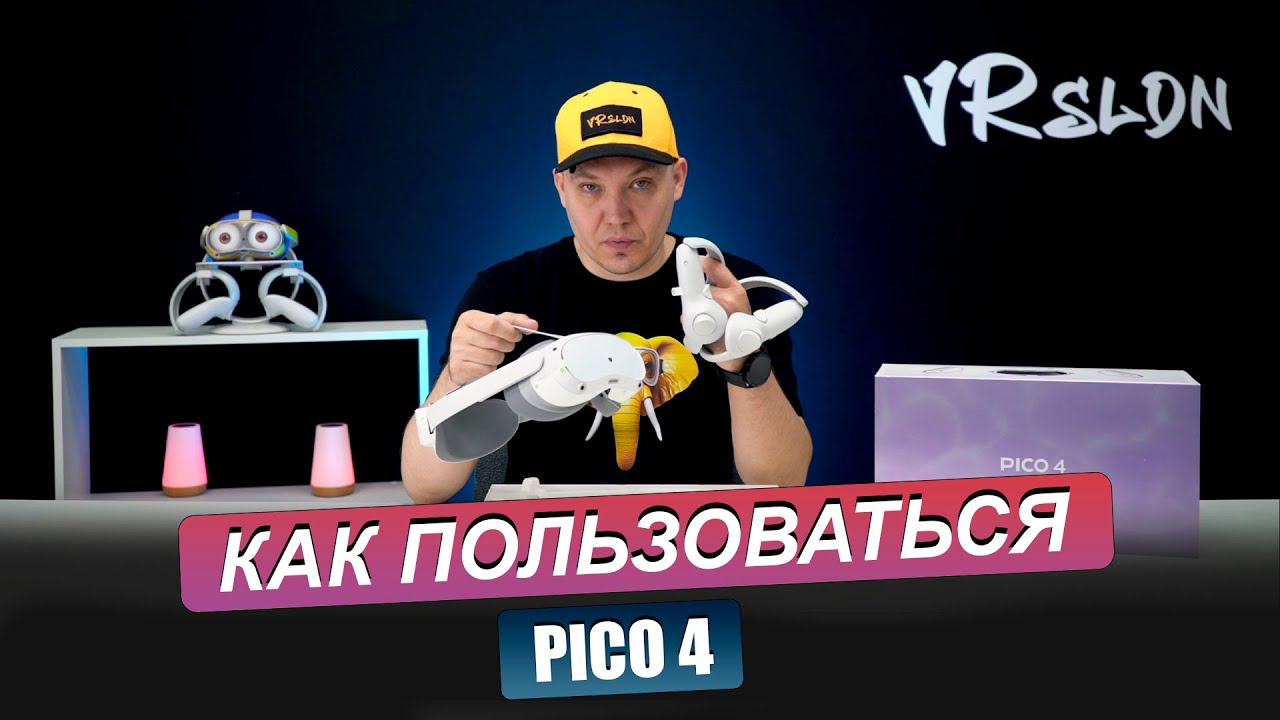
Pico 4: Using Pico motion trackers with SteamVR tutorial
Автор: Virtually Real
Загружено: 2024-03-11
Просмотров: 8690
Описание:
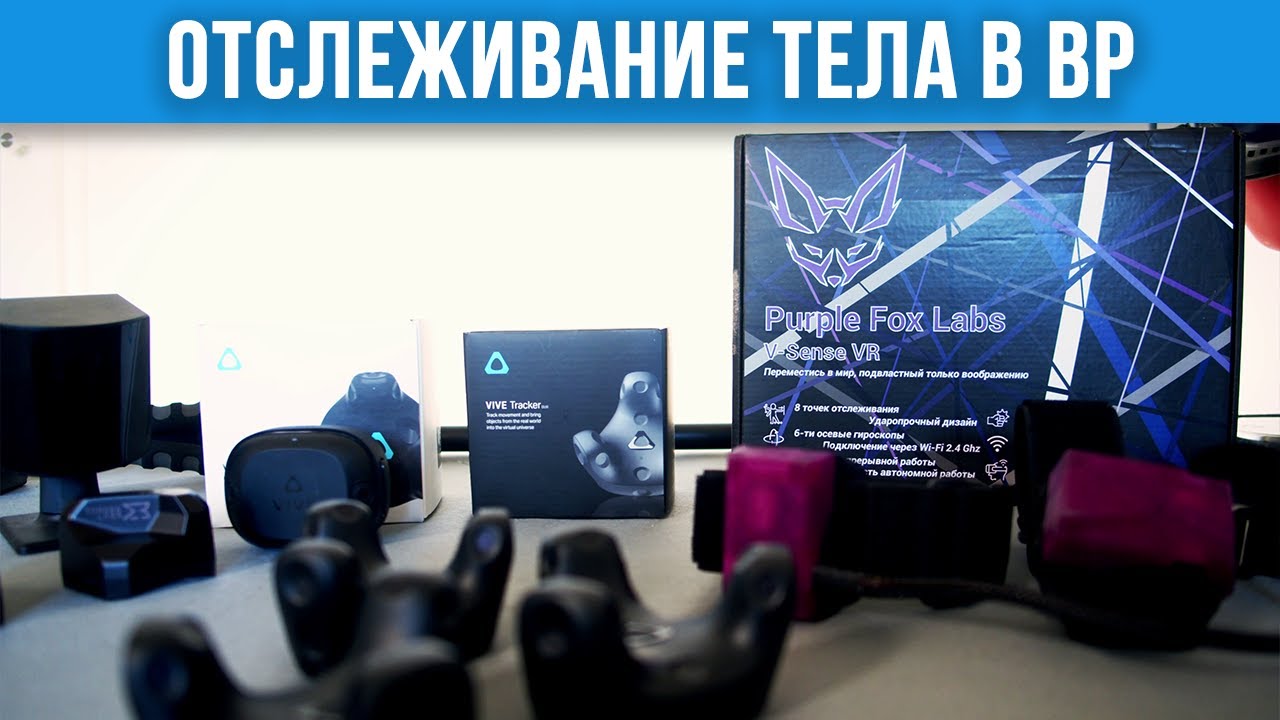
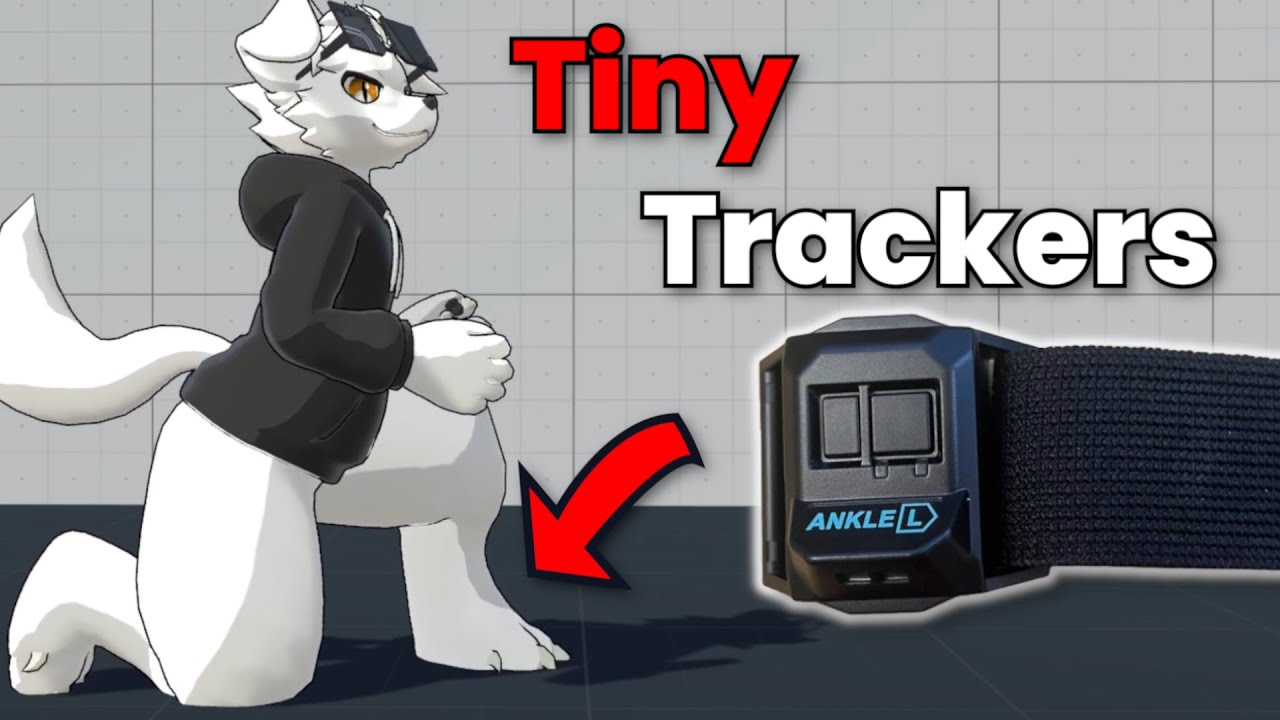
quick video sharing how to enable leg tracking with the developer motion trackers from Pico, also known as Pico fitness trackers- using the new streaming assistant just released called Pico connect.
this requires Pico 4 on 5.9.x firmware and Pico connect PC streaming software, along with the obvious motion trackers and relevant motion tracker APK.
the Pico motion trackers have been in beta for a long time, these are the first developer units, it has been noticed Pico are starting a new beta for improved trackers, so I can't promise how long compatibility will last with these versions.
these were supplied by Pico for beta testing the now cancelled Blitz Rhythm game for Pico 4.
You need to edit the settings file as shown in C:\Users\*your user name* \AppData\Roaming\PICO Connect
recalibrate from standalone as shown in the video, and you are good to go!
the trackers will populate more than 2, because it is adding estimation points for feet and hip, full body tracking ... sort of.
steamVR leg tracking, leg tracking for vrchat, leg tracking for blade and sorcery, leg tracking for pcvr, leg tracking in VR.
Повторяем попытку...

Доступные форматы для скачивания:
Скачать видео
-
Информация по загрузке:







![How to Make Pico Trackers work with SteamVR. [Pico 4]](https://imager.clipsaver.ru/3_pbF4Rid2k/max.jpg)