The World's SMALLEST Wireless CarPlay/Android Auto Adapter! Carlinkit Mini Ultra Setup Guide
Автор: CarlinKit Official
Загружено: 2025-06-10
Просмотров: 5011
Описание:
#Carlinkit #Carlinkit Mini Ultra#WirelessCarPlay #AndroidAuto
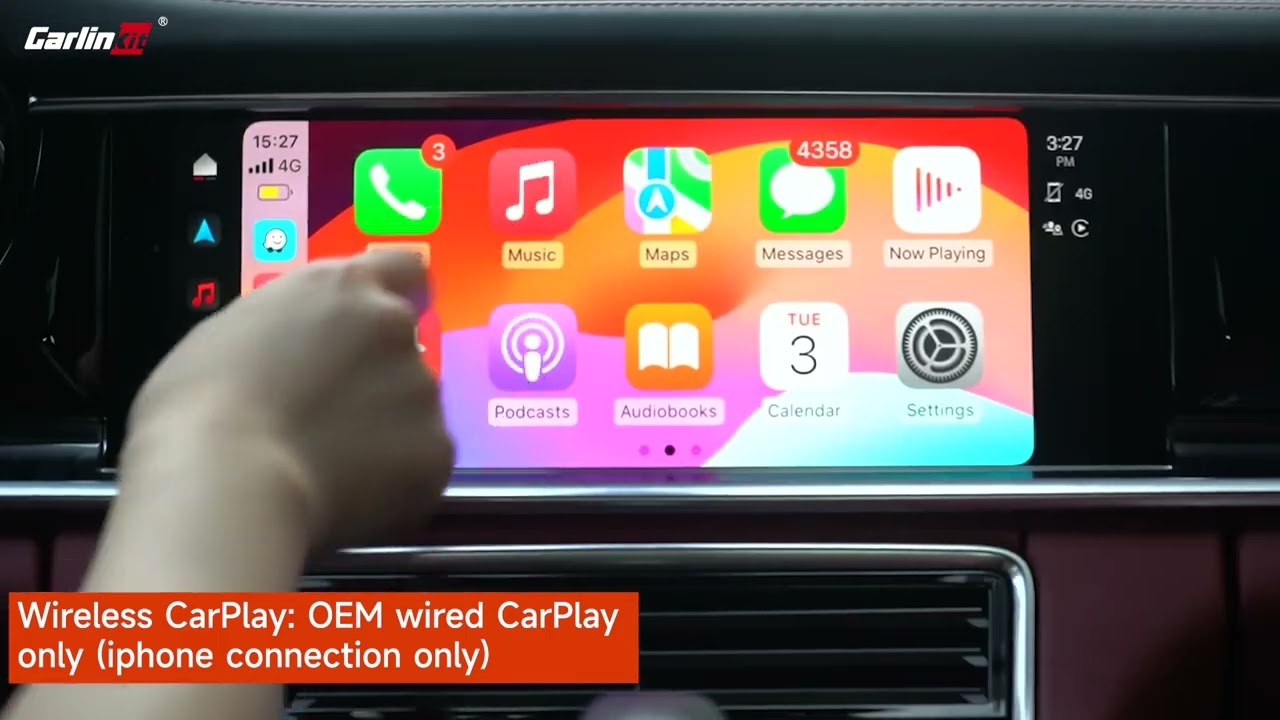
Tired of plugging in your phone every time you get in the car? It's time to go truly wireless! 🚀 In this video, we'll show you the simple, step-by-step process to connect the brand-new Carlinkit Mini Ultra adapter, instantly upgrading your car's wired CarPlay or wired Android Auto to a seamless wireless experience.
US link: https://www.amazon.com/dp/B0F6T6N2B1?maas=...
✨ *Why Choose the Carlinkit Mini Ultra?*
*The Smallest on the Market:* We designed the Mini Ultra to be the most compact adapter available. It's so small, you'll forget it's even there!
*Rock-Solid Stability:* Experience a fast and stable connection with advanced 5G Wi-Fi. No more lag or disconnects during navigation, music playback, or calls.
*Dual System Compatibility:* The ultimate 2-in-1 solution. It works flawlessly with both Apple CarPlay and Android Auto.
*Plug & Play Simplicity:* Installation is incredibly easy. After the first setup, your phone will connect automatically every time you start your car.
👇 *Video Chapters:*
00:00 - Unboxing the tiny Carlinkit Mini Ultra
00:45 - IMPORTANT: Before You Connect
01:15 - How to Connect with iPhone (Wireless CarPlay)
02:30 - How to Connect with Android Phone (Wireless Android Auto)
03:45 - Enjoying Your New Wireless Experience!
---
*【Quick & Easy Connection Guide】*
1. Plug the Carlinkit Mini Ultra into your car's USB port that supports wired CarPlay/Android Auto.
2. Turn on your phone's Wi-Fi and Bluetooth.
3. On your phone's Bluetooth menu, find the device named "Autokit-XXXX" (or similar) and tap to pair.
4. A pop-up will appear. Select "Pair" and "Use CarPlay" (or "Use Android Auto").
5. That's it! You're ready to enjoy a smart, wireless driving experience.
✅ *Compatibility Check:*
Your vehicle MUST have a factory-installed *wired* Apple CarPlay or *wired* Android Auto system.
Supports iPhone (iOS 10 and newer) and Android Phones (Android 11 and newer).
❓ *HAVE QUESTIONS?*
Ask us in the comments below! We're here to help. You can also visit our official website for more information:www.carlinkit.com
🔔 *DON'T FORGET TO SUBSCRIBE!*
Click the subscribe button and turn on notifications for more tips, tricks, and updates on all our Carlinkit products to enhance your driving experience.
Повторяем попытку...
Доступные форматы для скачивания:
Скачать видео
-
Информация по загрузке: