Скачать
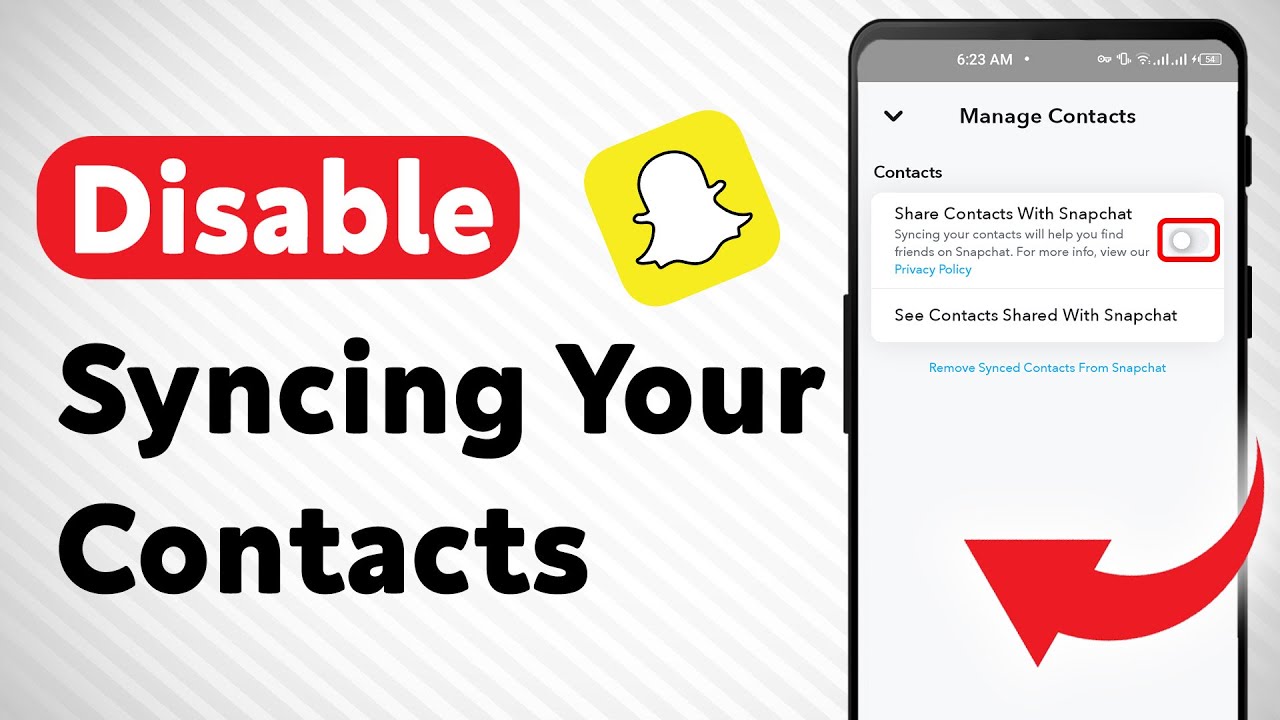
How To Disable Syncing Your Contacts on Snapchat (Updated)
Автор: Smart Fixer
Загружено: 2024-04-26
Просмотров: 4699
Описание:
Learn how to easily disable syncing your contacts on Snapchat with our updated tutorial:
1. Open the Snapchat app.
2. Tap on your profile icon at the top-left corner.
3. Tap the gear icon at top right.
4. Scroll down and tap Contacts Syncing (located under Account settings).
5. Turn off Share Contacts with Snapchat.
Discover the step-by-step process to prevent your contacts from syncing on Snapchat, ensuring your privacy and data security.
For advertiser contact us via email : [email protected]
Не удается загрузить Youtube-плеер. Проверьте блокировку Youtube в вашей сети.
Повторяем попытку...
Повторяем попытку...
Доступные форматы для скачивания:
Скачать видео
-
Информация по загрузке: