Dell PowerEdge R740xd Server | Solid State Drives | Hard Drives | How to Test with Dell Diagnostics
Автор: Cloud Ninjas
Загружено: 2023-11-10
Просмотров: 2278
Описание:
Dell PowerEdge R740xd - This will be the third video of our PowerEdge R740xd video series. Today, we will be covering the different storage options for the R740xd server as well as support drive speeds and capacities. We will also show you how to install your drives as well as test them with Dell Diagnostics and HD Sentinel. This video series includes:
1. CPUs - • Dell PowerEdge R740xd Server CPUs | Intel ...
2. Memory - • Dell PowerEdge R740xd Server Memory Overvi...
3. Drives - • Dell PowerEdge R740xd Server | Solid State...
4. Network Cards - • Dell PowerEdge R740xd Server NICs | Networ...
5. RAID - • Dell PowerEdge R740xd Power Supplies Overv...
6. BIOS - • Dell PowerEdge R740xd Mass Updates | BIOS,...
7. iDRAC - • Dell PowerEdge R740xd Server | iDRAC9 Upgr...
8. Mass Updates - • Dell PowerEdge R740xd Mass Updates | BIOS,...
9. How to set IP Address - • Dell PowerEdge R740xd Server IP Address Se...
10. How to Install VMware ESXi - • Dell PowerEdge R740xd VMware Overview | VM...
11. Power Supplies - • Dell PowerEdge R740xd Power Supplies Overv...
12. How to Rack - • Dell PowerEdge R740xd | How To Rack a Serv...
13. How to install Windows Server 2019 - • Dell PowerEdge R740xd Windows Server Opera...
If there is anything else you would like to see, then please drop a comment, and let us know. We want this video series to be a great tool for the Dell community. Ask questions. Answer questions. Help each other out.
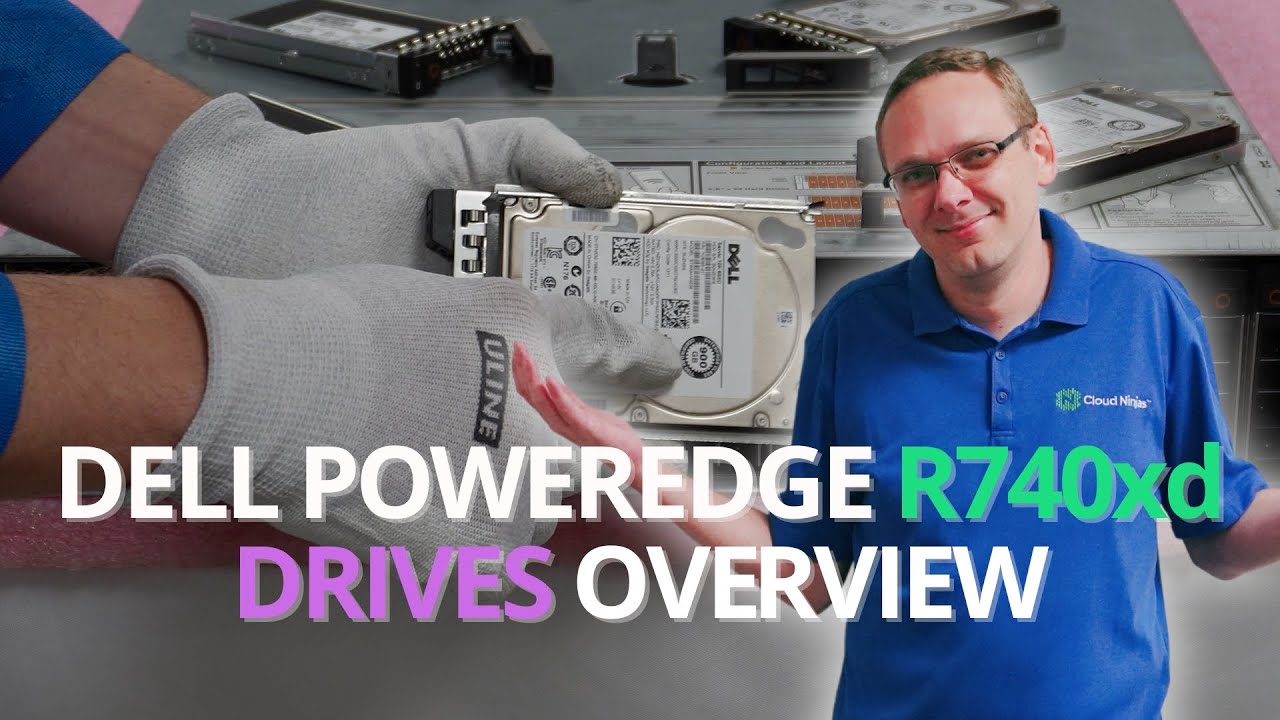
Let's get rolling. The Dell PowerEdge R740xd supports three types of drives: Serial-Attached SCSI (SAS), Serial ATA (SATA) and Solid-State Drives (SSD). SAS drives have supported speed options of 7.2K, 10K and 15K RPM. SATA drives have only one speed option: 7.2K RPM. SSDs can run at speeds of 3GB/s, 6GB/s, or 12GB/s. The Dell PowerEdge R740xd has two chassis options, the 12 Bay and the 24 Bay; Both are SFF. We’ve been able to install drives with capacities of 2.4TB for SAS, 2TB for SATA, and 7.68TB for SSDs. If you have had higher drive capacities work with your R740XD, share your findings in the comments below. We are interested to hear what others have found.
We will also show you how to install a new drive into your R740xd. Both chassis for the R740xd accept hot swap drives. Installing drives into a hot swap system is very easy and requires no cabling. Hot swap means you can install a drive while the server is running. We will also go over how to test your drives with Dell Diagnostics and HD Sentinel. Dell Diagnostics will test more than just the drives, but we will utilize this test to make sure our drives are performing well. Dell will provide an amber light for predictive failure. This is very common on 15K SAS drives because their bearings wear out over time. HD Sentinel is great for checking the Health Scores and Power on Hours for drives.
Let us know what you would like to see next on the channel, and thanks for stopping by!
Please smash that subscribe button and learn more about Cloud Ninja’s server upgrades.
Do you want to buy a refurbished Dell PowerEdge R740xd server? You can custom configure your own server. We have 12 Bay and 24 Bay SFF options in stock.
https://cloudninjas.com/products/dell...
Buy Dell PowerEdge R740xd Server Memory Upgrades -
https://cloudninjas.com/collections/p...
Buy Dell PowerEdge R740xd Server Solid State Drive Upgrades –
https://cloudninjas.com/collections/p...
Buy Dell PowerEdge R740xd Server Network Cards –
https://cloudninjas.com/collections/d...
Buy Dell PowerEdge R740xd Server Enterprise iDRAC9 License–
https://cloudninjas.com/collections/d...
Buy Dell PowerEdge R740xd Server Windows Server Operating System–https://cloudninjas.com/collections/d...
Follow us on:
/ realcloudninjas
/ realcloudninjas
/ cloudninjas
Повторяем попытку...
Доступные форматы для скачивания:
Скачать видео
-
Информация по загрузке: