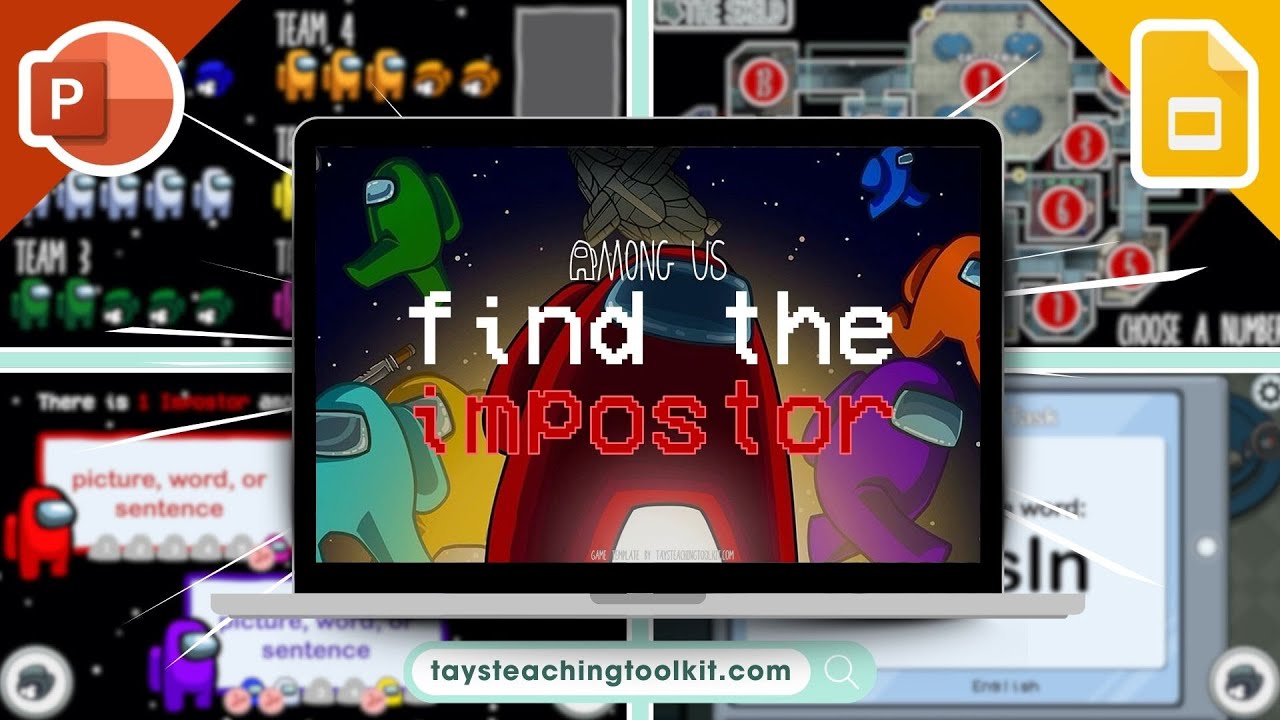
AMONG US: FIND THE IMPOSTOR | Free PowerPoint & Google Slides Game for ESL, EFL, & Foreign Languages
Автор: Tay's Teaching Toolkit
Загружено: 2021-07-16
Просмотров: 29195
Описание:
This video is only a preview of the PowerPoint. Download the full (free!) game template at https://taysteachingtoolkit.com/b/amo...
🌟 𝐆𝐀𝐌𝐄 𝐅𝐄𝐀𝐓𝐔𝐑𝐄𝐒
_____________________________
✭ Much of the game concept comes from the actual gameplay of the Among Us game
✭ Features graphics, animations, and sound effects similar to the game as well
✭ Includes interactive voting and in-game scoring slides
✭ Only works with PowerPoint 2013 or later - earlier versions have issues with slides resetting
🖥 𝐇𝐎𝐖 𝐓𝐎 𝐏𝐋𝐀𝐘
_____________________________
➊ Split students up into 6 teams (blue, white, green, orange, yellow, and pink).
➋ Each team starts the game with 5 lives.
➌ Each round, a team will choose a number on the map.
➍ That number will go to one of two slides: either a voting slide or a task slide.
➎ On the voting slide, there are three crewmates with boxes next to them.
➏ Teams discuss which crewmate they think is the impostor.
➐ When time is up, each team will cast their vote by saying the word or sentence in the box of their choice.
➑ After all teams have cast their votes, the teacher will reveal which of the three crewmates was the impostor.
➒ If on the voting slide, the impostor had the most votes, all teams stay alive (no one loses any lives).
➓ However, if the impostor didn't have the most votes or there was a tie, the teams who didn't vote for the impostor lose a life and the team(s) who did vote for the impostor gain a life.
➊➊ The teacher keeps track of each team's lives on the in-game scoring slide.
➊➋ On the task slide, teams will be confronted with a certain task, which ultimately is up to you when you edit game. Example tasks include unscramble a word or sentence, translate, answer the question, fill-in-the-blank, use the picture to say a word/sentence, etc.
➊➌ One student from each team will stand up and once the teacher reveals the task, the first student to raise their hand and complete the task correctly gains a life for their team.
➊➍ If a team loses all their lives, they become a ghost. Meaning, their team can still vote, but the only way they can get back in the game is to gain a life through a task (can't through voting).
➊➎ The team with the most lives at the end of the game is the winner!
➊➏ Further instructions on how to play/how to use the PowerPoint can be found in the notes section of each slide. However, VERY IMPORTANT, make sure you use the in-game hyperlinks to switch between slides - don't click or press the arrow keys or space bar - or you will reset the scoring, map, and voting slides.
💡 𝐕𝐀𝐑𝐈𝐀𝐓𝐈𝐎𝐍𝐒
_____________________________
▸ To play as a speaking game, use images in the boxes on the voting slides. To play as a reading game, use words or sentences in the boxes.
▸ To play as a writing game, give each team a whiteboard and dry erase marker and have them cast their vote by writing the word/sentence of their choice. Then when time is up, one by one each team will reveal their vote.
#powerpointgame #eslgame #eflgame #languagegame #educationalgame #googleslidesgame
Повторяем попытку...
Доступные форматы для скачивания:
Скачать видео
-
Информация по загрузке:









![Я Прошёл Все НЕВОЗМОЖНЫЕ Сиды в Майнкрафт! [Beppo на русском]](https://imager.clipsaver.ru/F8oEc9Y5ojM/max.jpg)