2019 Ram 3500 Air Lift WirelessAIR Compressor System for Air Helper Springs: Complete Installation
Автор: etrailer
Загружено: 2022-02-23
Просмотров: 995
Описание:
Click for more info and reviews of this Air Lift Air Bag Compressor Kit:
https://www.etrailer.com/Air-Bag-Comp...
Check out some similar Air Bag Compressor Kit options:
https://www.etrailer.com/dept-pg-Air_...
Search for other popular Ram 3500 parts and accessories:
https://www.etrailer.com/vehicle/2019...
https://www.etrailer.com
Don’t forget to subscribe!
/ etrailertv
Full transcript: https://www.etrailer.com/tv-install-a...
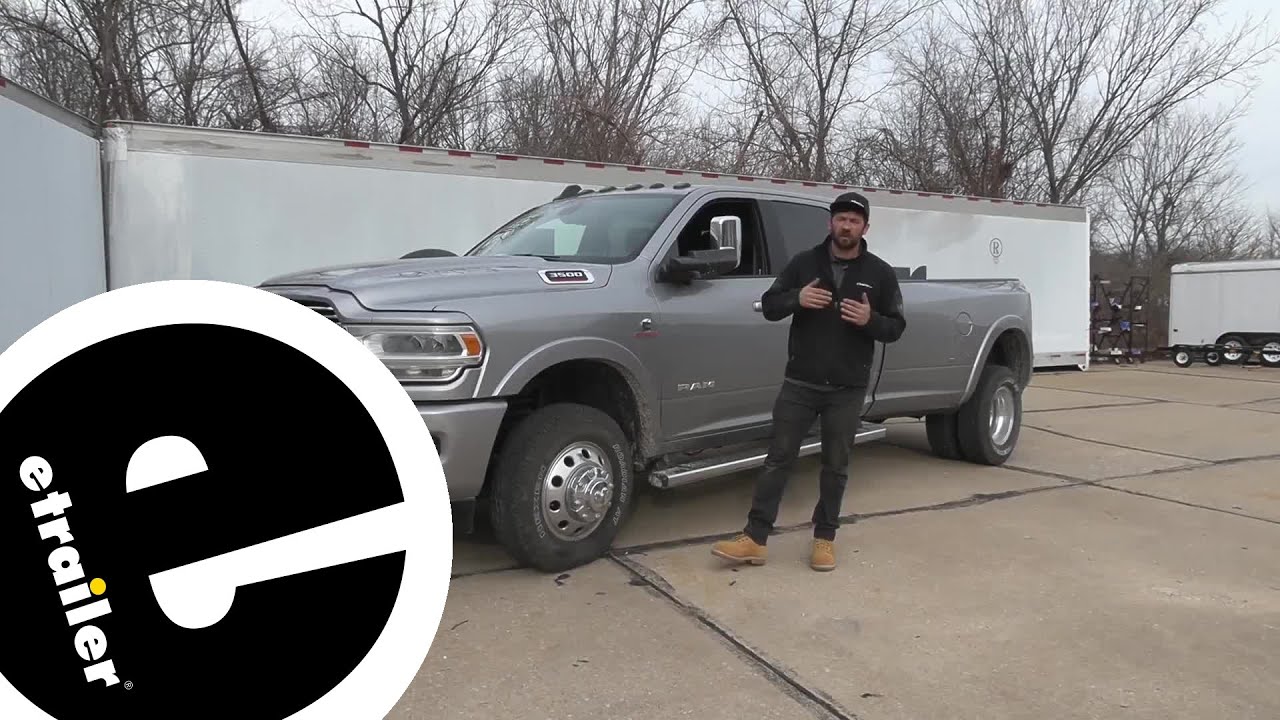
Hey everybody, Connor here today at etrailer.com. We're gonna be going over and showing you how to install the Air Lift WirelessAir compressor system here on our 2019 Ram 3500. So here's what everything looks like when it's installed. As we can see here, we have our two main components for our kit here. We have the manifold, which is what sends the air to each of our bags. And we have our air compressor here tucked behind that, which is one of the reasons we really like this kit here at etrailer, 'cause everything is in one little convenient package right here.
We don't have to drill into the frame or anything to mount this. The kit's gonna come with a nice U-bolt that simply wraps around our frame and secures it to there that-a-way without any drilling or modifications required. The compressor system is gonna work alongside the set of airbags, whether we have Air Lift airbags or Firestone airbags, we're gonna be able to use the system with either of those. Now essentially, what this does is it allows us access to onboard air, meaning when we need to adjust the air pressure inside our air bags, we don't have to worry about pulling over and finding an external air source. We're gonna have everything we need right at the touch of our fingertips inside the cab of our vehicle.
So we don't even have to get out. So in regards to air compressor systems, there's quite a few choices out there on the market. And again, they're not specific to a certain brand. You can use any compressor system with Air Lift or Firestone airbags. This Air Lift kit we have here is truly gonna be the best option.
It's our favorite among the installers here at etrailer, because it's super easy to install. As you'll see, everything is located on one easy and convenient bracket, which simply bolts onto the frame with a bolt. There's no drilling or modifications required. Everything is very simple, easy for you guys to do by yourselves at home. So not only can we adjust our air pressure from inside the cab of our vehicle, if we're more a looking person, you know, we wanna really see our load, see how much our truck's squatting, and how much we need to level it off as opposed to feeling it inside the cab.
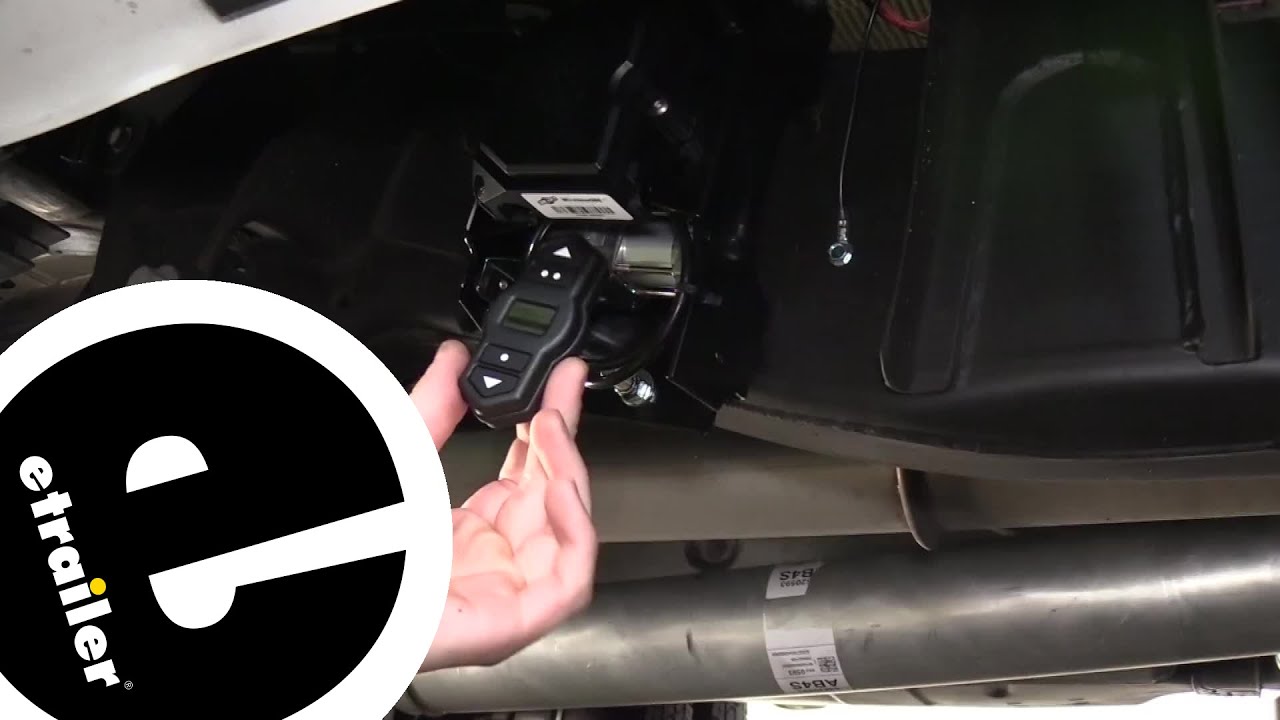
We can certainly come out here with our remote. We can turn everything on. We can inflate our airbags to give us a better idea here of what our truck's gonna look like if we're towing level. So your initial setup here, you're gonna go ahead and just hit the home button to wake the controller up. You're gonna see the connecting phase, so right now we have it set up where you can adjust the air pressure. If you're doing a setup for the first time, you'll go through a pairing sequence, which is super easy, and then it will bring you to this screen. So what we need to do is we need to go ahead and change some settings before we get into the controls. In order to do this, we're gonna hold the home button for three seconds. This is gonna bring up our menu settings here. We're gonna go down to settings, and we're gonna go down to airbag type. So it comes preset from the factory for the Air Lift 1000 airbags, which have a max PSI of 35. We need to increase that so we can put more than 35 PSI in the airbags. And we can do that by selecting the different airbag type. We'll show you that again, we have the right control airbags, which had a max PSI of 100 pounds. So that's what we're gonna select. This is gonna bring us back to the main menu, hit back, and then we can go through the air setup procedure by adding air to our airbags. In order to do this, it's very easy. We can adjust the pressure inside both air bags at the same time by pressing on the up arrow or decrease the pressure by pressing down. We can also adjust the airbag pressures individually from side to side. So if we have an off-center load that we wanna level the truck more on one side than the other, we'd simply hit the over arrow. As you can see here, we're only putting air in the right side with the other arrow back again, we're only putting air in the left side. If we go back to center, we have both bags. So let's go ahead and fill them up now so we can show you what that looks like. We can see here at the bottom, we have our current pressure and it's building up to our set pressure, which I just selected 30 PSI for an example. And once it's up to the set pressure, it will
Повторяем попытку...
Доступные форматы для скачивания:
Скачать видео
-
Информация по загрузке: