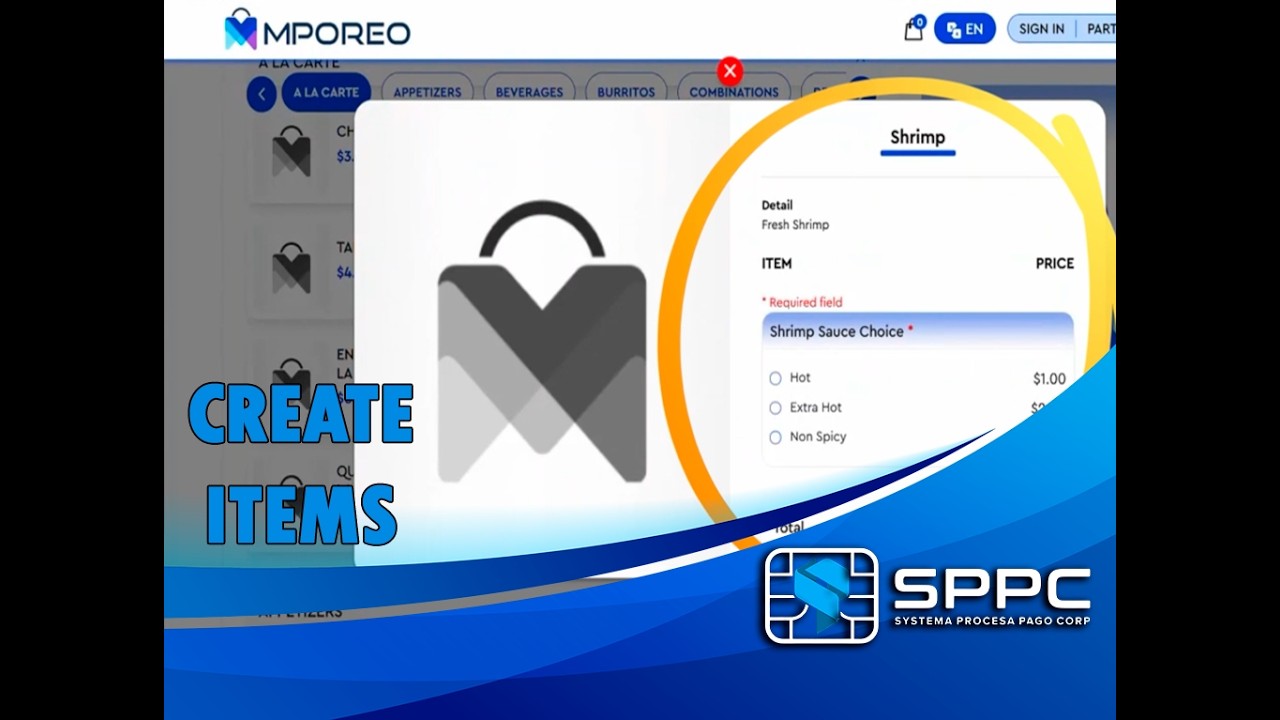
How to Create Menus & Modifiers in Mporeo POS | Step-by-Step Guide
Автор: Systema Procesa Pago Corp Support Education
Загружено: 2026-02-10
Просмотров: 11
Описание:
Welcome to another Mporeo training video! In this tutorial, we guide you through the complete process of building your restaurant's menu from scratch in the Mporeo Back Office.
Whether you are adding a new dish or setting up complex modifier options (like spicy sauce levels), this video covers every detail to ensure your POS is ready for service.
In this video, you will learn:
✅ How to create Menu Categories (Groups) to organize your items.
✅ Adding a new Single Item with photos, prices, and descriptions.
✅ Setting up Modifier Templates for required choices (e.g., Sauce options). ✅ Linking modifiers to specific menu items.
✅ Testing your new menu live on the POS screen.
⏱️ Timestamps:
0:00 - Introduction: Menu Creation Overview
0:28 - Step 1: Creating Menu Categories (Groups)
1:51 - Step 2: Adding a New Menu Item (Price, SKU, Details)
4:30 - Step 3: Creating & Configuring Modifier Templates
6:20 - Step 4: Linking Modifiers to Your Item
6:40 - Step 5: Testing the Menu on the POS Screen
#MporeoPOS #RestaurantMenu #POSSetup #RestaurantTechnology #MenuEngineering #RestaurantTraining #SPPCPayments
Повторяем попытку...
Доступные форматы для скачивания:
Скачать видео
-
Информация по загрузке: