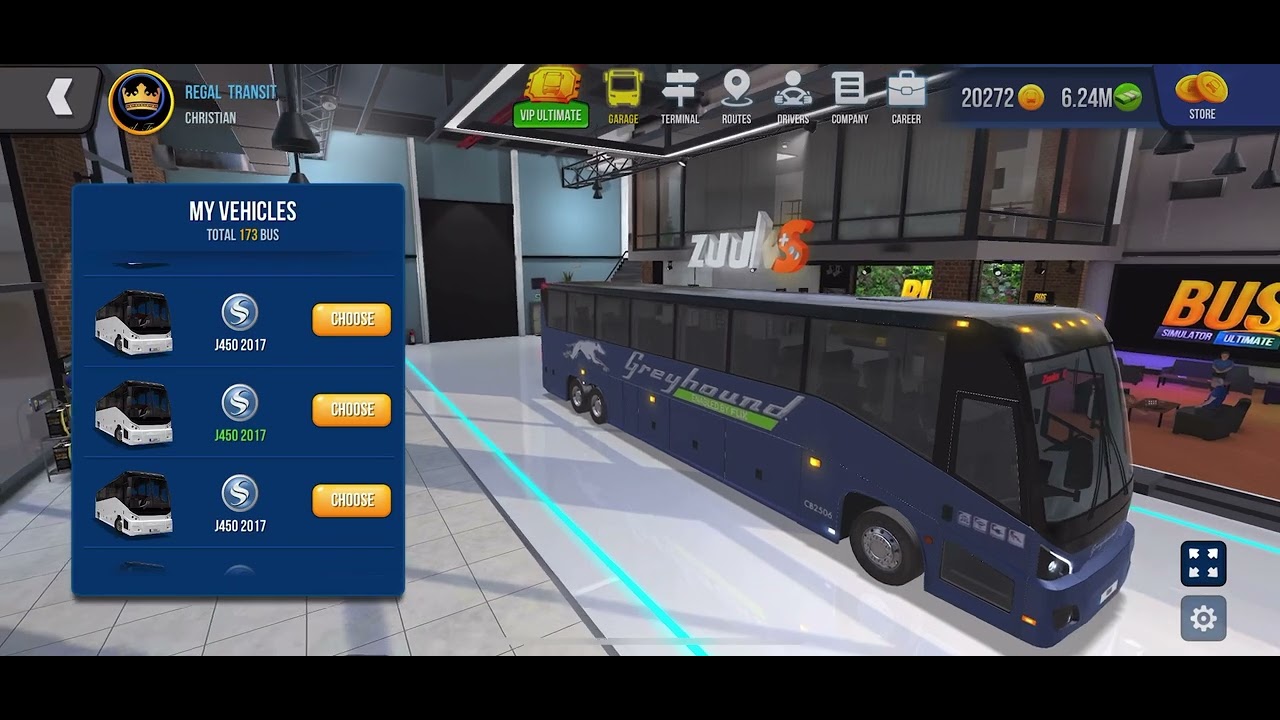
Bus Simulator: Ultimate 🇺🇸 (Greyhound New Livery 2025 Skin - MCI J450 2017)
Автор: Bus Simulator Ultimate Skins - Regal Transit
Загружено: 2025-06-06
Просмотров: 123
Описание:
Greyhound (New Livery 2025) skin for MCI J450 2017.
Link to iOS compatible picture of the skin is provided below.
https://www.facebook.com/photo.php?fb...
To apply Greyhound (New Livery 2025) skin to your MCI J450 2017:
1. Go to link above.
2. Save photo to your photo album.
3. Open Bus Simulator: Ultimate
4. Go to Garage.
5. Go to My Vehicles.
6. Choose your MCI J450 2017.
7. Go to Customization.
8. Go to Skins.
9. Go to Add.
10. Go to Gallery.
11. Choose the Greyhound (New Livery 2025) skin photo.
12. You will then receive a message about it being added to your skins. Click OK.
13. From Skin Packages, go to Skins.
14. Choose MY SKIN # J450 2017.
15. Click OK.
Your MCI J450 2017 will then have the Greyhound (New Livery 2025) skin for you to enjoy.
*For Android: Convert the PNG image to JPG(jpeg) then convert the resolution width and length to 3000 x 3000.
Повторяем попытку...
Доступные форматы для скачивания:
Скачать видео
-
Информация по загрузке: