How to Use Retouch4me Skin Mask Plugin in Affinity Photo 2: Step-by-Step Guide for Easy Skin Masking
Автор: Retouch4me: AI Retouching for Photo & Video
Загружено: 2024-08-30
Просмотров: 1452
Описание:
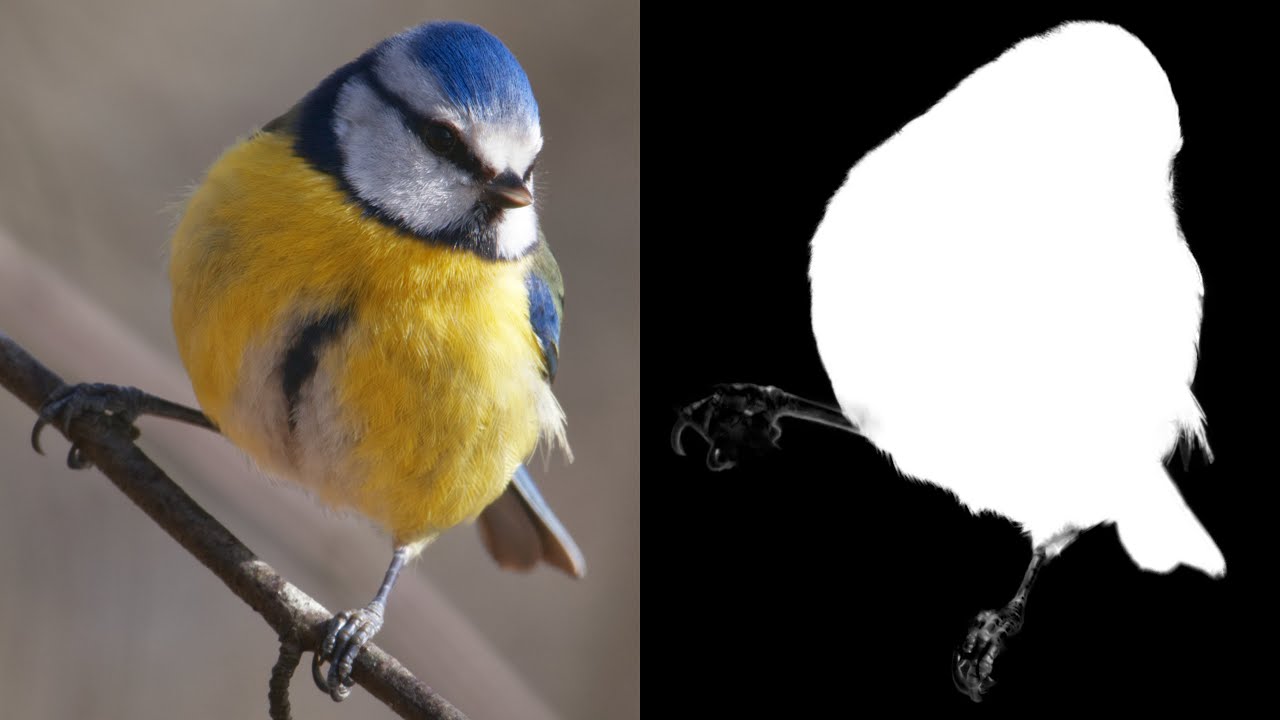
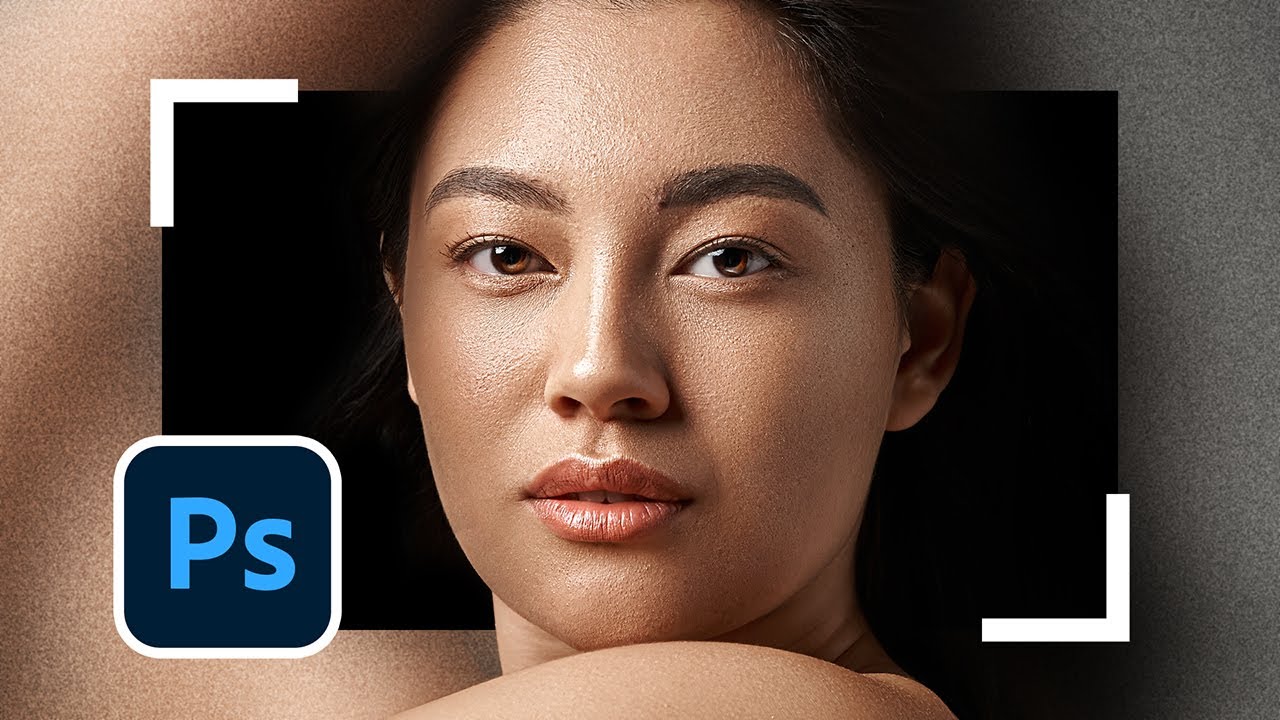
In this tutorial, we'll show you how to use the "Skin Mask" plugin from Retouch4me in Affinity Photo 2. The plugin automatically creates a precise skin mask on your photos, making retouching easier and faster. Whether you need to mask the entire skin, just the face, or just the body, this plugin has you covered with flexible options.
💎 Ready to use? Try for free & buy forever [ https://shorturl.at/AWyXj ]
💙 Join Retouch4me and streamline your content processing workflow! [ https://shorturl.at/apxTO ]
00:00 About the plugin, and comparsion
00:20 Method #1: Using quick select
02:12 Method #2: Using alpha channel
03:34 Outro
Footage used in this video:
Armin Rimoldi, Pexels @armin-rimoldi
Music:
Find by Hotham [ hypeddit.com/track/j2mggw ]
Повторяем попытку...

Доступные форматы для скачивания:
Скачать видео
-
Информация по загрузке: