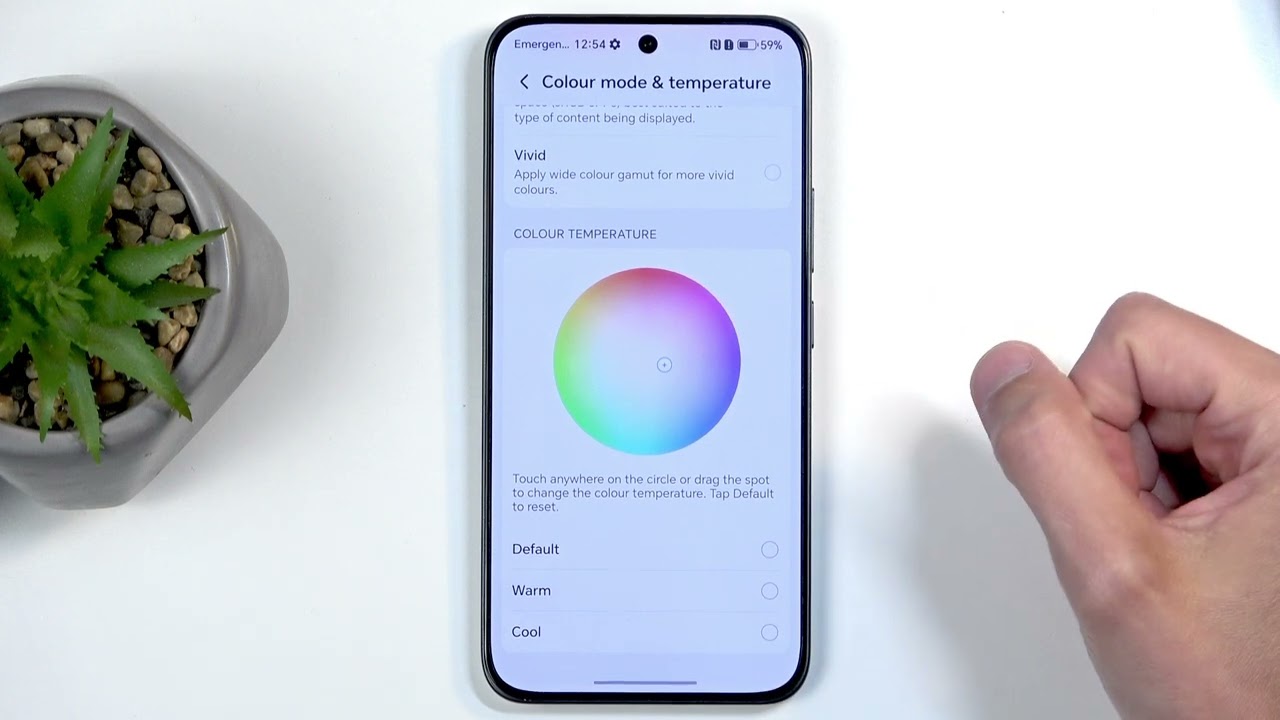
How to Enable and Use AI on HONOR X8c
Автор: TechQA
Загружено: 2025-04-23
Просмотров: 2340
Описание:
How to Enable and Use AI on HONOR X8c
0:05 Step by step enable
0:24 Testing
The HONOR X8c includes AI-powered features designed to enhance user experience, such as AI camera enhancements, smart suggestions, and AI system optimization. These features operate seamlessly in the background but can also be manually enabled or accessed within specific apps or settings. Follow the steps below to enable and use the available AI features.
⮕ Part 1: Enable AI Camera Features
⮕ Step 1: Open the Camera App
From the home screen, tap the Camera icon to launch the camera interface.
⮕ Step 2: Enable AI Mode
In the Camera app:
Look for the AI icon (usually labeled as “AI” or represented by a symbol in the upper area of the screen).
Tap the icon to enable AI Scene Recognition.
Once enabled, the camera will automatically detect the scene (e.g., food, landscape, portrait) and adjust colors, contrast, and lighting for best results.
⮕ Part 2: Use AI Smart Suggestions and Smart Assistant
⮕ Step 1: Open the Settings Application
Tap on the Settings icon from your home screen or app drawer.
⮕ Step 2: Go to Smart Assistance (if available)
Scroll and tap Smart assistance or search AI in the Settings search bar.
This menu may include options such as:
AI Suggestions: Offers context-aware app and action suggestions.
Smart reminders: Provides alerts based on usage patterns and schedule.
Toggle available features ON to activate smart behavior.
⮕ Part 3: Use AI Features in Gallery and System
The HONOR X8c may include AI-enhanced tools in native apps, such as:
Gallery App: AI may automatically categorize images by face, scene, or location.
Battery Optimization: AI learns your usage habits to manage background activity and extend battery life.
Performance Tuning: The system may automatically adjust CPU/GPU performance based on the app you're using.
No manual activation is required for these features; they work automatically in the background once enabled.
#honorx8c
#honortips
#techqa
#honortricks
#AI
Повторяем попытку...

Доступные форматы для скачивания:
Скачать видео
-
Информация по загрузке:





![HONOR X7C [ENGLISH SUB] - More Than Just A Splash Proof Phone!](https://imager.clipsaver.ru/mZfPtpVZjLQ/max.jpg)