Stop Getting Hacked: Set Up Bitwarden (Create, Save, & Autofill a Strong Password
Автор: Colonial Intermediate Unit 20
Загружено: 2025-10-01
Просмотров: 181
Описание:
Tired of weak passwords and endless “forgot password” emails? In this video, I’ll show you exactly how to set up Bitwarden, install the Chrome extension, and start creating strong, unique passwords for every site you use.
You’ll see step by step:
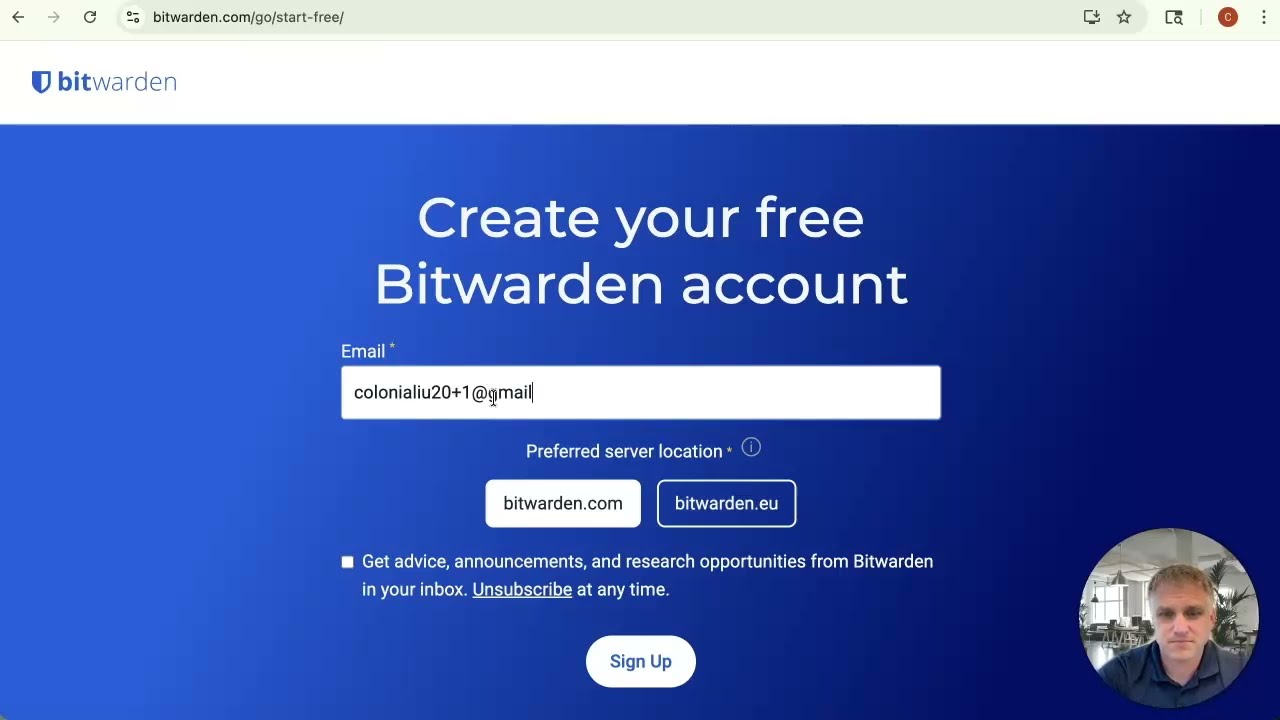
How to create your Bitwarden account
How to install and sign into the Chrome extension
How to generate and save a brand-new password while creating an account
Why this dramatically reduces your chances of being hacked
Once you’re comfortable with the basics, Bitwarden can do even more: sync across all your devices, store two-factor codes, manage passkeys, and even let you securely share logins with family members.
Get started with Bitwarden here: https://bitwarden.com
If you found this helpful, don’t forget to like the video, subscribe for more cybersecurity tips, and share this with someone who reuses the same password everywhere (we all know one).
Повторяем попытку...
Доступные форматы для скачивания:
Скачать видео
-
Информация по загрузке: