Ripmo V3 Reassembly
Автор: Ibis Cycles
Загружено: 2026-02-05
Просмотров: 487
Описание:
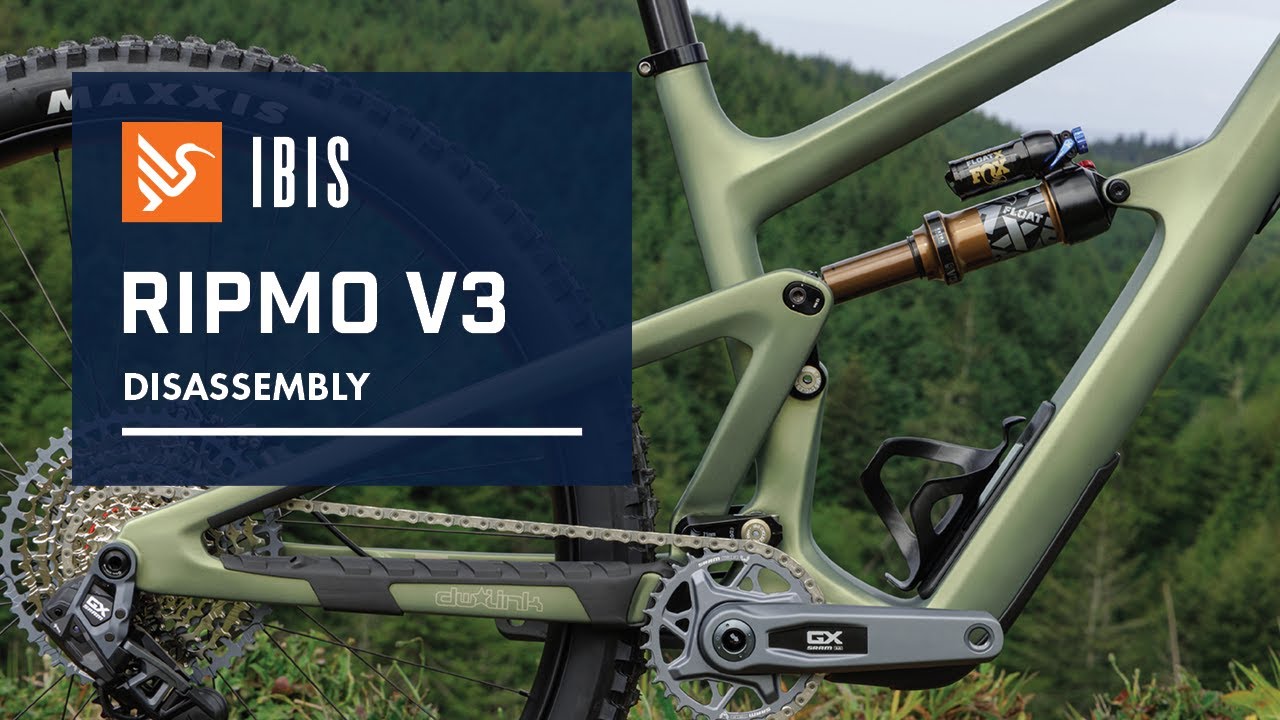
Follow Nate as he walks you through the procedure for the Reassembly process when swapping out the clevis and shock to convert between a Ripmo V3 and Ripley V5, or if you need to complete a full bushing and bearing service.
This procedure is identical for the Ripmo V3 and Ripley V5 the Ripley AF (V2) and the Ripmo AF (V2).
The process is also very similar for the HD6, though the shock removal is slightly different. We have a link in the description below to the HD6 shock removal process. (ADD LINK)
For more info and resources on the Ripmo V3 Carbon or the Ripley V5 Carbon or the AF V2 versions, visit the pages below:
https://www.ibiscycles.com/bikes/ripmo
https://www.ibiscycles.com/bikes/ripley
https://www.ibiscycles.com/bikes/ripm...
https://www.ibiscycles.com/bikes/ripl...
Also... Did you know that you can make your Ripmo V3 into a mullet or reverse the process to put back to at full 29' er with this simple Flip Chip swap?
That Flip Chip video can be found here: • Ripmo V3 Flip Chip 29" to 27.5 (mixed whee...
If you have any questions, please feel free contact us via email: [email protected]
#IbisRipmo #Ripmo #IbisRipmoAF #IbisRipley #Ripley #IbisRipleyAF #IbisCycles
The following materials are required for the Reassembly process when swapping the Clevis:
Snub Nose 5mm, 5mm, and 6mm Allen wrenches
Dead Blow Hammer
Old Linkage Bolt
Clemens Tool (see link below)
Clemens Press Handle (see link below)
Torque Wrench capable of achieving 20nm
5mm Allen bit for Torque Wrench
Grease
Loc-tite 243
Anti-seize
Slick Honey
Follow the link to the Clemens tool on the Ibis site here: https://store.ibiscycles.com/collecti...
Hi, I’m Nate and in a previous video, I removed the main hardware from this Ripmo in order to completely service the links. Find that video here:
That video is linked in the description below. In this video, we are going to reassemble the frame. That includes installing new bushings in the lower link, and replacing the upper link and clevis.
We begin by installing the bushings. I like to insert slick honey in the bearing shafts. Next, I press the bushings in using our Clemens tools. You can usually start these by hand.
If you don’t have a Clemens tool handy, you can gently use a deadblow hammer, aka the original Clemens tool. It doesn’t take a lot of force. Just be sure they go in straight.
You should also apply a thin coat of slick honey to the inside of the bushings and the o-rings.It’s important to not use a lot of grease. The caps have a very tight fit. If there is too much grease, it could displace the o-rings during reassembly.
All of our hardware requires Loctite 243 on the threads, grease on shaft and under the bolt head. The only exception is the titanium rear shock bolt, which requires anti-sieze rather than grease.
When installing the lower links, make sure the bolts are facing upwards. I like to install the link so its just protruding, the slip the top cap over, then repeat on the other link.
The next step is to shimmy the rear end onto the front triangle. You may want to crack a cold beverage for this part, as it can take a few tries to line up.
Once the front and triangle are connected, cinch the lower link caps until they’re just touching. The torque is 2 NM. I like to tighten them upto 5 NM, then back them off. This helps seat everything. Both sides need identical torque.
Then tighten the two pinch bolts. I like to start with a allen, then switch to a torque wrench. The spec is 10 NM. After I tighten the lower link pinch bolts, I recheck and snug the preload bolts.
Now we can reinstall the upper link. Before reinstalling, check the bearings. There are four sets. The bearing should rotate smoothly, they may need to be replaced if they feel notchy or gritty.
While it’s possible to replace the bearings in the upper link, it’s not easy. It’s faster and more efficient to replace the entire assembly. The assembly is available for sale on our webstore.
Next, we reinstall the upper link fixing bolts. Be mindful that the clevis and upper link fixing bolts are not interchangeable. Use a 6mm to tighten the upper link bolts to 20 NM. The specs are available on our website and are printed on the hardware.
Now that the upper link and clevis have been installed, we need to slip a rag between the frame and linkage to prevent scuffing. Next we reinstall the flipchip hardware and shock. We have a dedicated video on this process, which is linked in the description below.
Reinstall the cranks and rear wheel and your bike is ready for the season.
If you have any questions, please feel free contact us via email: [email protected]
Повторяем попытку...

Доступные форматы для скачивания:
Скачать видео
-
Информация по загрузке: