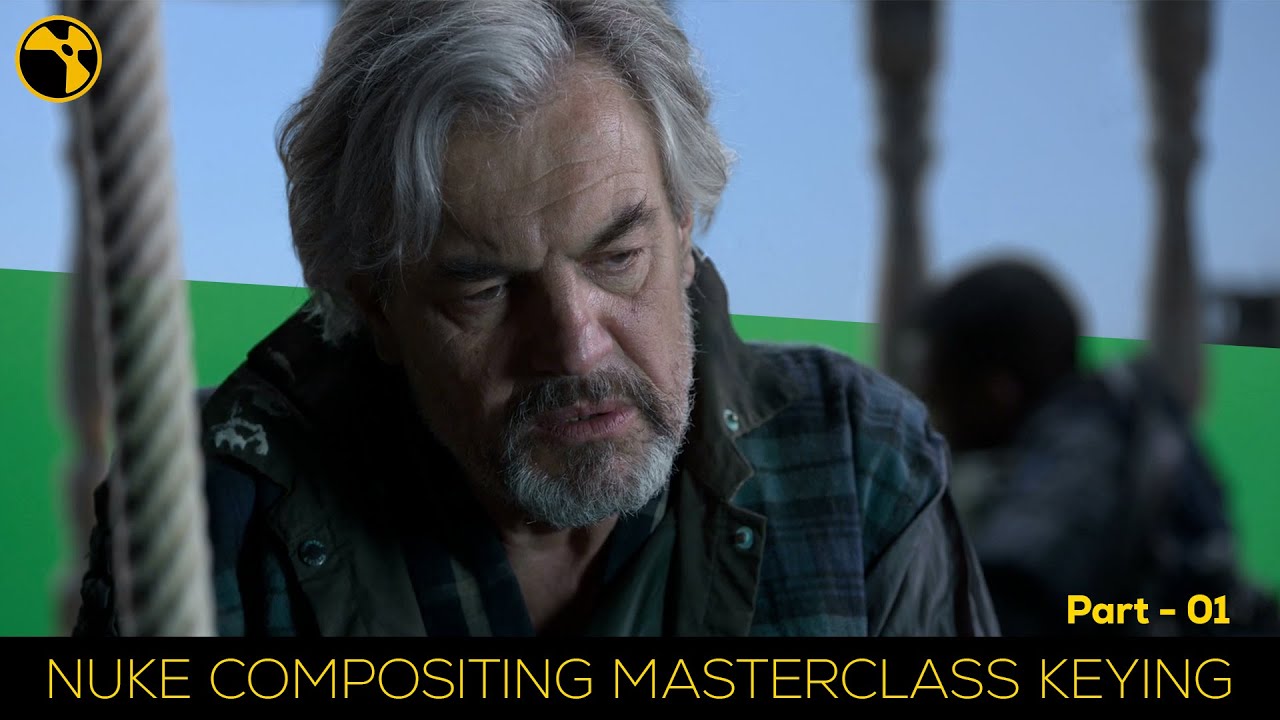
Nuke Compositing Master Series | part - 01
Автор: EKKA Fx
Загружено: 2023-09-29
Просмотров: 2609
Описание:
✅click to subscribe
/ ekkafx
footage link _ https://mega.nz/folder/ZjEiVYYI#j238B...
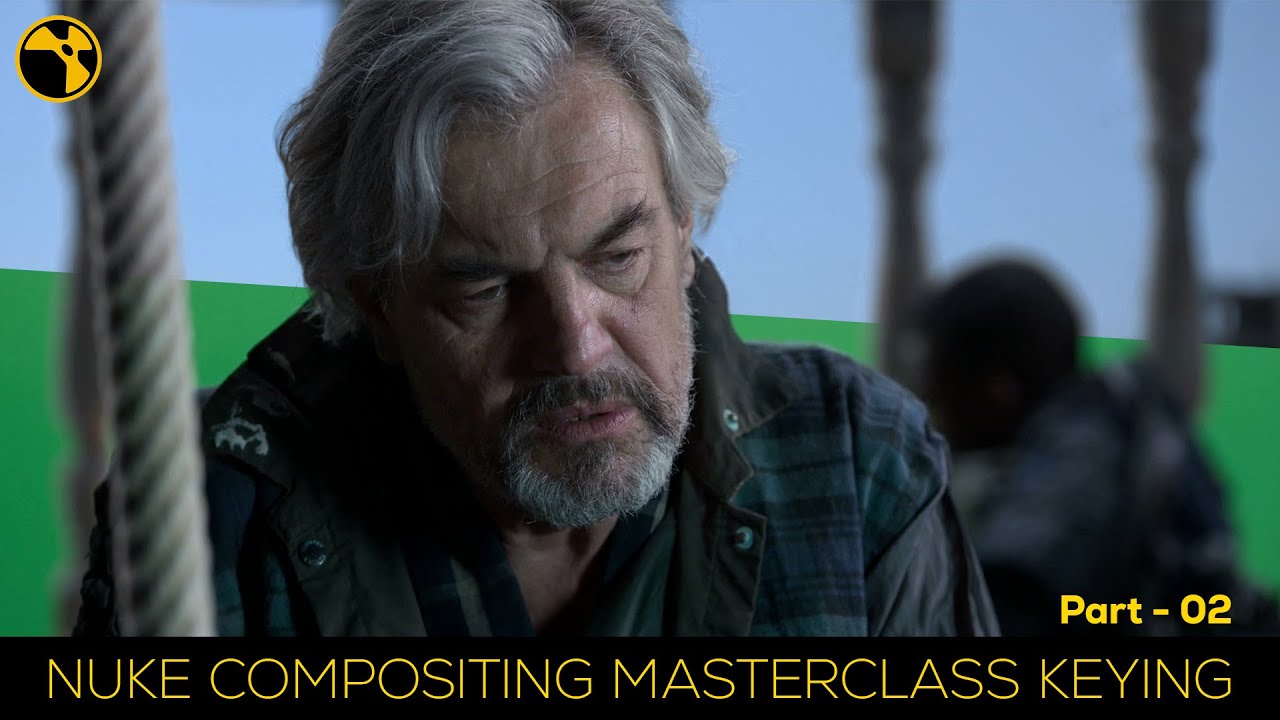
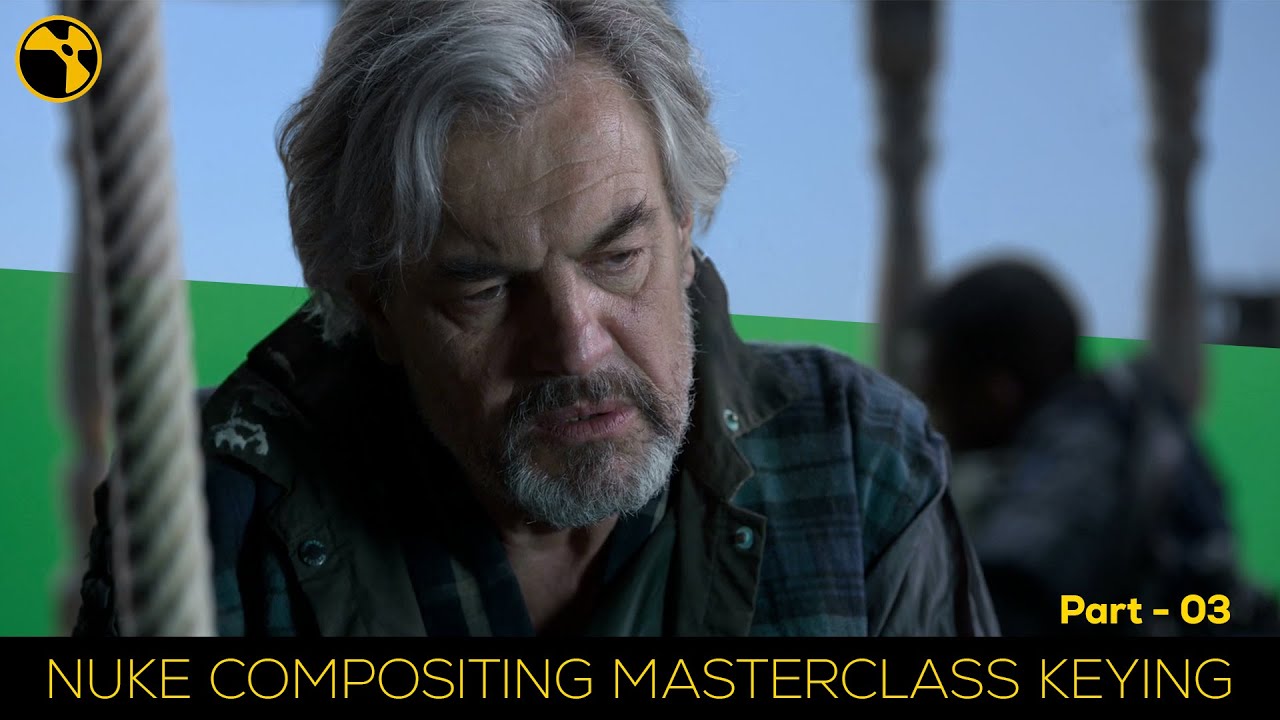
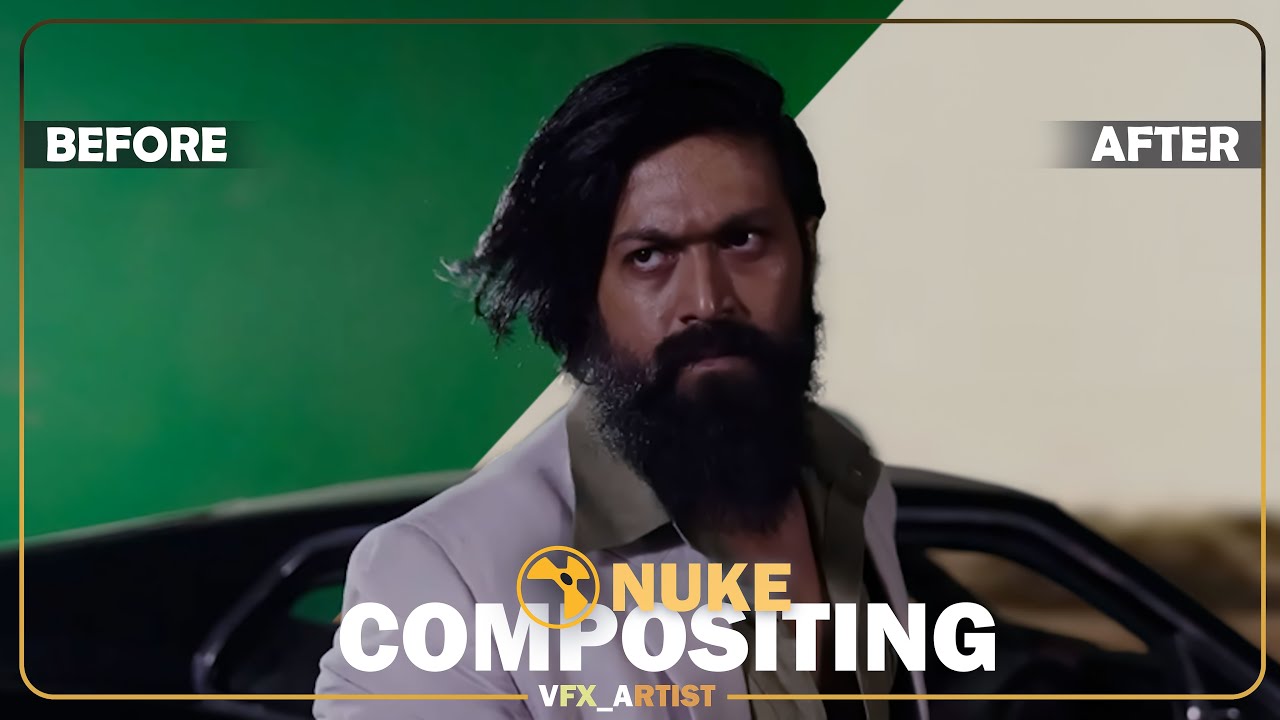
The IBK Keyer is a powerful and advanced keying tool available in Nuke for compositing. It's especially useful for creating high-quality and precise keys, particularly when dealing with complex or challenging green or blue screenshots. IBK stands for "Image-Based Keyer," and it uses the information from multiple input images to generate a key. Here's how the IBK Keyer works in Nuke:
Input Channels:
The IBK Keyer requires several input channels to generate a key:
Clean Plate: A still image of the background without any foreground elements.
Source Image: The image or video clip you want to key.
Matte (optional): A grayscale matte that can help refine the key.
Preparation:
Start by connecting the Clean Plate, Source Image, and Matte (if available) to the appropriate inputs of the IBK Keyer node.
Analysis:
The IBK Keyer analyzes the Clean Plate and the Source Image to identify the differences between them. It calculates the spill and color information in the source image.
Matte Generation:
The keyer generates a matte based on the analysis, which separates the foreground subject from the background.
Refinement:
The optional matte input can be used to further refine the matte generated by the IBK Keyer. This is helpful in cases where the initial key isn't perfect.
Final Composite:
Once you have a clean and precise matte, you can use it in the compositing process to place your subject onto a new background or integrate other elements.
The IBK Keyer in Nuke is known for its ability to handle challenging keying situations, such as when the background color spills onto the subject, or when lighting conditions are less than ideal. Using multiple input images and a sophisticated algorithm can help you achieve high-quality keys with fine control over the keying process.
Keep in mind that using the IBK Keyer effectively may require some experience and experimentation, as the specific settings and adjustments you need to make can vary based on the footage and conditions you're working with.
The Primatte Keyer is a widely used keying plugin for compositing in software like Nuke, Adobe After Effects, and other visual effects applications. It's particularly effective for keying out green or blue screens to isolate subjects from the background. Here's how the Primatte Keyer works in Nuke:
Input Channels:
The Primatte Keyer typically requires the following input channels:
Foreground Image: The image or video clip containing the subject you want to key.
Background Image: A separate image or video of the background without the subject.
Combined Image (optional): A combined image of the foreground and background. This can be helpful for reference.
....................................................................................................................................
✅Nuke - tutorial playlist 👇
• NUKE
....................................................................................................................................
✅After effect - tutorial playlist 👇
• AFTER EFFECT
....................................................................................................................................
✅Mocha pro - tutorial playlist 👇
• MOCHA
....................................................................................................................................
✅PF track - tutorial playlist 👇
• PF tracking
....................................................................................................................................
✅Photoshop - tutorial playlist👇
• PHOTOSHOP
/ playlist list=PLyK0j4HvRzDK8mgaDppJGPDGssiaZu7NF
....................................................................................................................................
✅C4D - tutorial playlist👇
• C4D
....................................................................................................................................
✅flow me on 👇
✅Fb Page :- / ekka1997
✅Instagram :- / ayandas1997
✅Whats' app :- https://chat.whatsapp.com/GgNlGONiitA...
Повторяем попытку...
Доступные форматы для скачивания:
Скачать видео
-
Информация по загрузке: