Create LinkedIn Carousels in Canva FAST (Using Carousel Studio AI)
Автор: Thea Newcomb
Загружено: 2026-03-12
Просмотров: 28
Описание:
Creating LinkedIn or Instagram carousels in Canva can take ages…but it doesn’t have to.
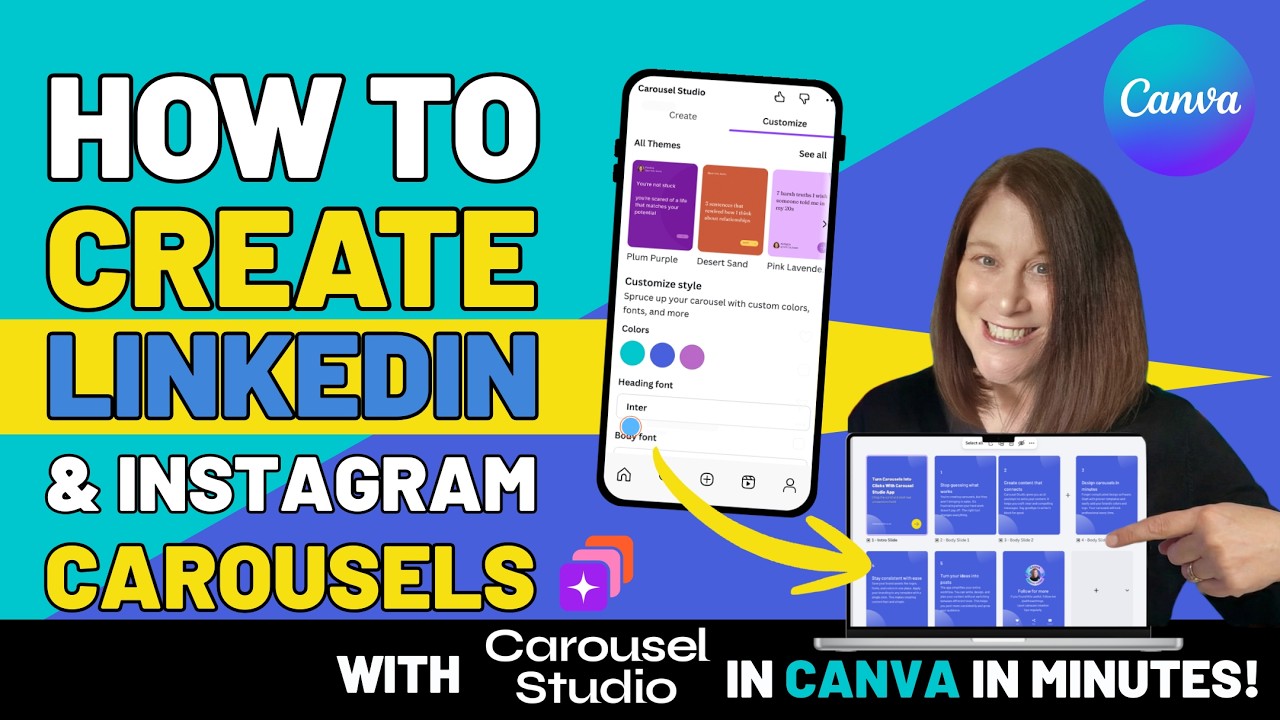
In this tutorial, I’ll show you how to use Carousel Studio, a Canva app that uses AI to generate carousel posts for you in just a few clicks.
Perfect for creators, small businesses, and social media managers who want to save time and create clean, consistent carousel posts without spending hours designing every slide manually.
In this video you'll learn:
• How to find the Carousel Studio app in Canva
• How to generate carousel slides using AI
• How to customise the design, fonts and colours
• How to export for LinkedIn or Instagram
• How to turn carousel slides into animated video posts
Once you have created your carousel you can change the fonts, colours and add any graphical or video elements to your carousel!
You can try Carousel Studio free for a month using my code:
TheaNewcomb
NEED CANVA HELP?
If you need help with Canva, you can book a free 20 minute clarity call to learn how I can help. I deliver workshops webinars and 1:1s worldwide.
BOOK A CALL: https://tidycal.com/thea1/20-minute-m...
I also host 30 minute Drop-in Canva Clinics every 3rd Thursday at 3 where you can bring questions, see new features, and get quick wins.
https://bit.ly/3rdthurs3
ABOUT THEA NEWCOMB
Thea Newcomb is a Canva Verified Expert based in Scotland with over 12 years of Canva experience. She helps business owners, creatives and teams stop faffing about with Canva and start using it faster and more confidently. Thea shares practical Canva tips on her blog, runs monthly drop-in Canva Clinics, and delivers workshops, webinars and 1:1s worldwide.
Повторяем попытку...
Доступные форматы для скачивания:
Скачать видео
-
Информация по загрузке: