Navigating with the Menu Widget : MetroTrader
Автор: MetroTrade
Загружено: 2025-04-17
Просмотров: 53
Описание:
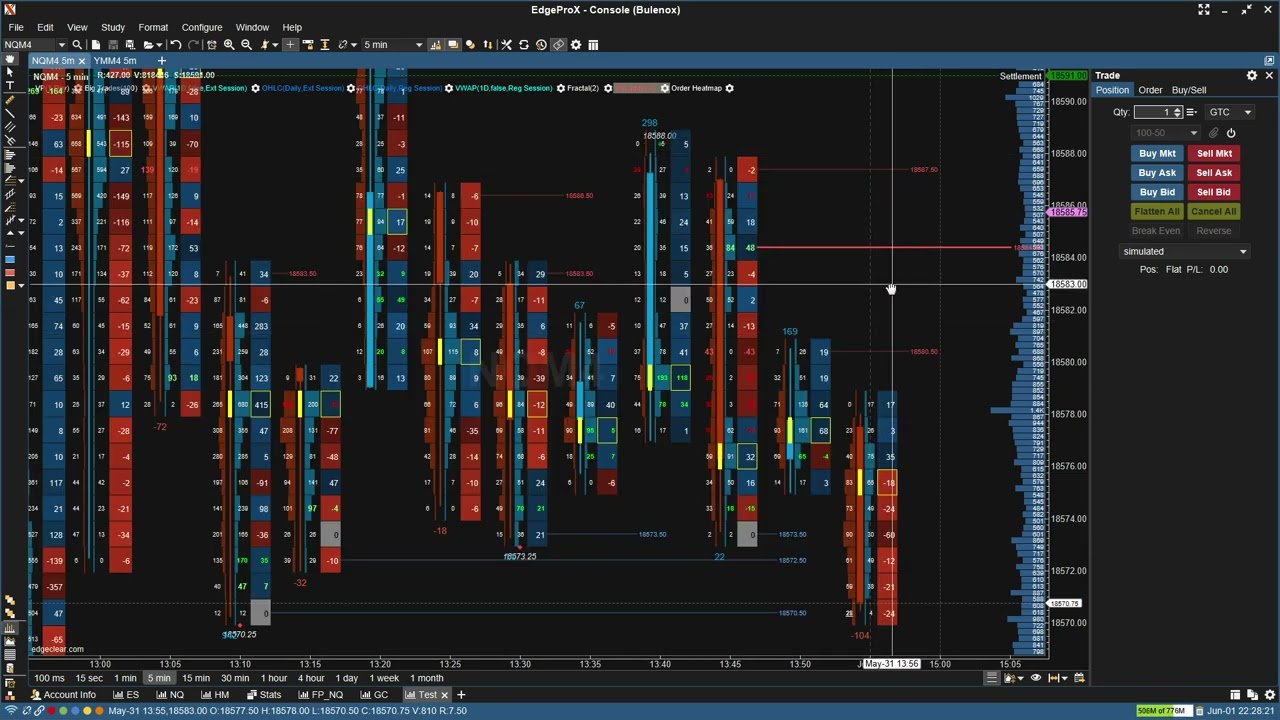
In this quick tutorial, Martin walks you through the Menu bar on the MetroTrader platform. Whether you're new to MetroTrader or just looking to sharpen your workflow, this overview covers all the essential functions you'll find in the top menu. It's built for simplicity and speed—so you can focus on the trade, not the tech.
Account dropdown: positions, transactions, messages, and more
Markets tab: charts, watchlists, time, and sales
Upcoming Derivatives section
Real-time clock and account info
Switching between trading accounts
Balance, P&L, and liquidation details
➖ Need help? Reach out anytime: [email protected]
➖ Learn more or open your account at https://metrotrade.com
👍 Like, subscribe, and hit the bell for more platform tips, updates, and feature releases.
#MetroTrader #FuturesTrading #TradingPlatform #MetroTradeTutorial #FuturesBroker
DISCLAIMER: Trading in futures involves substantial risk of loss and is not suitable for all investors. Prices can fluctuate widely and rapidly, and investors may lose more than their original investment. Past performance is not indicative of future results.
Повторяем попытку...
Доступные форматы для скачивания:
Скачать видео
-
Информация по загрузке: