OnePlus Nord CE4 Lite - How to Set Chrome as Default Browser - Streamline Your Web Experience
Автор: TUTORIAL_info
Загружено: 2024-08-02
Просмотров: 98
Описание:
Find out more: https://tutorial.info/
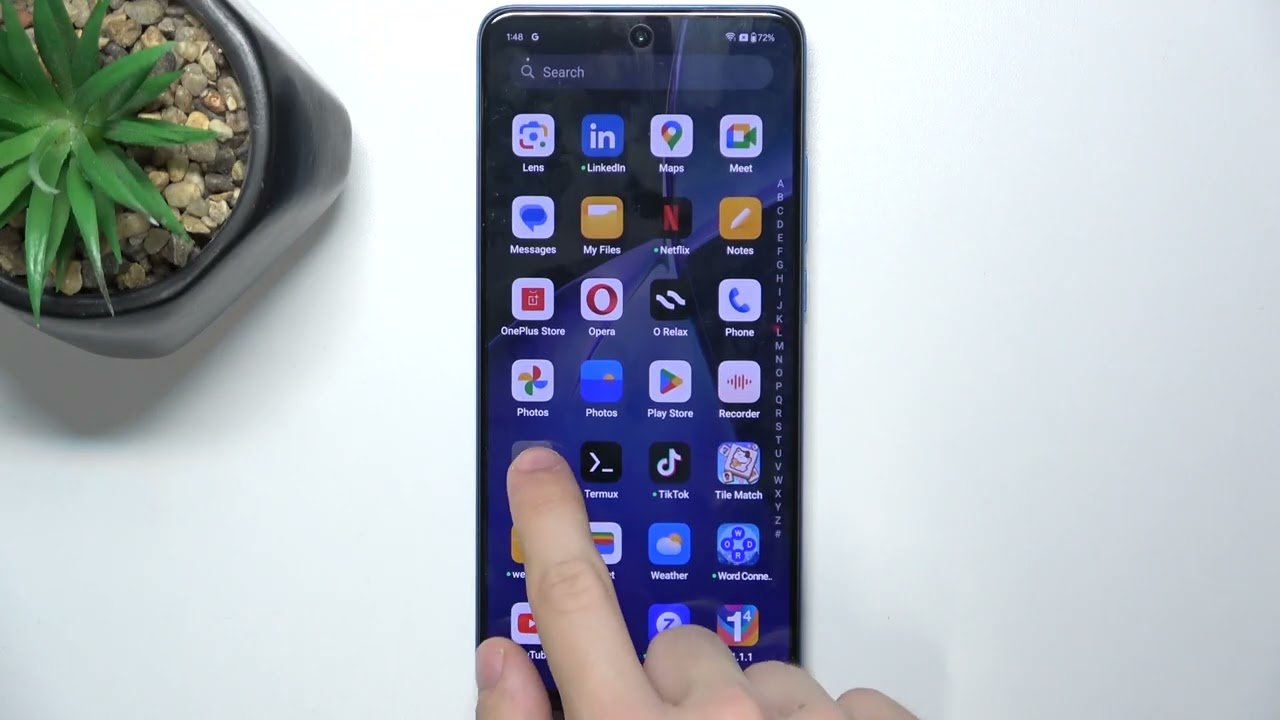
In this tutorial, we'll walk you through the process of setting Google Chrome as your default browser on your OnePlus Nord CE4 Lite smartphone. Setting Chrome as your default browser ensures that all web links and searches automatically open in Chrome, giving you a seamless and consistent browsing experience. We'll guide you through the steps to make Chrome your default browser and customize your browsing settings to fit your needs. Join us as we simplify your web experience by making Chrome your go-to browser on the OnePlus Nord CE4 Lite.
#OnePlusNordCE4Lite #ChromeBrowser #DefaultBrowser
How to download and install Google Chrome on your OnePlus Nord CE4 Lite How to set Google Chrome as your default web browser How to manage and customize Chrome settings on your device How to ensure all web links open in Chrome automatically How to troubleshoot issues with setting Chrome as the default browser
Follow us on Instagram ► / hardreset.info
Like us on Facebook ► / hardresetinfo
Tweet us on Twitter ► / hardreseti
Support us on TikTok ► / hardreset.info
Use Reset Guides for many popular Apps ► https://www.hardreset.info/apps/apps/
Повторяем попытку...
Доступные форматы для скачивания:
Скачать видео
-
Информация по загрузке: