ycliper

Популярное

Музыка Кино и Анимация Автомобили Животные Спорт Путешествия Игры Юмор

Интересные видео

2025 Сериалы Трейлеры Новости Как сделать Видеоуроки Diy своими руками

Топ запросов

смотреть а4 schoolboy runaway турецкий сериал смотреть мультфильмы эдисон
Скачать

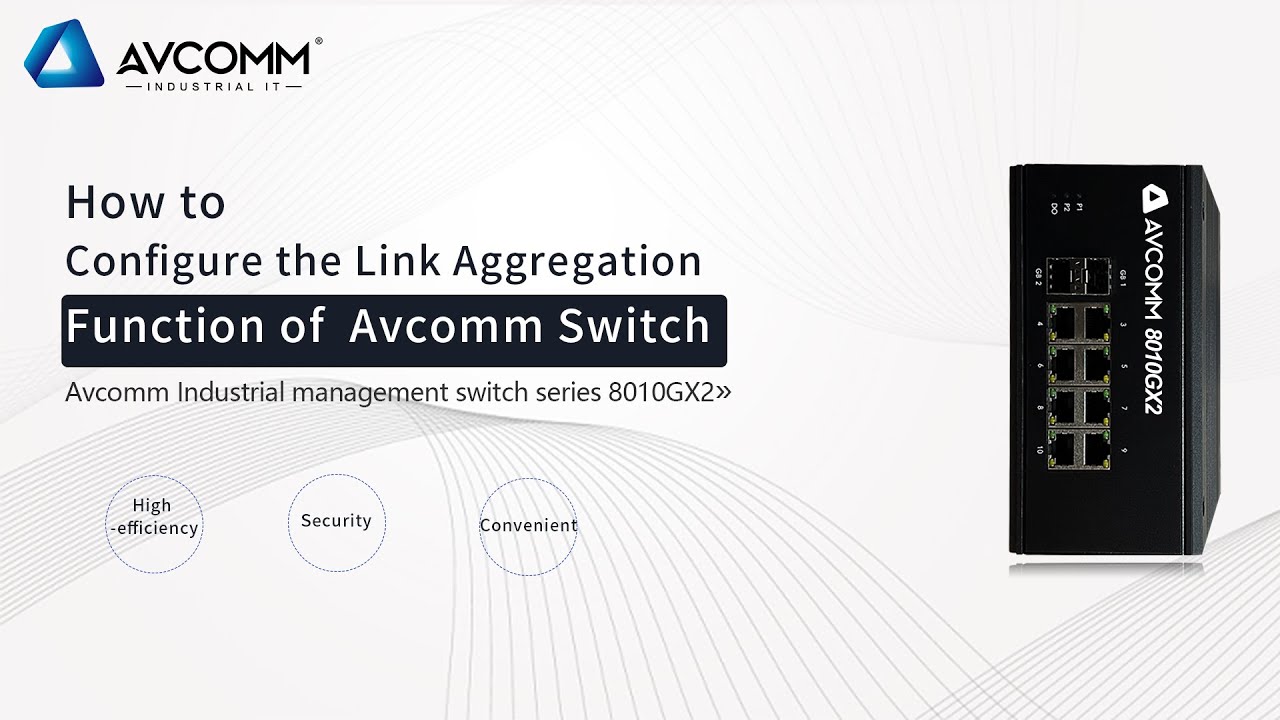
How to configure the link aggregation function of AVCOMM Switch

Автор: Avcomm Technologies, Inc.

Загружено: 2022-12-27

Просмотров: 217

Описание: Hello everyone, today we will introduce how to configure the link aggregation function of AVCOMM Switch

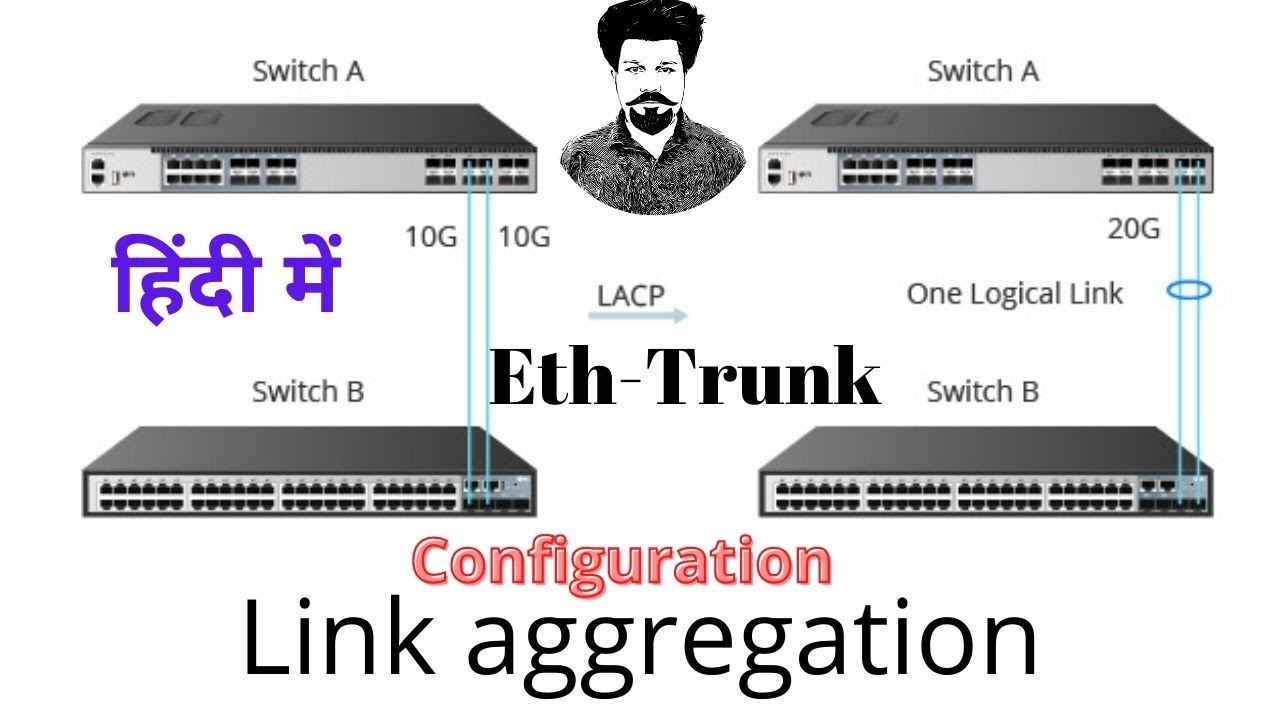
Link aggregation refers to the aggregation of multiple physical ports to form a logical port to implement load sharing of inbound and outbound traffic throughput among member ports

The main function is to increase link bandwidth and realize mutual link backup

First power on the devices, then select one of them to connect to the computer with a network cable and keep them in the same network segment

Then open a browser and enter the IP address of the device 192.168.10.1

Then the login page appears, enter the user name and password in the login pea.

Here we use demo count to log in

After successful login, find the ethernet port on the page and click it

Then click port trunk

Next click port trunk settings

In the group ID below

Change the id of port 1 to 1

Select LACP in trunk type

The id of port 2 is also changed to 1

Select LACP in trunk type

Click submit when the modification is completed

Connect another device to the computer using a network cable

Create a new web page and enter the IP address of the other device

Then enter your user name and password on the login page

After successful login, find the ethernet port on the page and click it

Then click port trunk

Next click port trunk settings

In the group ID below

Change the id of port 1 to 1

Select LACP in trunk type

The id of port 2 is also changed to 1

Select LACP in trunk type

Click submit when the modification is completed

After the device is configured, insert an optical fiber into the optical port and connect the devices to each other

Return to the browser device Settings screen, click port trunk

Then click port trunk status

When 1 and 2 are displayed under the aggregated ports option, the link aggregation function of port 1 and port 2 is successfully enabled.

Не удается загрузить Youtube-плеер. Проверьте блокировку Youtube в вашей сети.
Повторяем попытку...
How to configure the link aggregation function of AVCOMM Switch

Поделиться в:

Доступные форматы для скачивания:

Скачать видео

  • Информация по загрузке:

Скачать аудио

Похожие видео

How to Configure VLANs

How to Configure VLANs

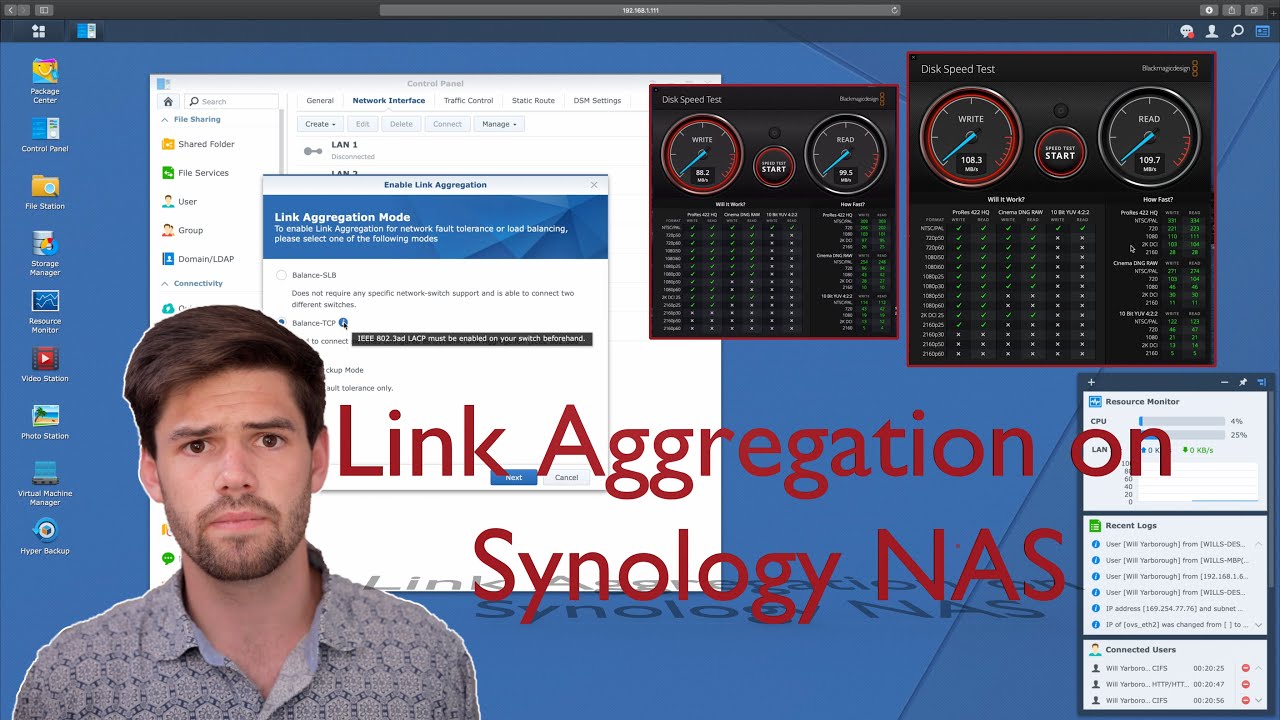
Link Aggregation on Synology NAS + NetGear - Get Better Performance out of Your NAS! | 4K TUTORIAL

Link Aggregation on Synology NAS + NetGear - Get Better Performance out of Your NAS! | 4K TUTORIAL

Eurotherm EPACK Connecting to iTools over a Network Cable

Eurotherm EPACK Connecting to iTools over a Network Cable

Afro House Mix | The Best of Afro House

Afro House Mix | The Best of Afro House

⚡️У Путина СРОЧНО ОБРАТИЛИСЬ к Киеву ПО ПРЕКРАЩЕНИЮ ОГНЯ! Москва УЖЕ УМОЛЯЕТ Украину О ПЕРЕМИРИИ

⚡️У Путина СРОЧНО ОБРАТИЛИСЬ к Киеву ПО ПРЕКРАЩЕНИЮ ОГНЯ! Москва УЖЕ УМОЛЯЕТ Украину О ПЕРЕМИРИИ

Top 5 Best Managed Switch in 2026 on AliExpress

Top 5 Best Managed Switch in 2026 on AliExpress

💾СОБРАЛ NAS НА TrueNAS💽 НЕ ПОНИМАЮ, КАК ЖИЛ БЕЗ НЕГО САМОДЕЛЬНОЕ ХРАНИЛИЩЕ ЭТО ПРОСТО

💾СОБРАЛ NAS НА TrueNAS💽 НЕ ПОНИМАЮ, КАК ЖИЛ БЕЗ НЕГО САМОДЕЛЬНОЕ ХРАНИЛИЩЕ ЭТО ПРОСТО

How to Connect a Modbus Sensor to AVCOMM LoRa Gateway?

How to Connect a Modbus Sensor to AVCOMM LoRa Gateway?

How to configure LACP Link Aggregation on a Huawei  switches | हिंदी में TechNetworking shahrukh TNS

How to configure LACP Link Aggregation on a Huawei switches | हिंदी में TechNetworking shahrukh TNS

MEJORA TU RED PORT TRUNKING LAG LACP Link aggregation

MEJORA TU RED PORT TRUNKING LAG LACP Link aggregation

РОУТЕР С VPN за 1200₽ | OpenWRT + Podkop + Amnezia | Полный Гайд на Xiaomi 4С

РОУТЕР С VPN за 1200₽ | OpenWRT + Podkop + Amnezia | Полный Гайд на Xiaomi 4С

УСКОРИЛ ИНТЕРНЕТ В 10 РАЗ?! | Локальный DNS решил проблемы с загрузкой страниц | Adguard Home

УСКОРИЛ ИНТЕРНЕТ В 10 РАЗ?! | Локальный DNS решил проблемы с загрузкой страниц | Adguard Home

6 Древних Изобретений, Похожие На Современные Устройства

6 Древних Изобретений, Похожие На Современные Устройства

Хотели УНИЗИТЬ Уборщика, НО... | ANATOLY Gym Prank

Хотели УНИЗИТЬ Уборщика, НО... | ANATOLY Gym Prank

Голубые зоны: Как хунзы достигают невероятного долголетия?

Голубые зоны: Как хунзы достигают невероятного долголетия?

IP-адресация для начинающих: IP-адрес, маска сети, подсеть и NAT

IP-адресация для начинающих: IP-адрес, маска сети, подсеть и NAT

Why I Use Link Aggregation

Why I Use Link Aggregation

Aesthetic background | White coquette bow wallpaper | Art screensaver for TV | Frame PRO TV painting

Aesthetic background | White coquette bow wallpaper | Art screensaver for TV | Frame PRO TV painting

Делаем роутер своими руками. Базовая настройка сети. Самохостинг (HomeLab) №3.1

Делаем роутер своими руками. Базовая настройка сети. Самохостинг (HomeLab) №3.1

⚠️ Prohibido Para Sensibles: Así Sería una Guerra Nuclear Minuto a Minuto

⚠️ Prohibido Para Sensibles: Así Sería una Guerra Nuclear Minuto a Minuto

© 2025 ycliper. Все права защищены.


  • Контакты
  • О нас
  • Политика конфиденциальности


Контакты для правообладателей: [email protected]