Unleash Your Audio Potential: Monitor Your Professional Microphone - iPhone Accessory
Автор: Chris Spiegl
Загружено: 2020-08-12
Просмотров: 31502
Описание:
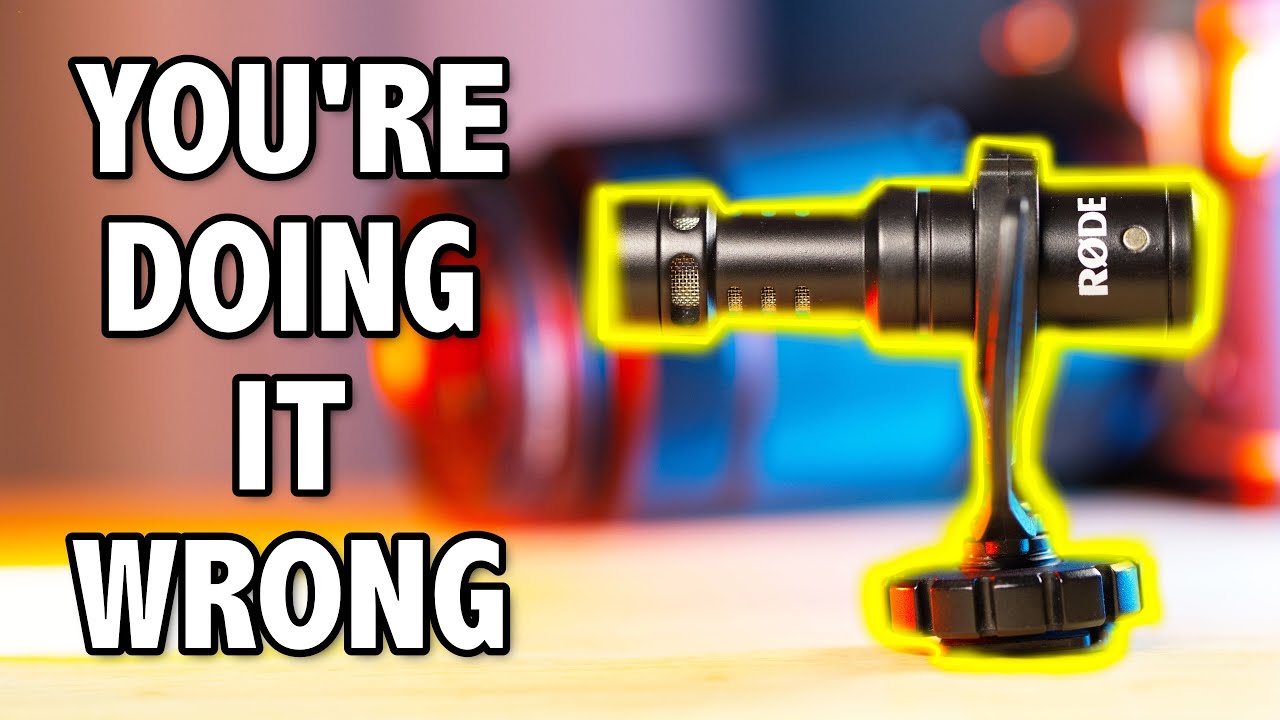
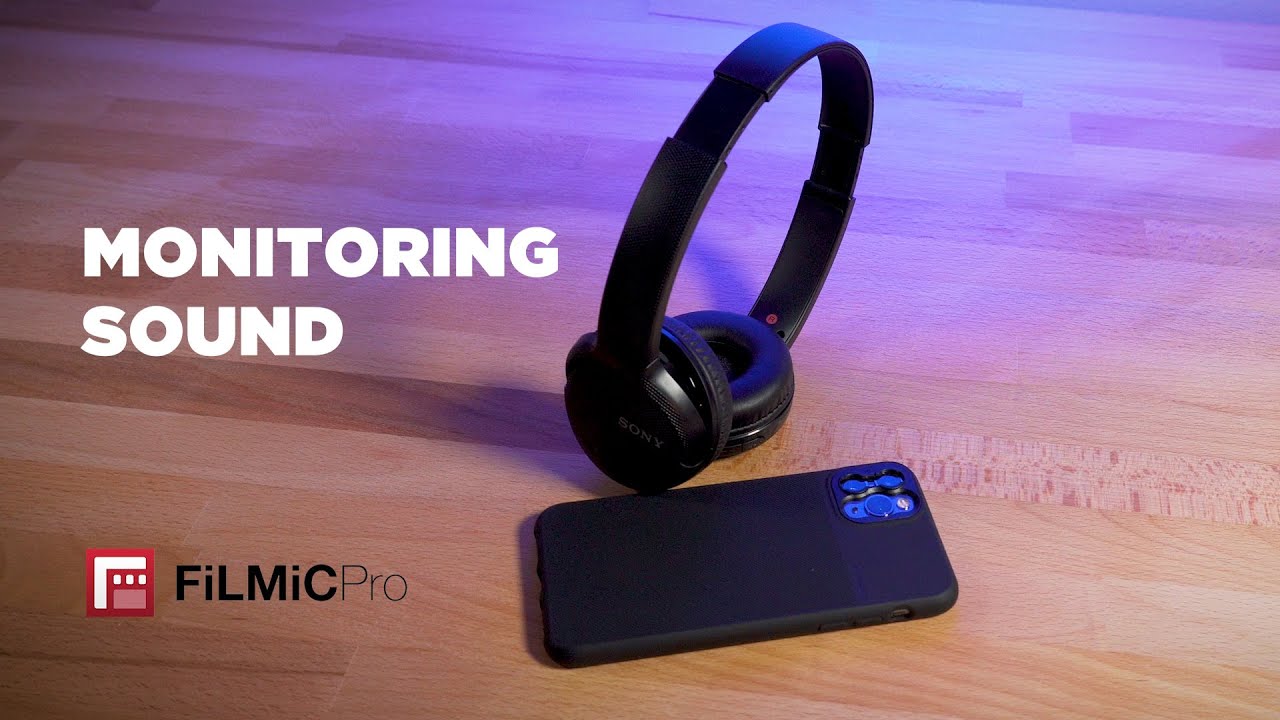
Professional microphones on the iPhone are great… until you want to listen to what you just recorded and you have to unplug the whole setup. Now with the cable, I show in this video, you won't have to do that any longer!
🔗 Relevant Links:
Use Professional Audio and Charge Your iPhone at the Same Time — • Enhancing Audio Quality and Battery Life: ...
Please make sure to look for the kind of splitter that shows a headset and a microphone. The link is not one specific product on purpose since these adapters brands, manufacturers, and listings change all the time.
Amazon Page for Splitters — https://crsp.li/TrrsPhoneMicSplitter
Apple Lightning to 3.5mm Headphone Jack Adapter — https://crsp.li/lightningtrrs
iPhone Charge and Call Adapter, Lightning Splitter for Microphone and Charging — https://crsp.li/lightningsplitter
Filmic Pro App — https://crsp.li/FilmicPro
🎧 Chapters / Show Notes:
00:00 Intro
01:41 Initial Setup
02:43 Adapters, Adapters, Adapters…
03:37 Why are there different types of audio jacks?
05:06 How to Monitor Audio Live?
05:39 The Splitter Adapter
07:10 Let's bring the Headphones
07:45 Microphones and the TRS & TRRS Confusion
08:08 With the Rode VideoMicro
08:35 With the Rode VideoMic NTG & Deity V-Mic D3 Pro
09:07 With the Comica BoomX-D2
09:46 With the Rode Wireless Go
10:12 Conclusion
10:50 Questions, Comments, and Product Links
#iPhoneFilmMaking #GearReview #CoolTools
Website 💻 https://ChrisSpiegl.com
Instagram 📷 https://ChrisSpiegl.com/instagram
Twitter 💬 https://ChrisSpiegl.com/twitter
Podcast 🎧 https://ChrisSpiegl.com/podcast
Patrons 👑 https://ChrisSpiegl.com/support
Gear & Tools 🎥 https://ChrisSpiegl.com/gear
Повторяем попытку...

Доступные форматы для скачивания:
Скачать видео
-
Информация по загрузке:
![Recording Two-Person Conversations on Your iPhone with the Røde Wireless GO II [2023]](https://imager.clipsaver.ru/KDcHC52NnIk/max.jpg)