Powerpoint Basic Training: How to build a custom presentation template
Автор: Tipptx – Tips for Powerpoint
Загружено: 2024-01-08
Просмотров: 12166
Описание:
In this educational training video, I'll guide you step-by-step through the essentials of creating a customized presentation that reflects your unique style. Whether you're a beginner, student, business professional, or just want to enhance your PowerPoint skills, this tutorial will help guide you through the first steps of getting your presentation started.
KEY TOPICS COVERED:
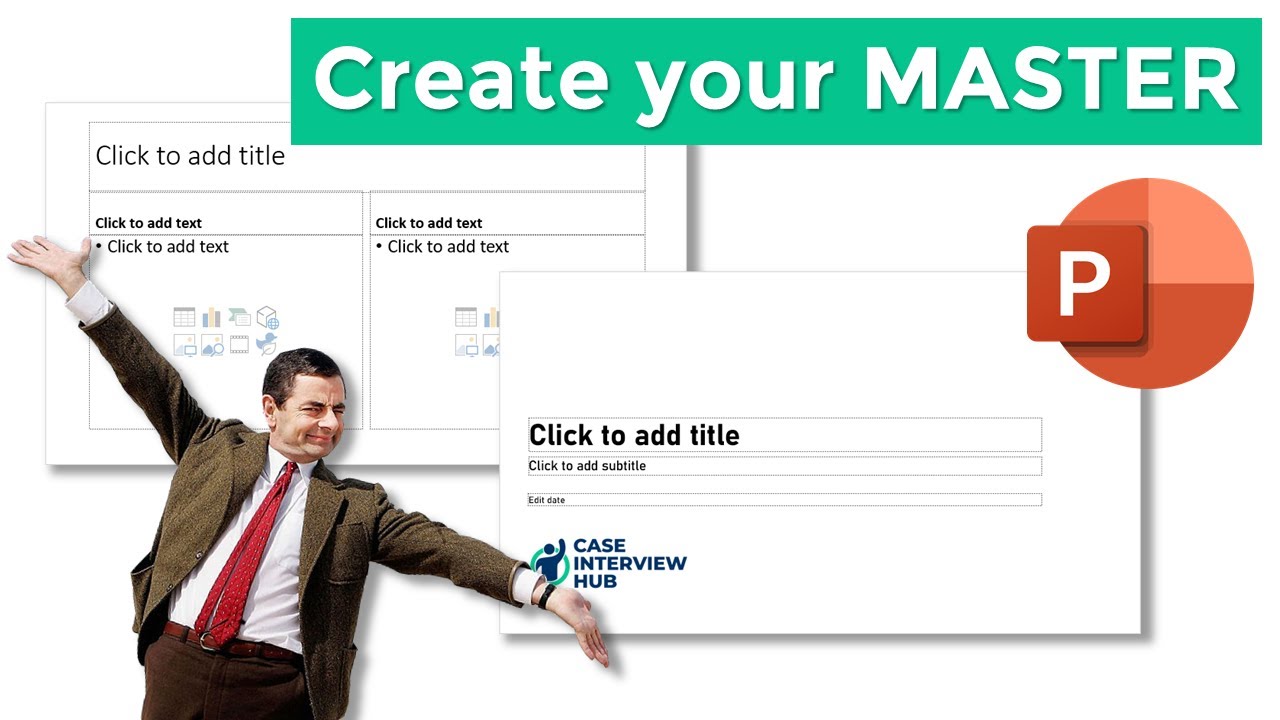
Mastering Master Slides: Maximize efficiency by utilizing Master Themes to control the overall look and feel of your presentation, saving you time and effort.
Changing Default Fonts: Discover how to select and customize fonts that throughout your presentations to make your slides more cohesive and visually appealing.
Creating Custom Colour Palettes: Explore the technique to establish your own colour scheme, ensuring consistency and professionalism throughout your slides.
WHY WATCH THIS TUTORIAL:
Engage your audience with visually stunning presentations.
Enhance your professional image through cohesive design elements.
Boost your productivity with time-saving customization techniques.
This tutorial is done in 2023 @Microsoft Powerpoint for Mac
0:40 How do I access the slide master?
1:12 How do I change the the master fonts in my presentation?
1:40 How do I add a custom font to my presentation?
3:15 Reset the default font of a text box
4:10 How do I change the default theme colours in Powerpoint?
5:01 How do I create a custom colour theme for my presentation?
6:37 Setting the hyperlink font colour
Повторяем попытку...

Доступные форматы для скачивания:
Скачать видео
-
Информация по загрузке:








![Все о мастере слайдов PowerPoint [от базового до продвинутого]](https://imager.clipsaver.ru/qxvIUhFOdrs/max.jpg)