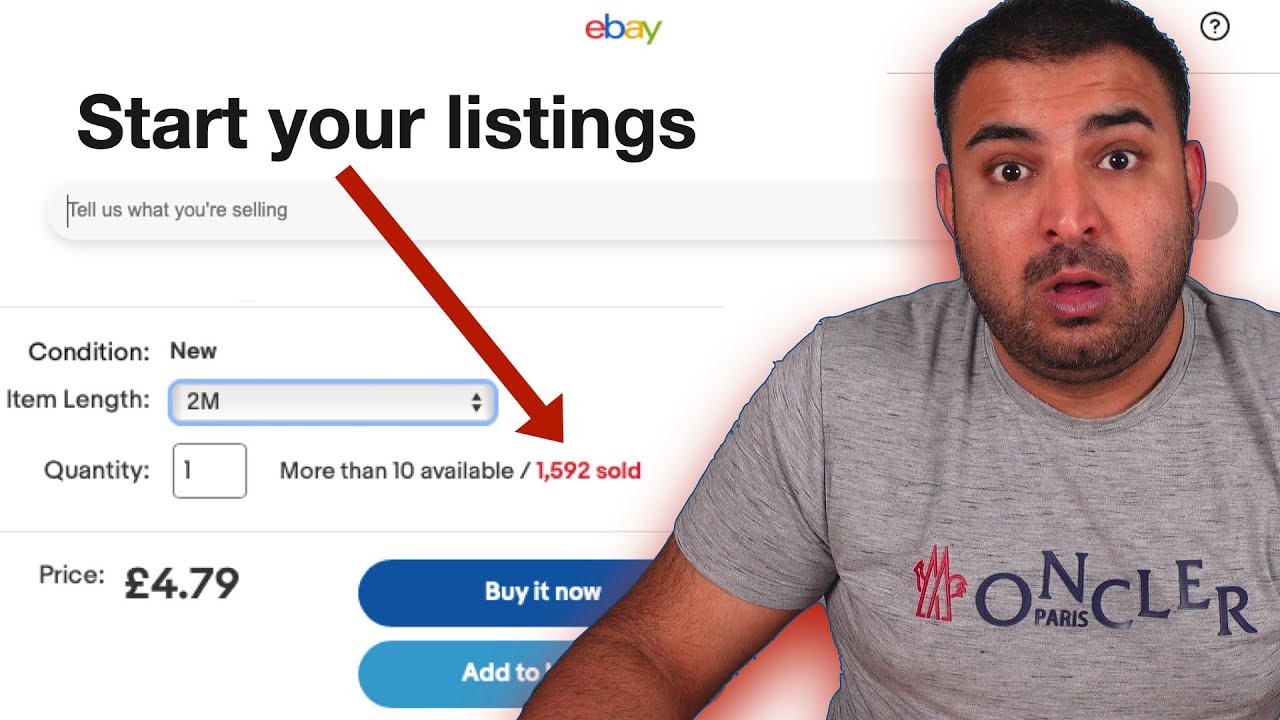
how to list ebay products with variation
Автор: vLife with Sohail .15K views
Загружено: 2023-03-08
Просмотров: 1317
Описание:
To create an eBay product list with variations, follow these steps:
Log in to your eBay account and navigate to the "Sell" tab.
Click on "List an item" and choose the category that best fits your product.
Fill out the necessary details for your product, such as title, description, and photos.
Under the "Variations" section, click on "Add variation" to create different options for your product, such as size or color.
Fill out the details for each variation, such as the SKU, price, and quantity available.
Continue to add as many variations as needed for your product.
Preview your listing and make any necessary changes.
Set your price and shipping options.
Submit your listing and wait for it to be approved by eBay.
It's important to make sure that all variations are accurate and clearly described in your listing. This will help to avoid any confusion or disputes with buyers.
WhatsApp: +923467014799 Vlife with Sohail is ecommerce base page so you could learn easily and free of cost multiple course related to ecommerce be like amazon, ebay, walmart, Esty, and many more third-party platform . if you face any issue related to amazon, Ebay etc platforms so you can contact us by given ways:
WhatsApp group:
https://chat.whatsapp.com/EiQRmUfS1C1...
Facebook group
https://www.facebook.com/groups/11379...
Previous videos links
How to create eBay account:
• How to create ebay account | Pakistan
How to verify eBay account:
• How to verify ebay account | Pakistan
Requirements of eBay account:
• Requirements for a Ebay Account Creation |...
#ebayseller #ebaydropshiping #porducthunting #VLIFE #vlife #vilfewithsohail #ebay #dropshiping
Повторяем попытку...

Доступные форматы для скачивания:
Скачать видео
-
Информация по загрузке: