Hostinger WooCommerce Tutorial (2026) - Full Setup Guide
Автор: Metics Media
Загружено: 2026-11-01
Просмотров: 7770
Описание:
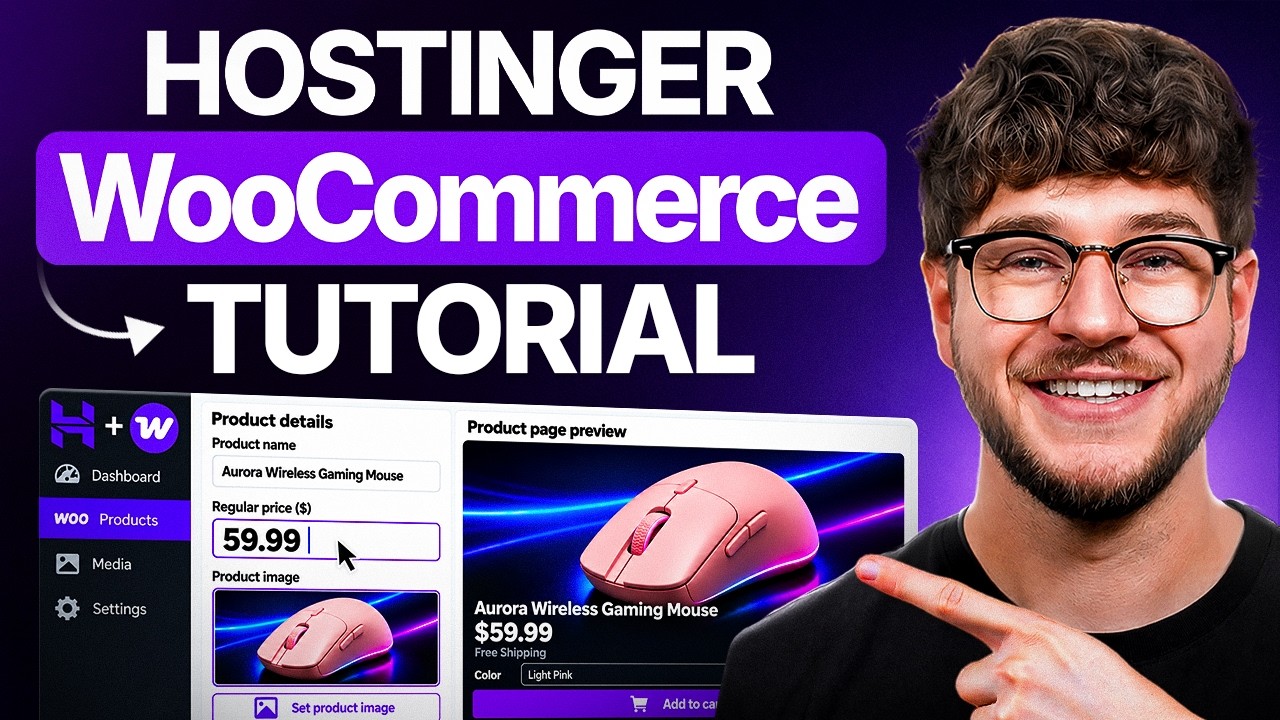
This Hostinger WooCommerce tutorial walks you through setting up a full online store from start to finish. Go from a blank Hostinger account to a live WooCommerce store that's ready to take orders, step by step.
✅ Hostinger (Exclusive Discount): https://meticsmedia.com/hostinger-PEA
Learn how to set up WooCommerce on Hostinger with no coding and no design experience. Everything lives in one place, so your hosting, your free domain, your WordPress install, and all of your store settings are handled from a single account. You'll start by getting your plan and claiming your free domain, then let Hostinger install WordPress for you. From there you'll add a free theme and a ready-made store template that sets up WooCommerce automatically, brand the whole thing with your own logo, colors, fonts, and photos, and add real products including ones with color and size options and bundles. Then you'll configure your payments, shipping rates, and automatic taxes, create a coupon code, and take your store live. Every tool used in this video is free, so your hosting is the only thing you actually pay for.
What You'll Learn:
✔️ How to set up your Hostinger plan, free domain, and WordPress install
✔️ How to add a free theme and a template that installs WooCommerce for you
✔️ How to brand your store with your own logo, colors, fonts, and photos
✔️ How to add simple products, products with color and size options, and bundles
✔️ How to set up payments, shipping rates, and automatic tax calculation
✔️ How to create a coupon code that gets customers to add more to their cart
✔️ How to launch your store, manage orders, and run everything from hPanel
🔗 Links Mentioned in Video
➡️ Hostinger hPanel: https://hpanel.hostinger.com/
📍 Exclusive Deals & Discounts: https://meticsmedia.com/deals
⏱️ Timestamps
0:00 Intro
2:03 Getting Your Hosting and Domain
4:38 Installing WordPress
7:47 Installing Your Theme and Store Template
14:10 Setting Your Logo, Colors and Fonts
19:01 Editing Your Homepage
25:52 Adding and Editing Your Pages
27:53 Adding Your First Product
32:55 Adding a Product With Variations
37:51 Bundling Products Into a Set
39:57 Showing Your Products on Your Homepage
42:12 Setting Up Your Payments
43:11 Adding Your Store Details
44:28 Setting Up Your Shipping
46:24 Setting Up Your Taxes
47:54 Creating Your First Coupon
48:56 Taking Your Store Live
50:16 Managing Your Orders
51:39 Next Steps
📄 Disclosure
Some of the links are affiliate links. If you make a purchase through them, we earn a small commission at no extra cost to you. This helps us keep our videos free for everyone.
Повторяем попытку...
Доступные форматы для скачивания:
Скачать видео
-
Информация по загрузке: