How to assemble Tini Dual boost mode and start-up
Автор: Sublue
Загружено: 2021-01-28
Просмотров: 2222
Описание:
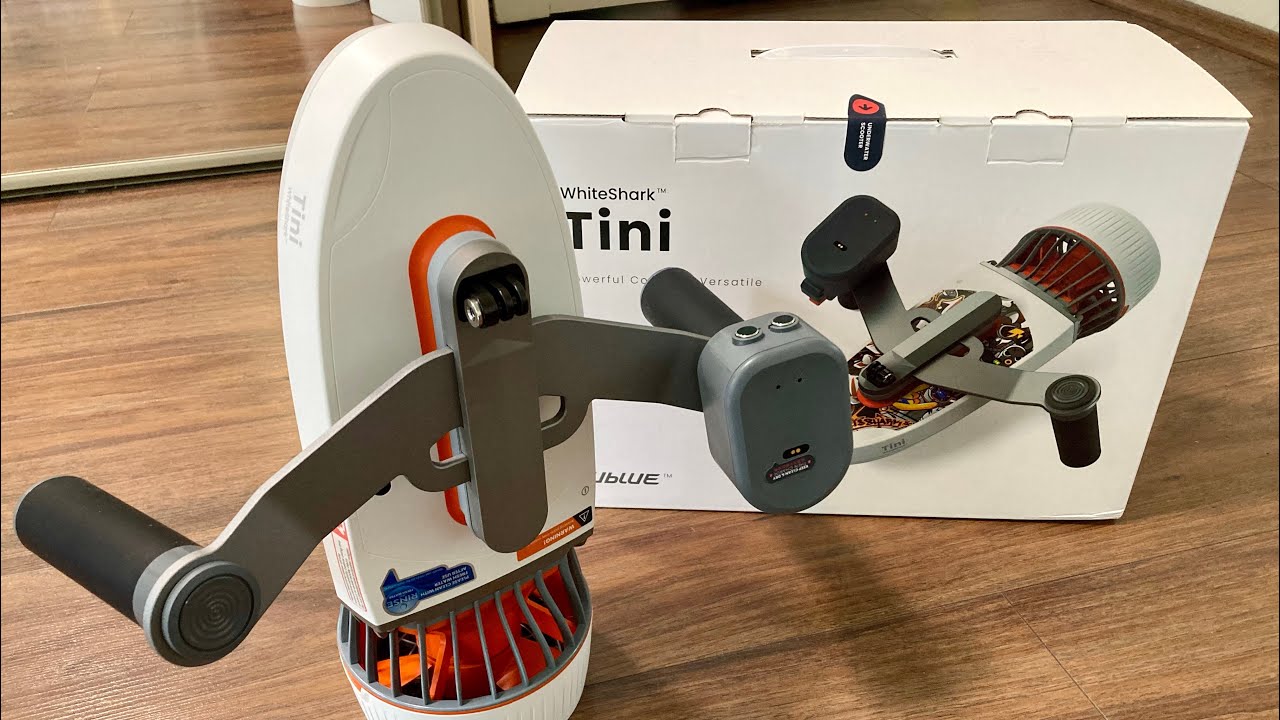
*There is one power button on the Tini scooter body. There are three buttons on the support handle, the two buttons in gray color, the left one is the power button, the right one is the frequency button. The third button in orange color is the start-up button.
1.Assemble and fix the Double-engine support handle onto the 2 Tini scooters body.
2.One by one, press the two Tini scooters body’s power button until the indicator lights are flashing green.
3.Then press and hold the Double-engine support handle’s power button to power on. Next, press and hold the frequency button until the indicator lights are flashing green to pair your devices.
4.Once connected, both the two Tini scooters body’s and Double-engine support handle’s indicator lights will turn to steady green and will no longer flash, which means the devices have successfully paired.
5.Press the Double-engine support handle's start-up button to ensure the Dual boost mode WhiteShark Tini underwater scooter is rotating and working.
Повторяем попытку...

Доступные форматы для скачивания:
Скачать видео
-
Информация по загрузке: