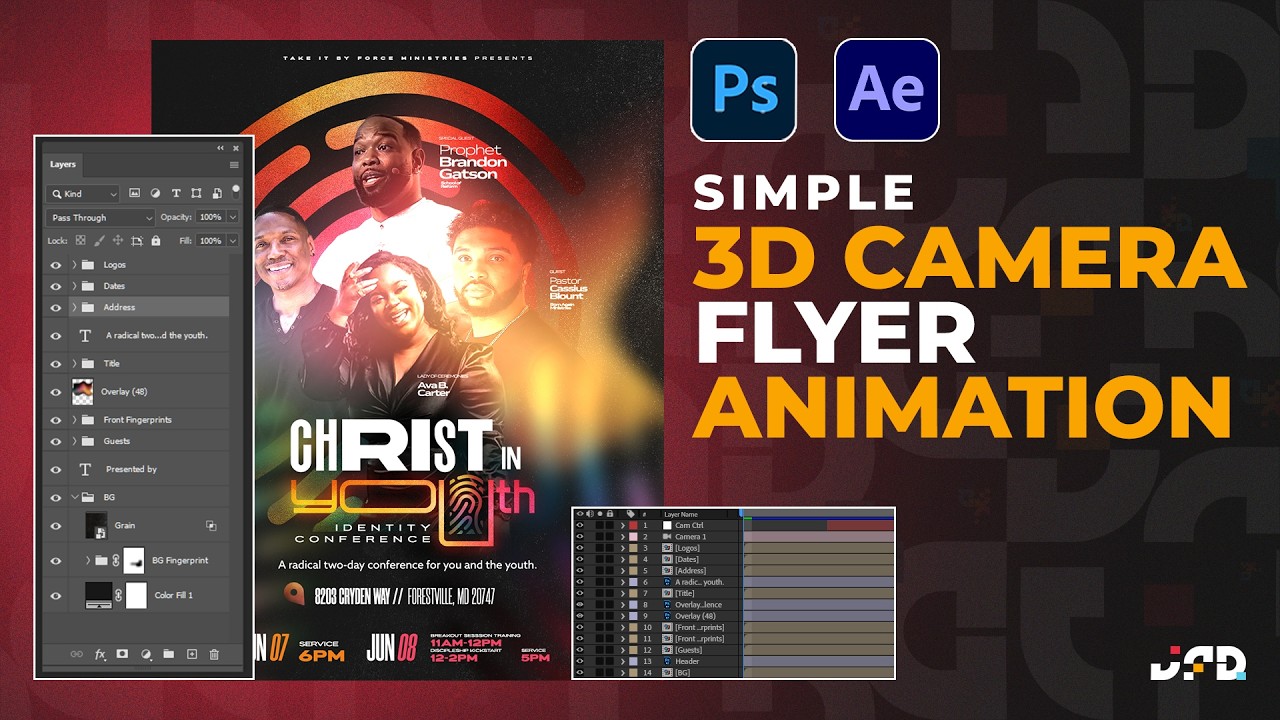
Motion Control 3D | Bringing Photos to Life in After Effects
Автор: Richard Harrington
Загружено: 2025-01-01
Просмотров: 364
Описание:
🎥 Master Motion Control 3D with After Effects | Learn Photo Animation Techniques 🚀
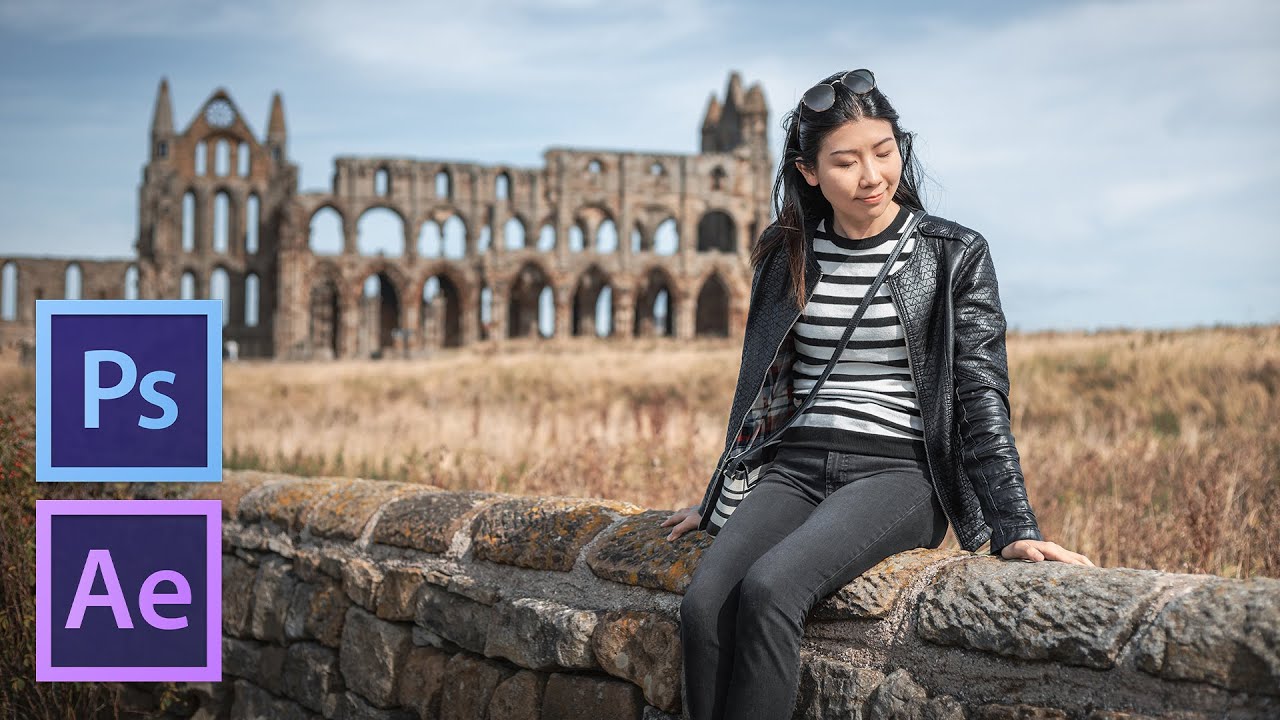
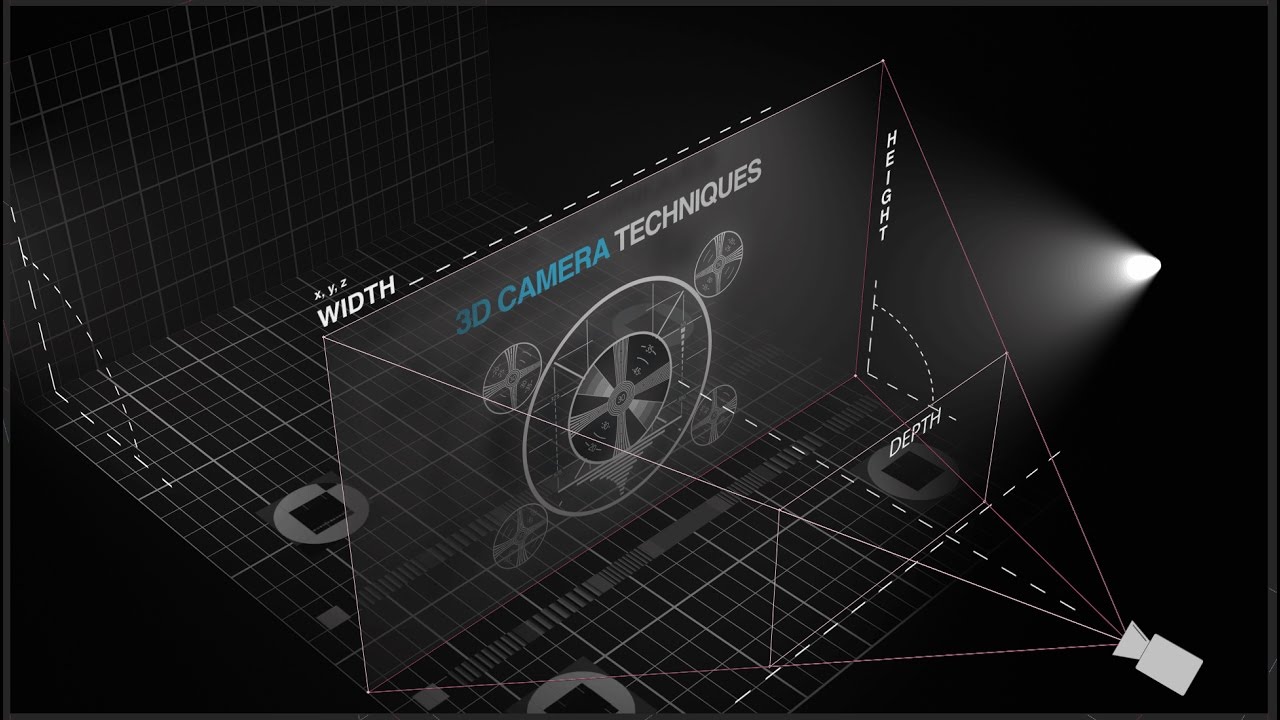
Unlock the secrets of bringing photos to life with motion control 3D techniques in Adobe After Effects! In this session, Rich Harrington dives deep into photo animation, showing you how to create dynamic parallax effects, add realistic depth, and craft stunning camera moves—all while working with static images. 🎞️
What You'll Learn
✅ Cutting photos into layers with Photoshop
✅ Animating with 3D cameras in After Effects
✅ Using lighting effects for depth and mood
✅ Adding parallax and motion effects for lifelike animations
✅ Enhancing realism with vignettes, shadows, and generative AI
---
*Why Watch This Video?*
This tutorial is perfect for:
📸 Photographers wanting to enhance their storytelling
🎥 Video creators exploring dynamic animation techniques
💻 Designers mastering Photoshop and After Effects tools
---
About Rich Harrington
Rich Harrington is a seasoned *visual storyteller*, author, and educator with expertise in photo and video production. Check out his other courses on LinkedIn Learning, Kelby Training, and more!
---
Resources & Links
🔗 Join LinkedIn Learning for in-depth courses: [ / learning ]( / learning )
🔗 Explore Photofocus for More Tutorials [https://photofocus.com](https://photofocus.com)
---
#AfterEffects #MotionControl3D #PhotoAnimation #Photoshop #ParallaxEffect #RichHarrington #VisualStorytelling
00:00:00 - Introduction to Motion Control 3D: Overview of the session and key objectives.
00:01:00 - Key Features of the Technique: Explaining the parallax effect and its application.
00:05:30 - Photoshop Preparation: Steps to split photos into layers and extend scenes using generative fill.
00:10:45 - After Effects Basics: Introduction to creating 3D layers and setting up camera moves.
00:18:15 - Example Animation: Family Photo: Demonstrating parallax and depth using personal photos.
00:23:30 - Advanced Camera Techniques: Adjusting depth of field, camera positioning, and lighting for realism.
00:30:00 - Lighting Adjustments: Using ambient and spotlights to enhance depth and create mood.
00:35:45 - Creative Applications: Discussing project possibilities and practical tips.
00:39:44 - Refining Lighting Effects: Adjusting light intensity and shadows for enhanced realism.
00:41:00 - Camera Animation Setup: Configuring zoom and pull-back animations for a dynamic scene.
00:43:15 - Adding a Vignette Effect: Using solid layers and masks to darken edges for a natural look.
00:44:50 - Preview of Puppet Tool Usage: Demonstrating how to animate static photos with the Puppet Tool.
00:45:30 - Closing Remarks and Resources: Additional learning resources and upcoming events.
Повторяем попытку...
Доступные форматы для скачивания:
Скачать видео
-
Информация по загрузке: