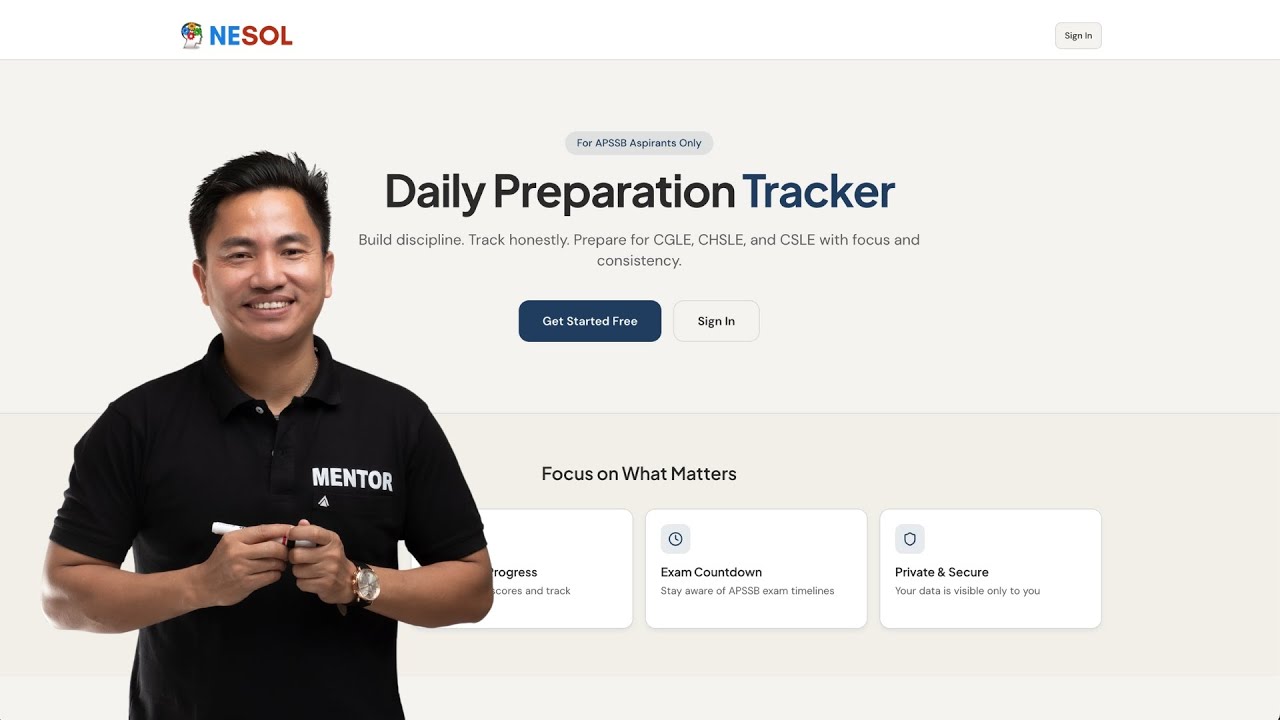
How to Use APSSB Daily Preparation Tracker | Step-by-Step Tutorial
Автор: NESOL
Загружено: 2025-12-26
Просмотров: 364
Описание:
This video is a complete beginner tutorial for using the APSSB Daily Preparation Tracker.
If you are new to the platform or not very comfortable with technology, watch this video once.
After this, you will be able to use the platform without any help.
What this tutorial covers:
1. How to log in using your Gmail
2. Understanding the dashboard
3. How to check the APSSB exam countdown
4. How to fill the Daily Log correctly
5. How to enter study topics and hours
6. How to log revision and practice
7. How to save your daily entry
8. What “Logged” and “Continuity” mean
9. How to enter weekly mock test scores
10 .Important rules you must follow while using the platform
Important things to remember:
1. This platform is for tracking, not teaching
2. Your data is private and visible only to you
3. Even 30 minutes of study counts
4. Do not log fake hours
5. Do not skip logging
Honesty matters more than hours.
Who should watch this video:
APSSB CGLE aspirants
APSSB CHSLE aspirants
APSSB CSLE aspirants
First-time users of the platform
Daily usage rule (very important):
Before sleeping every day:
1. Open the platform
2. Fill today’s log
3. Click Save
4. That’s it.
Discipline first. Results later.
Повторяем попытку...
Доступные форматы для скачивания:
Скачать видео
-
Информация по загрузке: