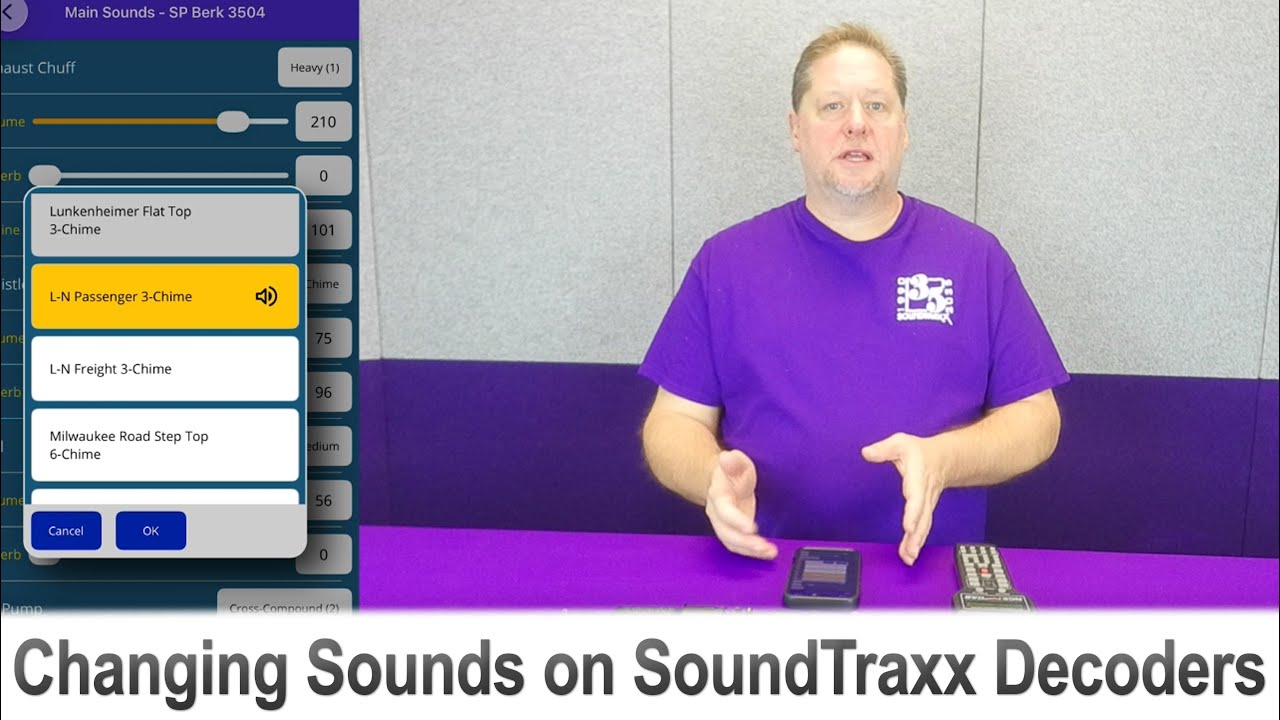
Choosing and Changing Sounds on SoundTraxx Decoders
Автор: SoundTraxx
Загружено: 2025-12-28
Просмотров: 544
Описание:
SoundTraxx decoders come pre-loaded with high-quality sound files, so there’s no need to spend time selecting and downloading recordings. However, with such a wide variety of sounds available, not every sound can fit on a single decoder. That’s why it’s important to take a few minutes at purchase to select the sound profile that best matches your model. To help, you can explore the Sound Samples and Sound Selection References available on our website.
Once your decoder is installed, George walks you through just how easy it is to change sounds on Tsunami2, Econami, or Blunami—using either your DCC system or the Blunami App. Watch now to learn how to get the perfect sound for your model!
Related Videos:
Explore the Basics of DCC with SoundTraxx (Webinar 4): • Explore the Basics of DCC with SoundTraxx ...
CV Programming, DCC Myths and More with SoundTraxx (Webinar 6): • CV Programming, DCC Myths and More with So...
Quickly Installing a BLU-1100 into a Western Atlantic General: • Quickly Installing a BLU-1100 into a Weste...
Helpful Links:
SoundTraxx Sound Samples: https://soundtraxx.com/reference/soun...
SoundTraxx Sound Selection Reference Sheets: https://soundtraxx.com/ssr/
Don't FORGET to hit that SUBSCRIBE button!
Like us on Facebook: / soundtraxxdcc
Follow us on Instagram: / soundtraxxdcc
SoundTraxx Newsletter Sign up for product announcements, deals, and more: http://soundtraxx.com/newsletter
Shop Now on the SoundTraxx Web Store: https://soundtraxx.com/products
Повторяем попытку...
Доступные форматы для скачивания:
Скачать видео
-
Информация по загрузке: