How to Change OEM Repair Times - Tech4Techs
Автор: Tech4Techs
Загружено: 2024-08-20
Просмотров: 188
Описание:
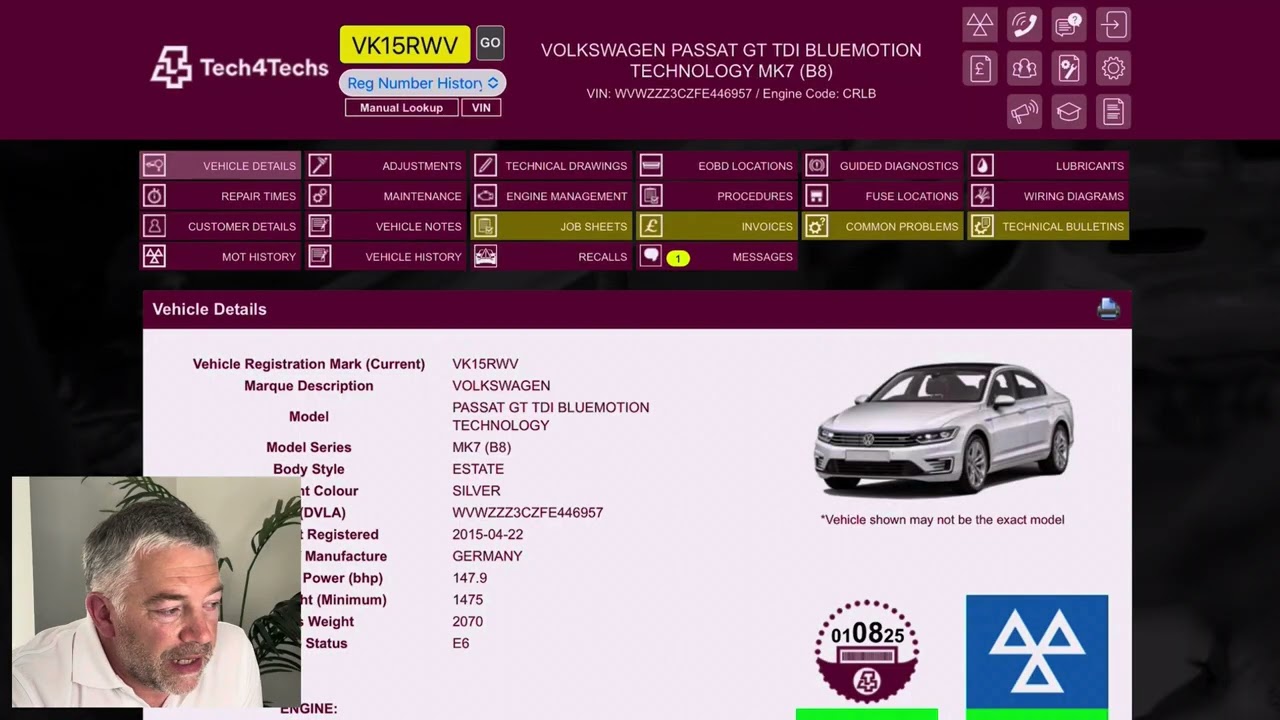
This video will show you how to alter OEM repair times for older vehicles on Tech4Techs.
Step 1: Enter the car registration
Step 2: Go to account settings (Cog in the top right)
Step 3: Click on the "Application settings" tab
Step 4: Enter the % you want to increase the times by - don't forget to save this at the bottom of the page! For our example we've used 10%
Step 5: Go back to the "Repair Times" tab and find what task you're working on. This should now have changed the amount of time taken to repair.
Thanks for watching! Liked this video? Subscribe to us for more.
Follow us on Instagram https://www.instagram.com/tech4techs
Follow us on Facebook https://www.facebook.com/Tech4TechsUK
Повторяем попытку...
Доступные форматы для скачивания:
Скачать видео
-
Информация по загрузке: